All 32 apps
Health & body

Honest 75
Five small daily promises, one warm 75-day tracker. No account, no coach, no shame when you miss a day.
On the App Store
Ovulation & Menstrual Tracker
Track your period, ovulation, and fertile days with gentle predictions and reminders — all stored on your iPhone, no account required.
On the App Store
Tether
Count the days you kept your line, get through the urge to text, and write the letters you will never send.
On the App StoreMedical
Blood Monitor
A quiet diabetic journal — log glucose, insulin, and carbs in seconds, see your trends, and keep every reading on your own device.
On the App Store
HueLens
Ishihara-style plates, a three-axis severity slider, and month-by-month tracking you can show your eye doctor.
On the App Store
Medical Records
Scan printed lab sheets, import patient portal PDFs, and log doctor visits — your health paperwork becomes one private timeline on your iPhone.
On the App StoreCraft, kitchen & home

Boule
A calm, on-device log for your sourdough starters — feeding countdowns, rise scanning, baker's math in grams, and simple bake notes.
On the App Store
Brew Coach
A quiet coach for slow coffee — V60, Chemex, Kalita, AeroPress, French press, and cold brew, each with its own timer, ratio, and pour schedule.
On the App Store
Postdate
Write down what you noticed after a date, tag it your way, and watch your own patterns emerge over time — never a verdict.
On the App Store
Pulpit Pal
A quiet notebook for the pew — record the sermon, mark the moments that matter, and keep your notes beside the audio.
On the App Store
RowNest
One big button, one row. Every tap saves your spot, so a project left for a month is still exactly where you put it down.
On the App Store
Tidecard
Name the feeling, rate it 0 to 10, note what helped — and see your whole week on one page.
On the App StoreWriting & focus

Foldr
Pick a photo, a DOCX, or plain text, and Foldr folds it into a clean PDF that lands in Files.
On the App Store
Inky
Draw your signature once, save your details, and turn any PDF form into a signed, ready-to-send file in a few taps.
On the App Store
Offline Voice Memo
Record, transcribe, and summarize conversations entirely on your iPhone — no cloud, no servers, no account, nothing ever leaves the phone.
On the App Store
Stockpile
Scan a barcode, log the count, and print a label — a calm, account-free way to know exactly what you have and where it is.
On the App Store
Unfeed
Shield the apps, categories and sites that pull you in — on a schedule, behind a cooldown that resists you — so a weak moment doesn't cost two hours.
On the App StoreEveryday tools

HeatLine
The real number for the spot you are standing in - shade and full sun side by side, with source and timestamp on every reading.
On the App Store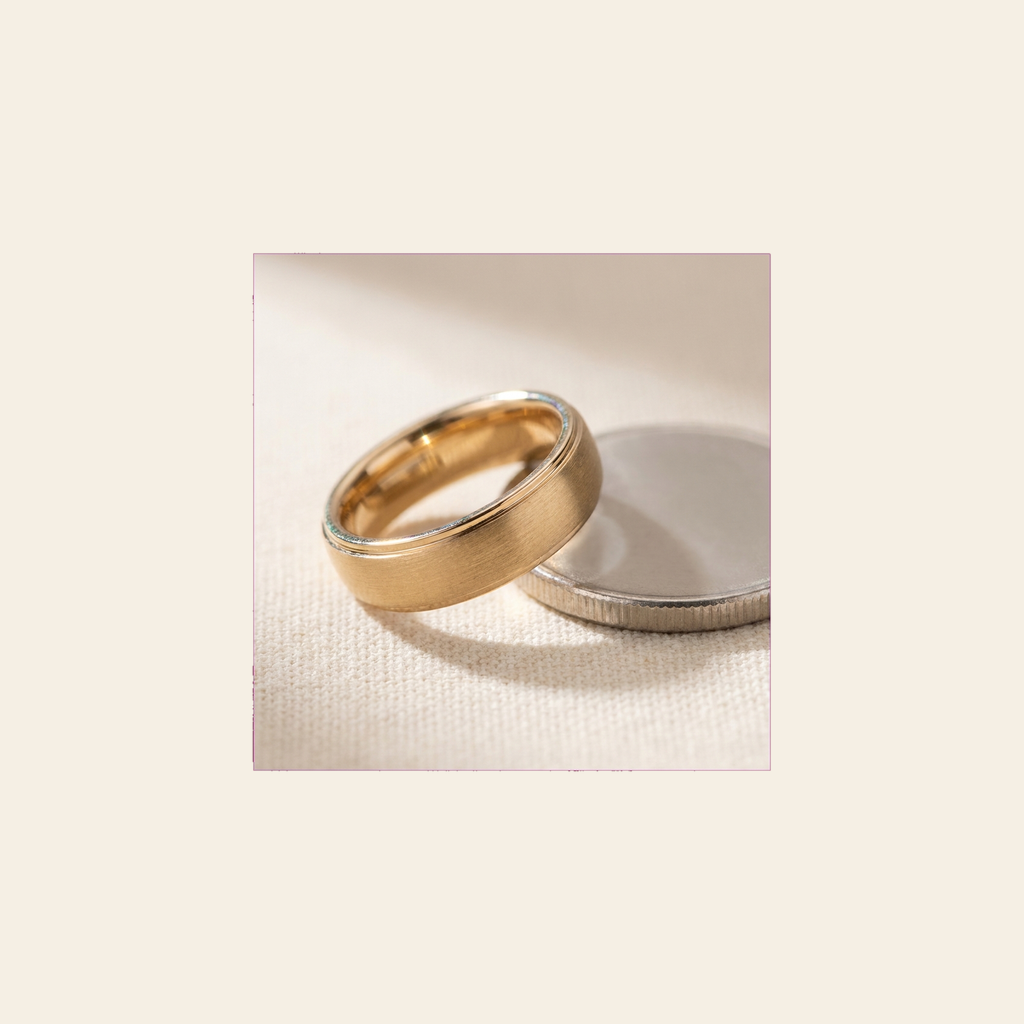
Knuckle
Lay a ring you already own flat on the display, match the circle to the band, and read the size. No camera, no printing, no jeweler.
On the App Store
Lye & Loaf
Blend oils, get the lye and superfat right, preview the bar's qualities before you pour, and count down every cure.
On the App Store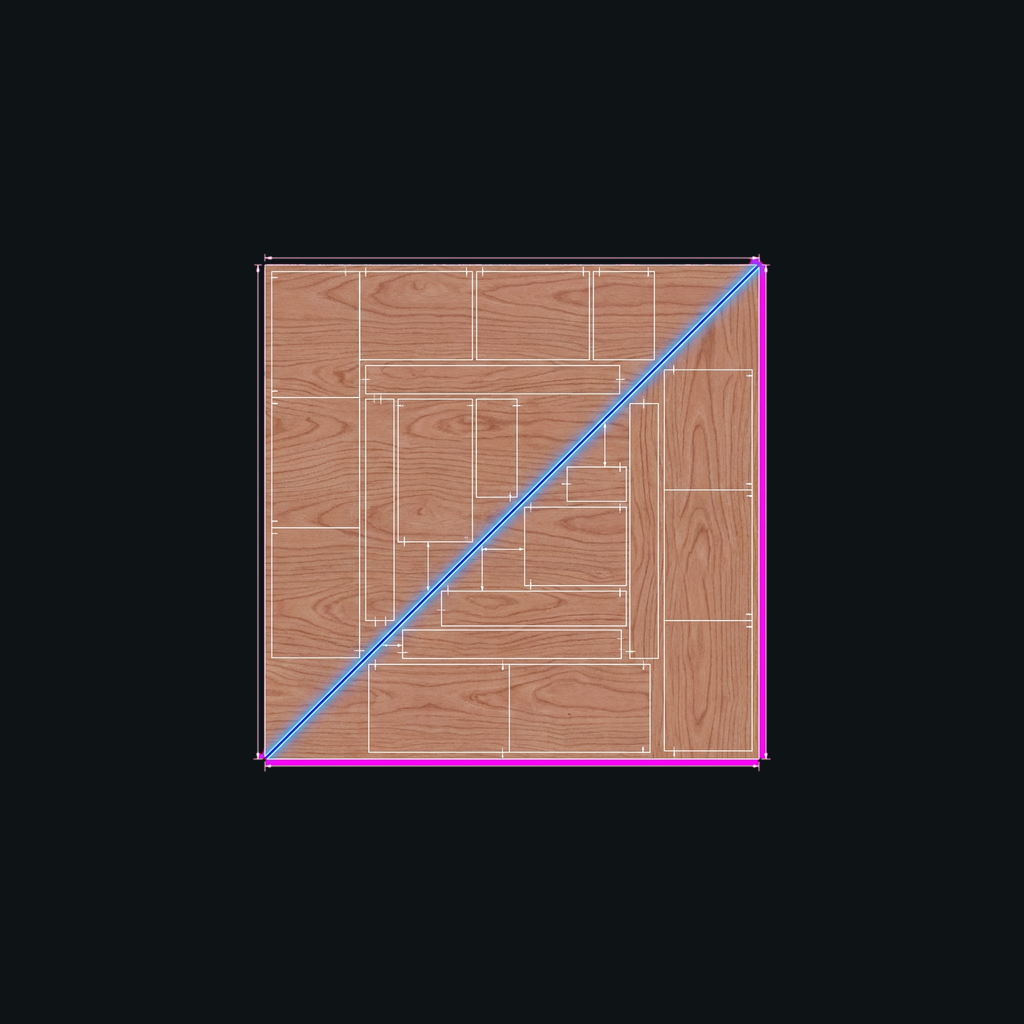
Plank
Turn a parts list into a printable cut diagram that respects grain direction and saw kerf, packed onto the fewest boards.
On the App Store
Stature
Point your iPhone at a person, a wall, or an object and get a size estimate with a live tolerance band that says how confident it is.
On the App StorePhoto & camera
Duomo
Record the front and back cameras at the same time, so the moment and your reaction to it land in one take.
On the App Store
Lunark
Point at the moon, tap once, and get a sharp handheld photo — Lunark stacks five frames on-device so the shot survives high zoom.
On the App Store
Wallpapers 4K
Browse curated high-resolution wallpapers by mood and set a fresh Home or Lock Screen look in one tap.
On the App StoreReading & play
Cartridge
Scan your retro cartridges, catalog them on a tilt-parallax shelf, and walk through your collection in augmented reality.
On the App Store
Quill
One warm shelf for the EPUB books, PDF documents, and CBZ comics you already own — with page translation and read-aloud built in.
On the App StoreSport
Football Coach
Draw the play, place the squad, and save every board forever — on iPhone and iPad, fully offline.
On the App Store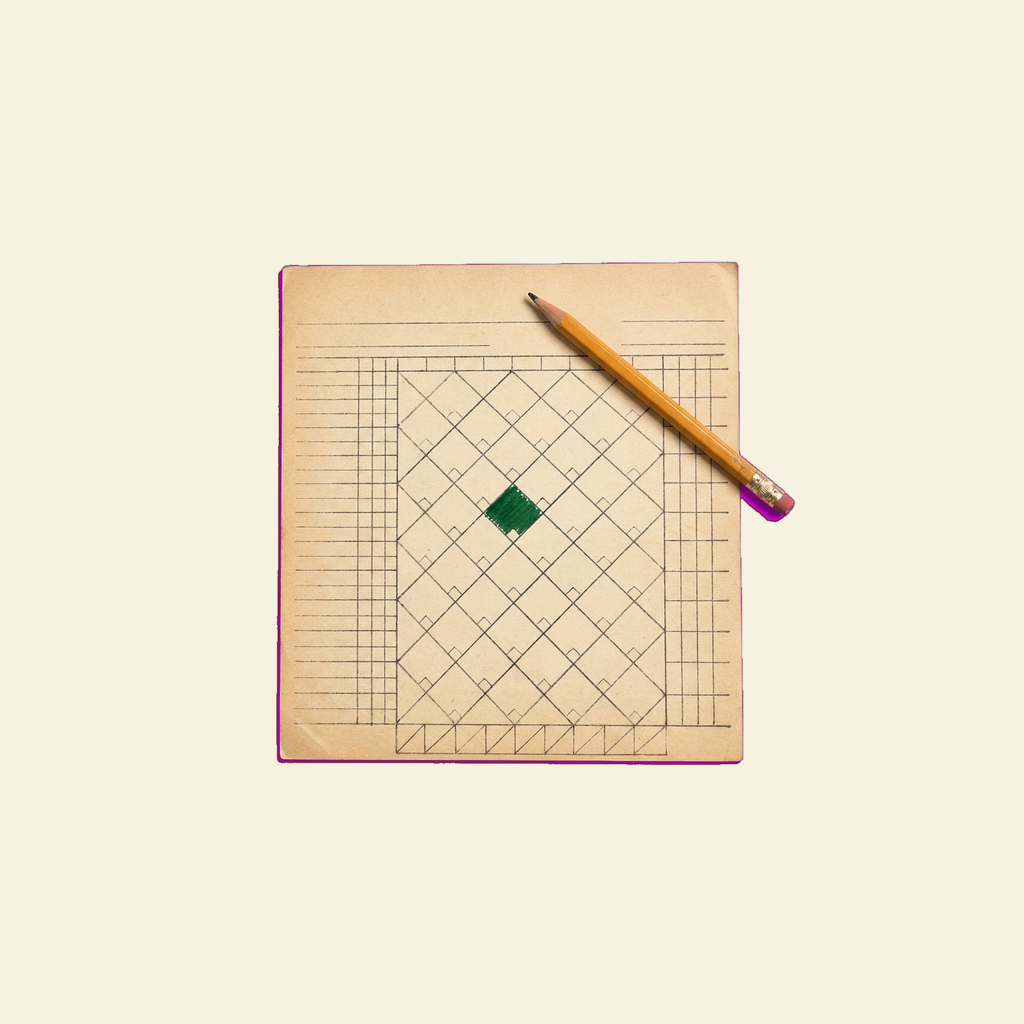
Inkpitch
Keep score the way you always have in the stands — every ball, strike, and play journaled the second you tap it, no signal needed.
On the App Store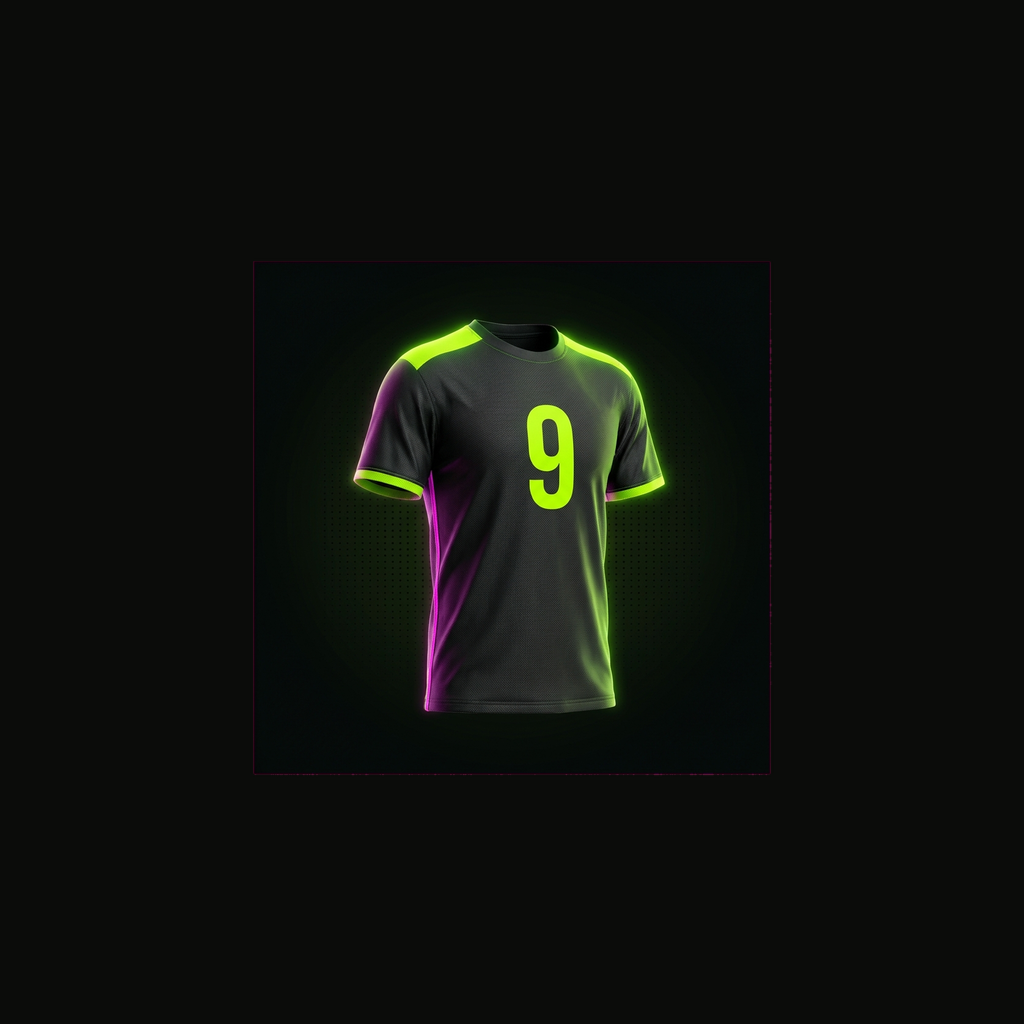
Kitline
Design a full team kit — shirt, shorts, socks, crest, name and number — and see it from every angle in about ten minutes.
On the App Store