Browse curated high-resolution wallpapers by mood and set a fresh Home or Lock Screen look in one tap.
Download on theApp Store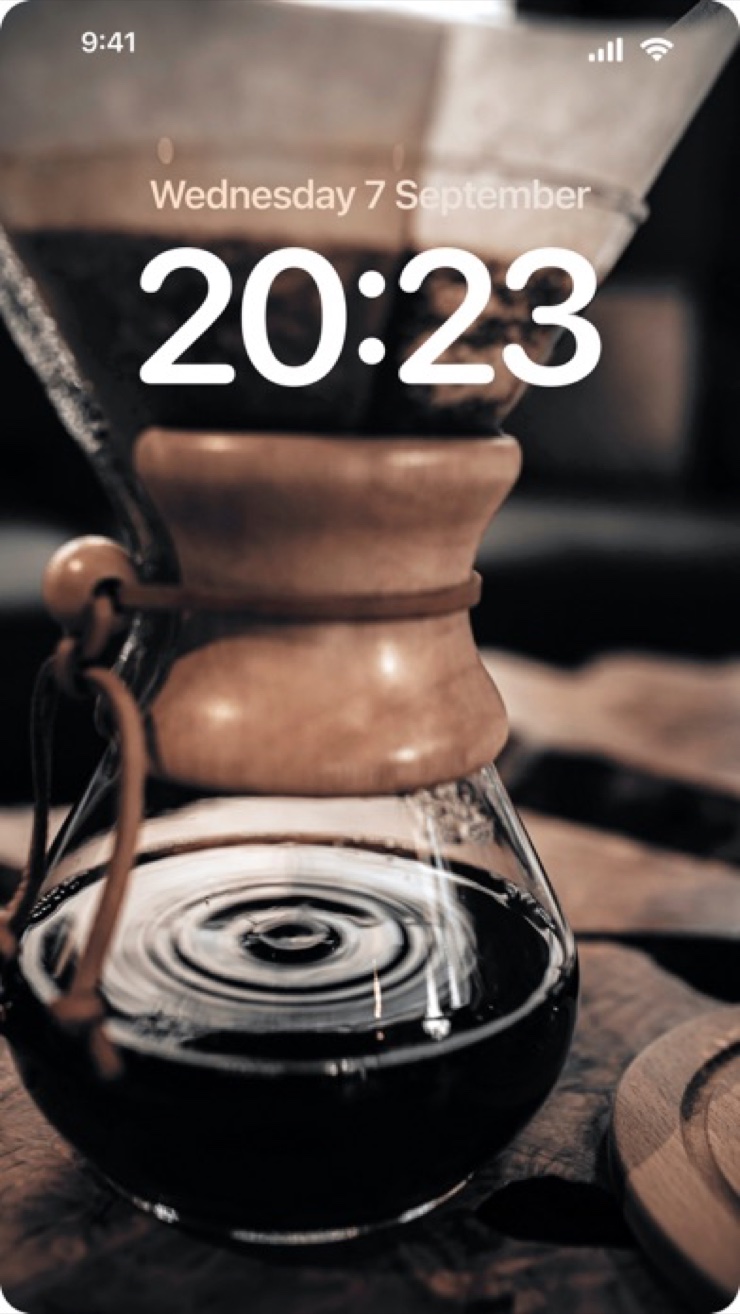
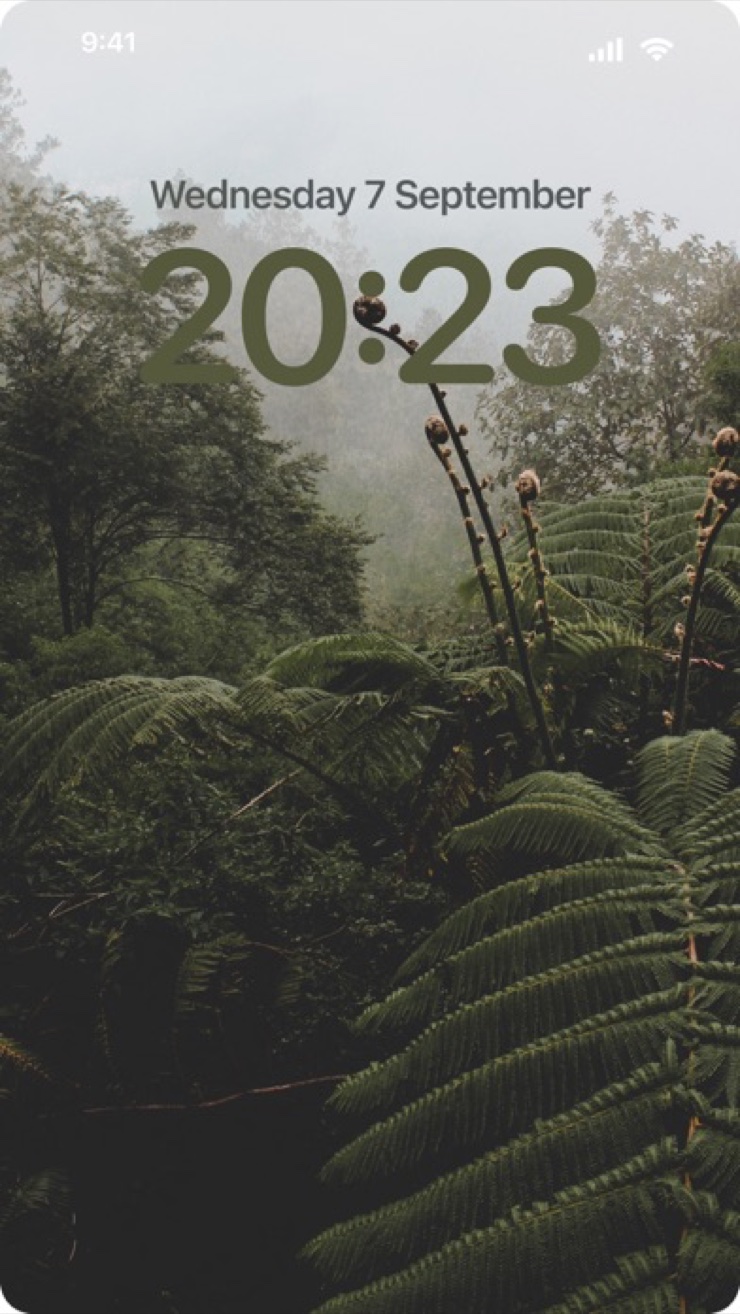
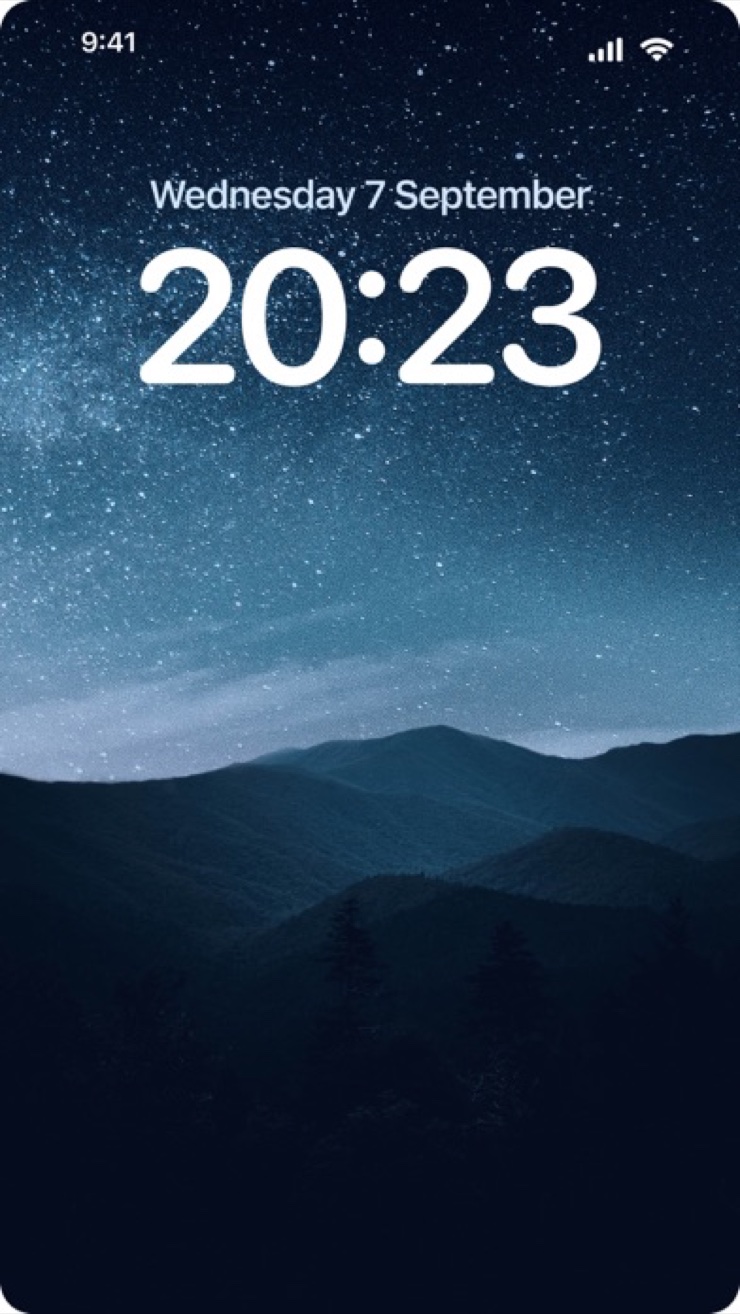
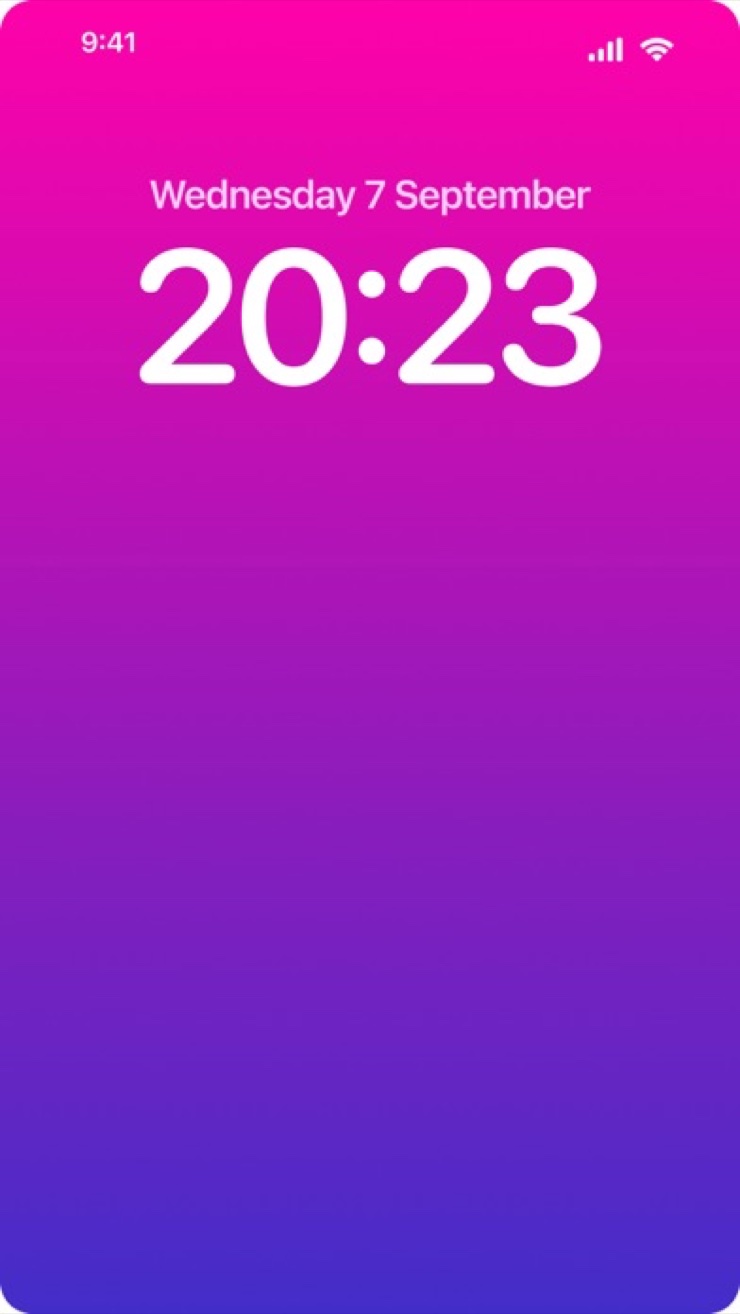
Wallpapers 4K is a wallpaper app for iPhone and iPad with thousands of high-resolution backgrounds built for the Home Screen and Lock Screen. Browse curated categories — nature, abstract, anime, aesthetic, minimalist, vibrant, dark, animals — and set a new look with one tap.
Every wallpaper is optimized for your device's exact screen, so images stay crisp with no stretching or blur. The catalog is updated regularly, and once a wallpaper is downloaded it works fully offline — no account, no clutter, no ads while you browse.
A large, regularly updated catalog of high-resolution backgrounds for iPhone and iPad screens.
Nature, abstract, anime, aesthetic, minimalist, vibrant, dark, and animals — a category for every mood and setup.
Save a wallpaper to your library and set it as your Home Screen or Lock Screen in seconds.
Wallpapers are sized for your specific iPhone or iPad model, including the latest generations, so your screen always stays sharp.
Downloaded wallpapers stay available without a connection. Browse once, use anywhere.
A lightweight app with no account sign-up and no ad clutter between you and the picture.
Open the app and browse curated collections — from calm minimalist looks to bold vibrant art.
See the wallpaper full-screen exactly as it will look on your device before you commit.
Tap once to save, then set it as your Home Screen, Lock Screen, or both.
Save the image you want, then set it as your background from your Photos or directly through your wallpaper settings. Wallpapers 4K makes this a one-tap flow: pick an image, save it, and apply it to your Home Screen or Lock Screen without leaving the app's guided steps.
For a sharp result the image should match or exceed your screen's native pixel size — modern iPhones use very dense displays, so low-resolution images look soft or pixelated. Wallpapers 4K serves high-resolution files optimized for your exact device model, so every background stays crisp.
Yes. In Wallpapers 4K, any wallpaper you download stays on your device and remains usable with no connection at all. You can browse the catalog on Wi-Fi, save the ones you like, and set them later on a flight or anywhere without signal.
No. Wallpapers 4K requires no sign-up, no email, and no profile. You open the app, browse, and save — nothing stands between you and a fresh screen.
The Lock Screen is what you see before unlocking, with the clock and widgets over it; the Home Screen sits behind your app icons. Busy images work well on the Lock Screen, while calmer or darker images keep Home Screen icons readable. Wallpapers 4K lets you set each screen separately, so you can pair a bold Lock Screen with a minimal Home Screen.
Wallpapers 4K has a dedicated aesthetic category alongside minimalist, vibrant, and dark collections. Each is curated rather than dumped, so you scroll through looks that actually match the style you searched for.
On OLED displays, black pixels are effectively off, so predominantly dark wallpapers can reduce display power use. Wallpapers 4K includes a dark category full of deep, high-contrast backgrounds that look striking and are friendly to OLED screens.
Yes. The app supports iPad, including recent models such as iPad Pro, iPad Air, and iPad mini, and serves wallpapers sized for the larger screen so they stay sharp in any orientation.
That usually happens when an image's aspect ratio or resolution does not match your screen, forcing the system to zoom or stretch it. Wallpapers 4K avoids this by optimizing every wallpaper for your specific device, so what you preview is what you get.
The catalog is updated regularly with new images across all categories. Checking back weekly is a good rhythm if you like rotating your Lock Screen look.
Yes. Wallpapers 4K includes an anime category with high-resolution art alongside nature, abstract, and aesthetic collections, all optimized for iPhone and iPad screens.
Yes. When you set a wallpaper you can apply it to both screens at once or choose a different image for each. Many people pair one image across both for a clean, unified look.
Curated 4K backgrounds, one tap to set — give your screens the upgrade they deserve.
Download on theApp Store