
Track your period, ovulation, and fertile days with gentle predictions and reminders — all stored on your iPhone, no account required.
Download on theApp Store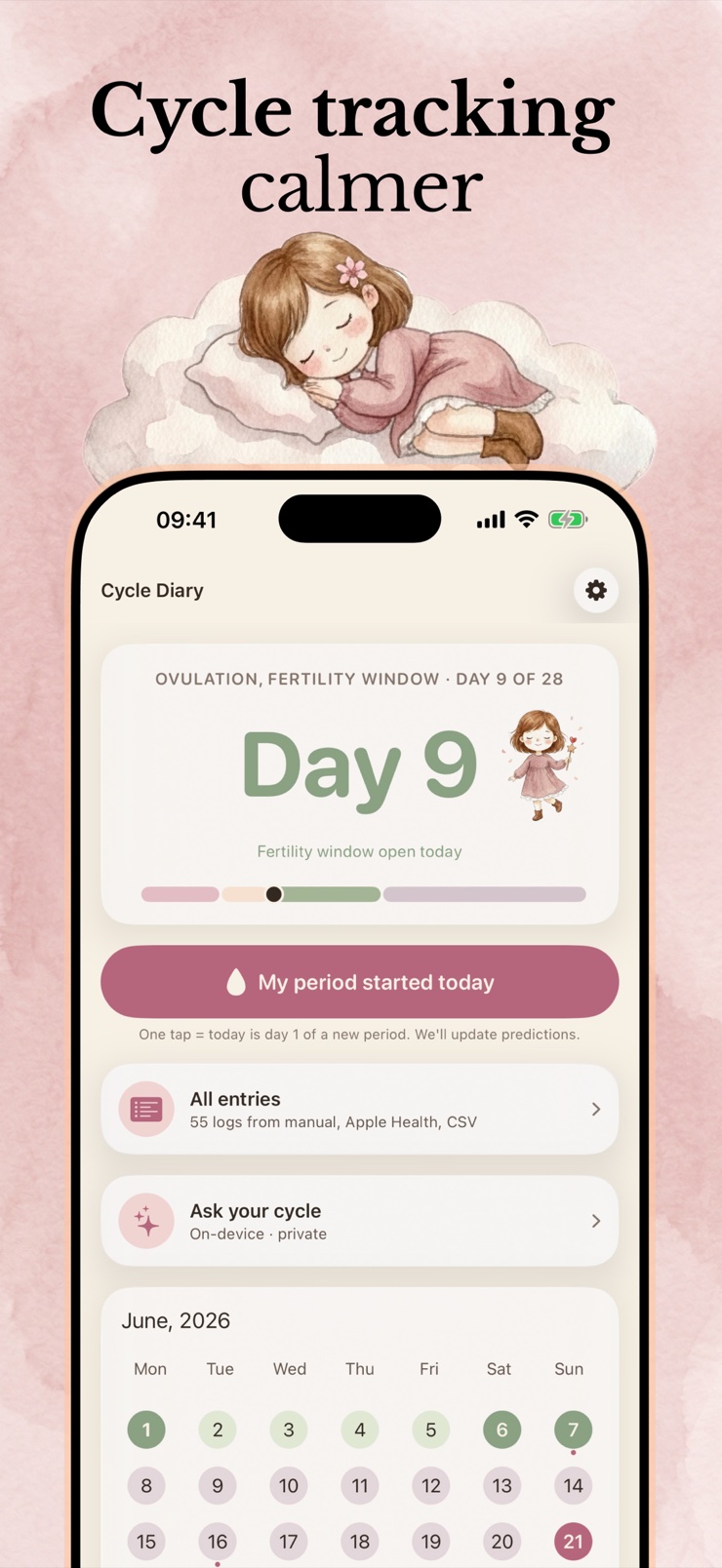
Ovulation & Menstrual Tracker is a private, easy-to-use cycle tracker for iPhone. Log your period in a tap and get predictions for upcoming periods, ovulation, and fertile windows, plus gentle reminders so nothing catches you off guard.
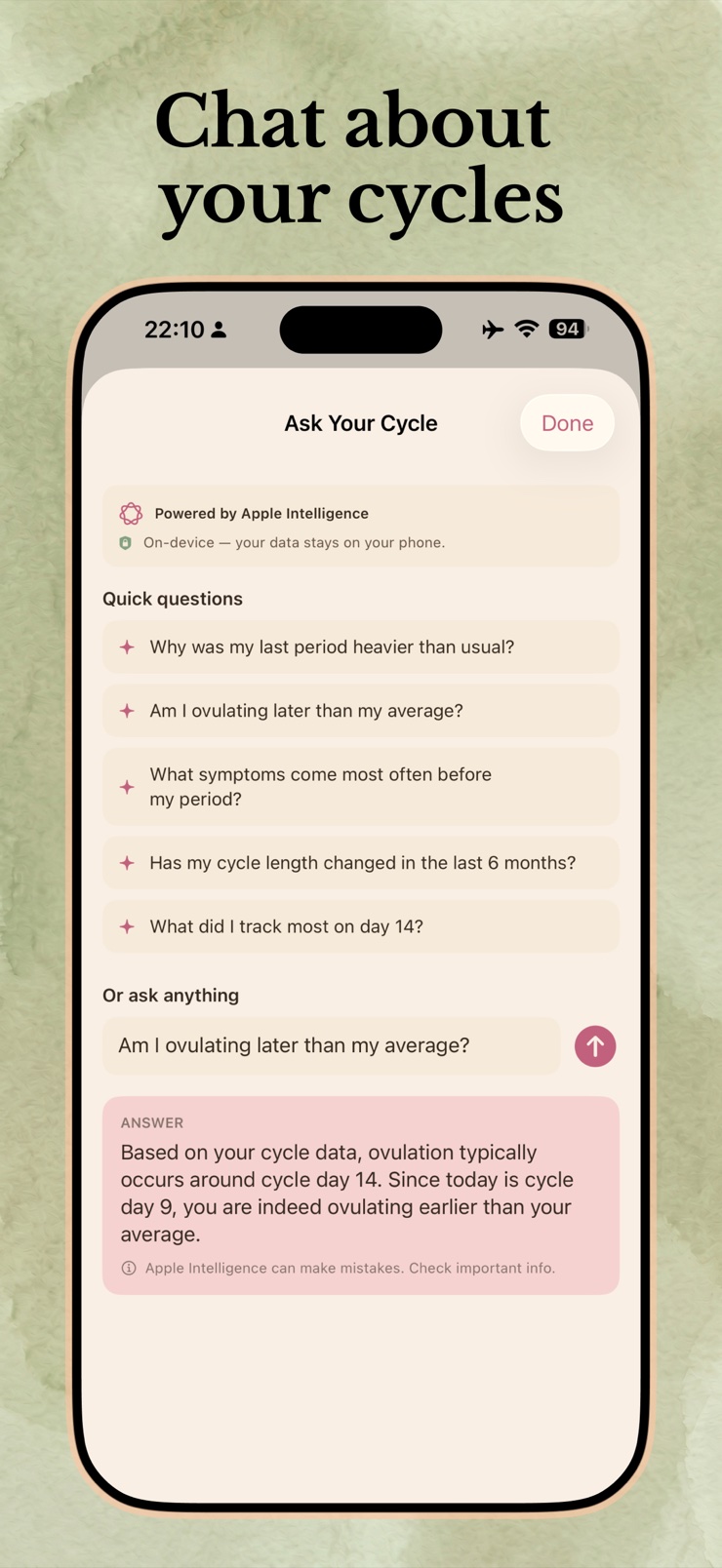
Your data stays on your device. There is no account to create, no ads, and the app works fully offline. A calendar view, a detailed day view, and long-range predictions help you plan weeks ahead.
Whether you are planning around your cycle, trying to conceive, or simply want to understand your body better, the app keeps a clear record you can also export or share with a doctor. It is a tracking and organizing tool — it does not give medical advice or diagnosis.
See upcoming period dates and cycle length estimated from your own history, with long-range predictions for planning ahead.
The app estimates your ovulation day and fertile days each cycle so you can plan with more context.
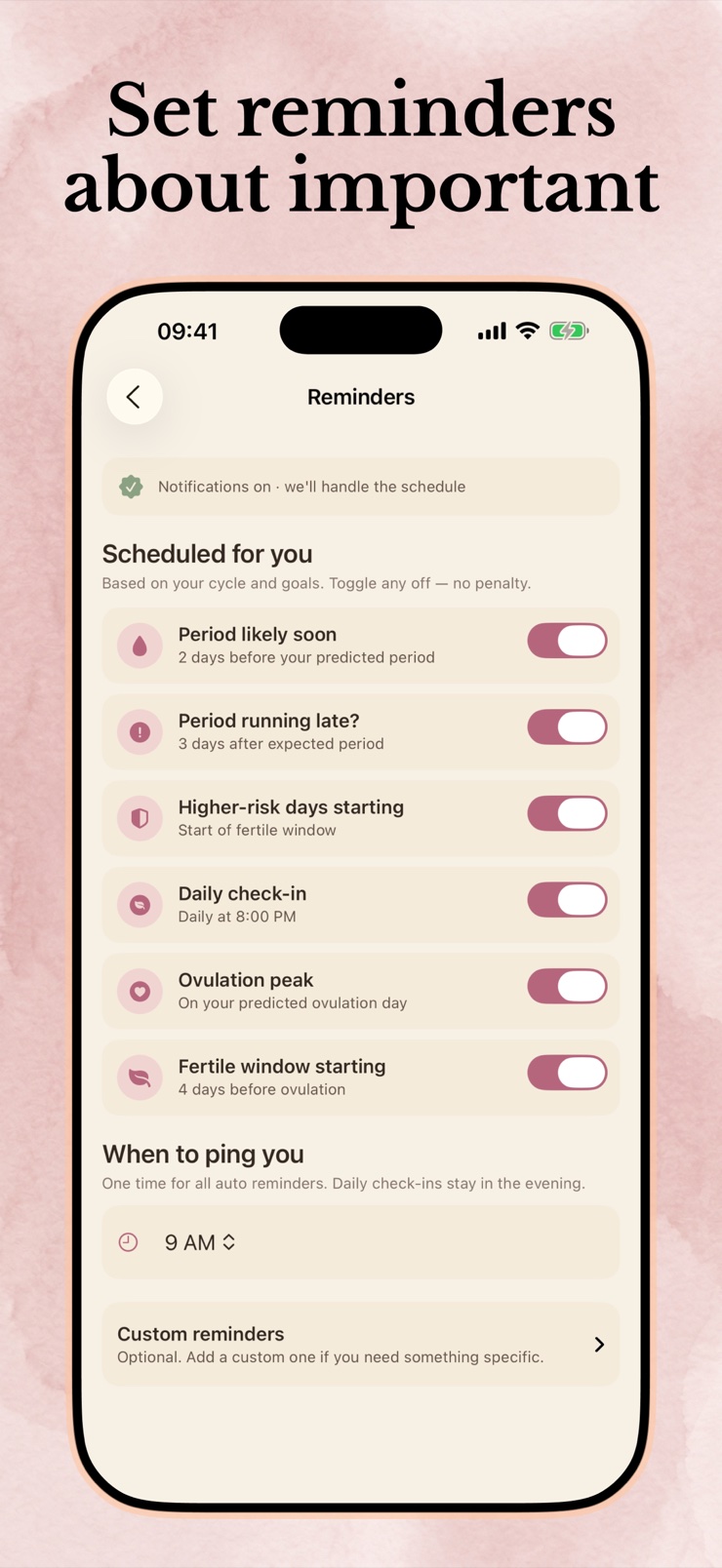
Optional notifications before your period, around ovulation, and for other key cycle events.
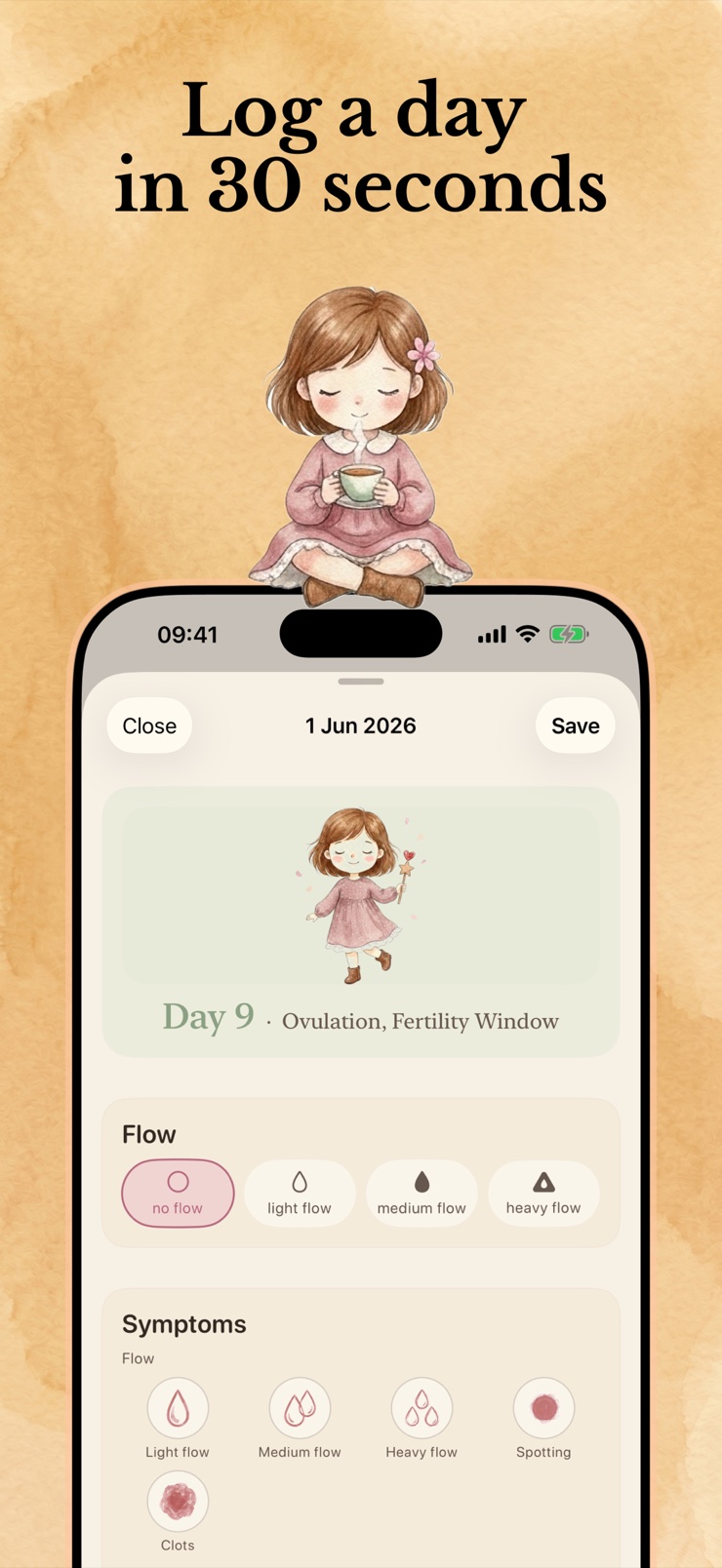
A month calendar shows phases at a glance; tap any day to log flow, symptoms, and notes in one place.
All data is stored locally on your iPhone. No account, no tracking, no ads, and the app works fully offline. You can also lock it with Face ID.
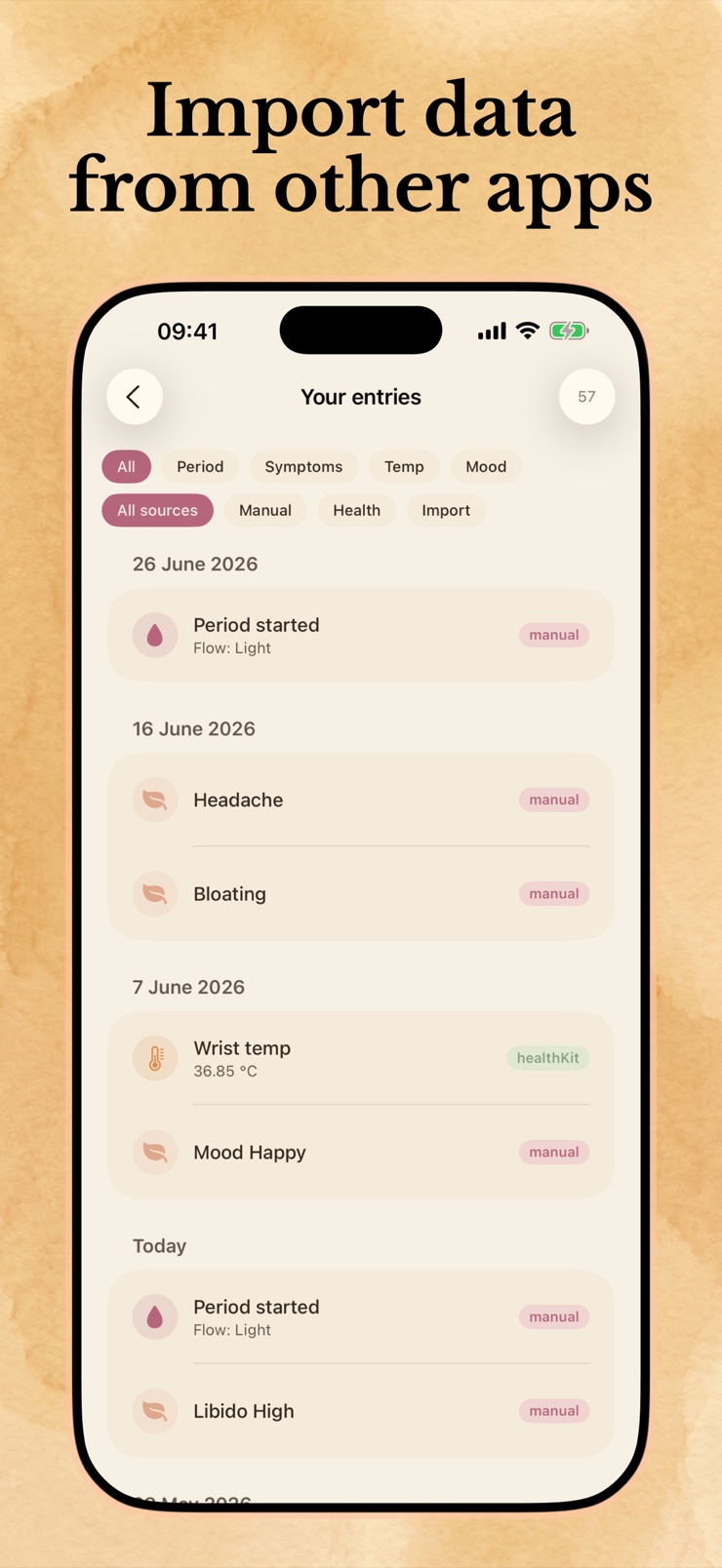
Bring history in via CSV, read cycle data from Apple Health, and export your log whenever you want it.
Mark the days you bleed with a tap. The more cycles you log, the better the predictions fit you.
See predicted periods, ovulation, and fertile days laid out on a month view you can read at a glance.
Open any day to note symptoms, flow, and how you felt, building a record you can look back on.
Turn on reminders and the app quietly warns you before your period or fertile window arrives.
Log the first and last day of each period in a cycle tracking app and it builds a picture of your cycle length over time. Ovulation & Menstrual Tracker does this with one-tap logging, a month calendar, and a day view for symptoms and notes, all stored privately on your phone.
Predictions are based on the lengths of your previous cycles: the app looks at your logged history and projects when the next period is likely to start. That is why predictions get more useful after you have logged a few cycles, and why they are estimates rather than guarantees.
The fertile window is the stretch of days in a cycle when pregnancy is most likely — roughly the five days before ovulation plus the day of ovulation itself. The app estimates this window from your cycle history so you can plan, but timing varies from cycle to cycle and person to person.
A tracker can estimate your ovulation day from your cycle lengths, which is helpful context for planning. It is an estimate based on patterns, not a measurement, so it should not be relied on as contraception or as a medical determination of fertility.
Yes. Ovulation & Menstrual Tracker never asks you to sign up or log in. You open the app and start logging; everything is stored locally on your device rather than on a server tied to your identity.
Yes. All cycle data is stored on your iPhone, the app shows no ads, and it does not build a profile of you. It works fully offline, and you can add a Face ID lock so only you can open it.
Yes, and tracking is often most useful when cycles are irregular, because a written record shows patterns that memory misses. Keep in mind that predictions are less certain with irregular cycles, and a persistent change in your cycle is worth discussing with a doctor.
Turn on reminders in the app and it will notify you a few days before your predicted period, and around ovulation if you want. Reminders are optional and quiet — you choose which events warrant a ping.
Yes. Every day has a detail view where you can record flow, symptoms, and notes. Over time this builds a personal record of how you feel across your cycle, which is useful for spotting patterns and for conversations with your doctor.
Export your data from the other app as a CSV file and import it here — the app maps the columns and folds the history into your calendar. It can also read cycle data you have already saved in Apple Health.
Yes, completely. Logging, the calendar, predictions, and reminders all work with no internet connection, because everything is computed and stored on the device.
Tracking helps you learn your cycle and estimate your fertile days, which many people find useful when trying to conceive. It is planning information, not a fertility treatment or medical advice — if you have concerns about fertility, a doctor is the right resource.
A dated record of periods and symptoms is genuinely useful in appointments — it answers the 'when was your last period?' question precisely. You can export your log from the app and bring it along, and the choice to share always stays with you.
A private cycle tracker with predictions and reminders — your data never leaves your phone.
Download on theApp Store