Scan a barcode, log the count, and print a label — a calm, account-free way to know exactly what you have and where it is.
Download on theApp Store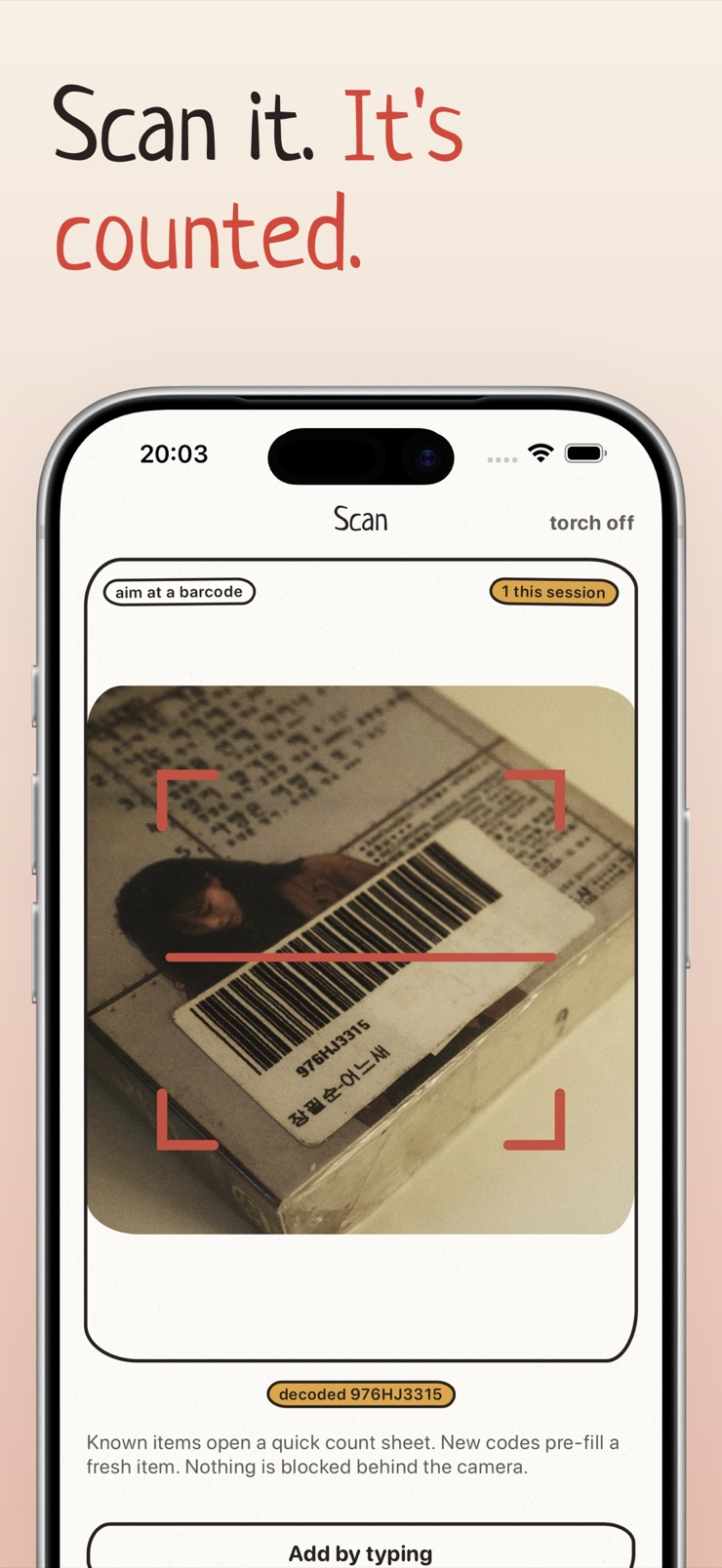
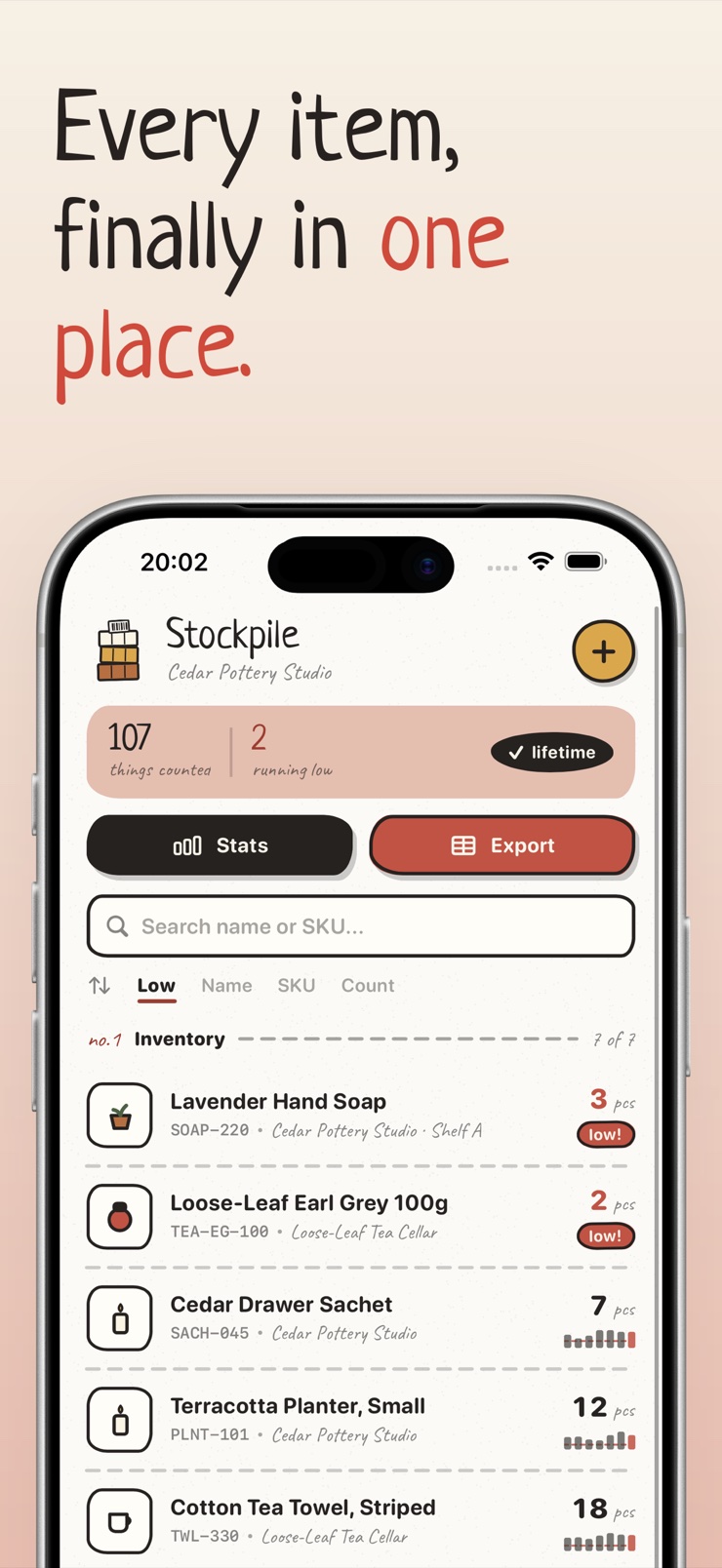
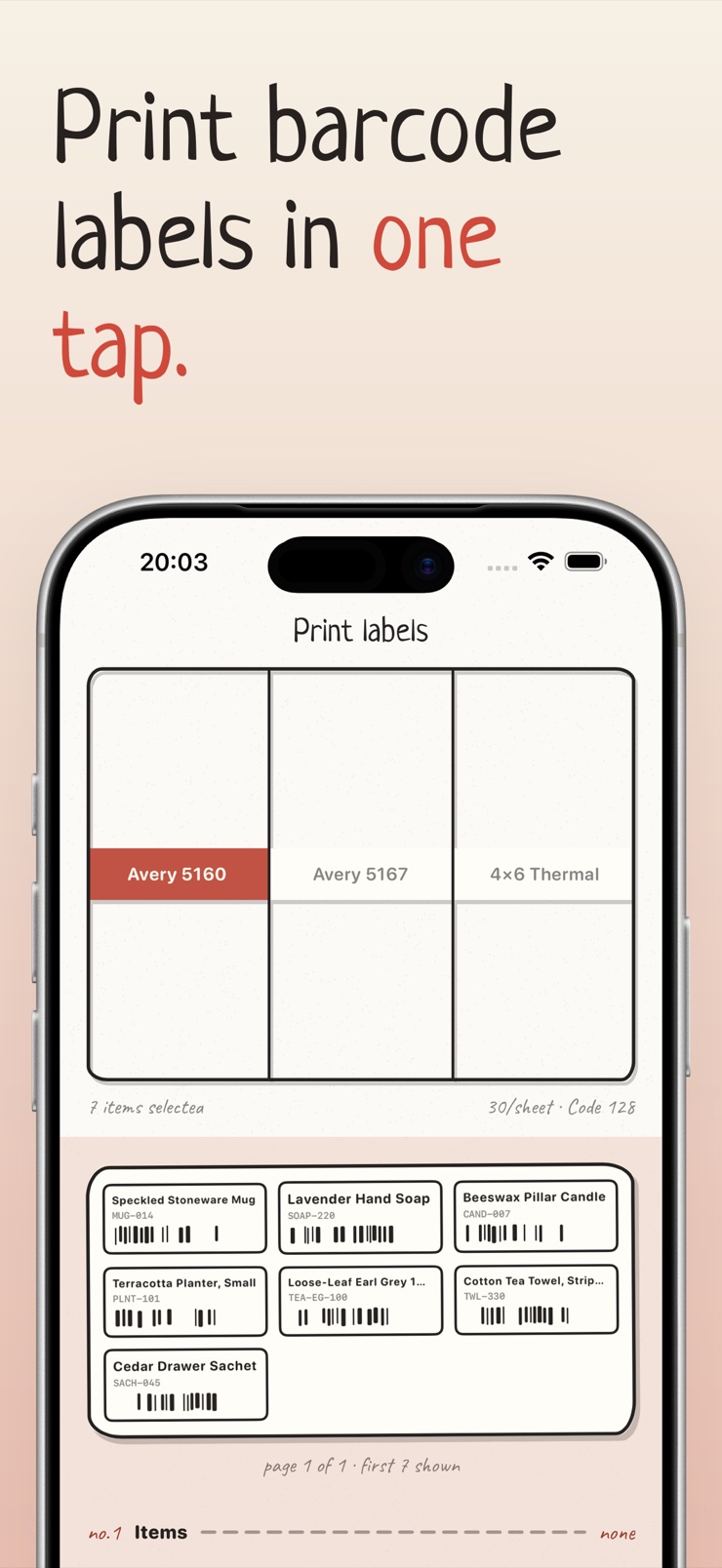
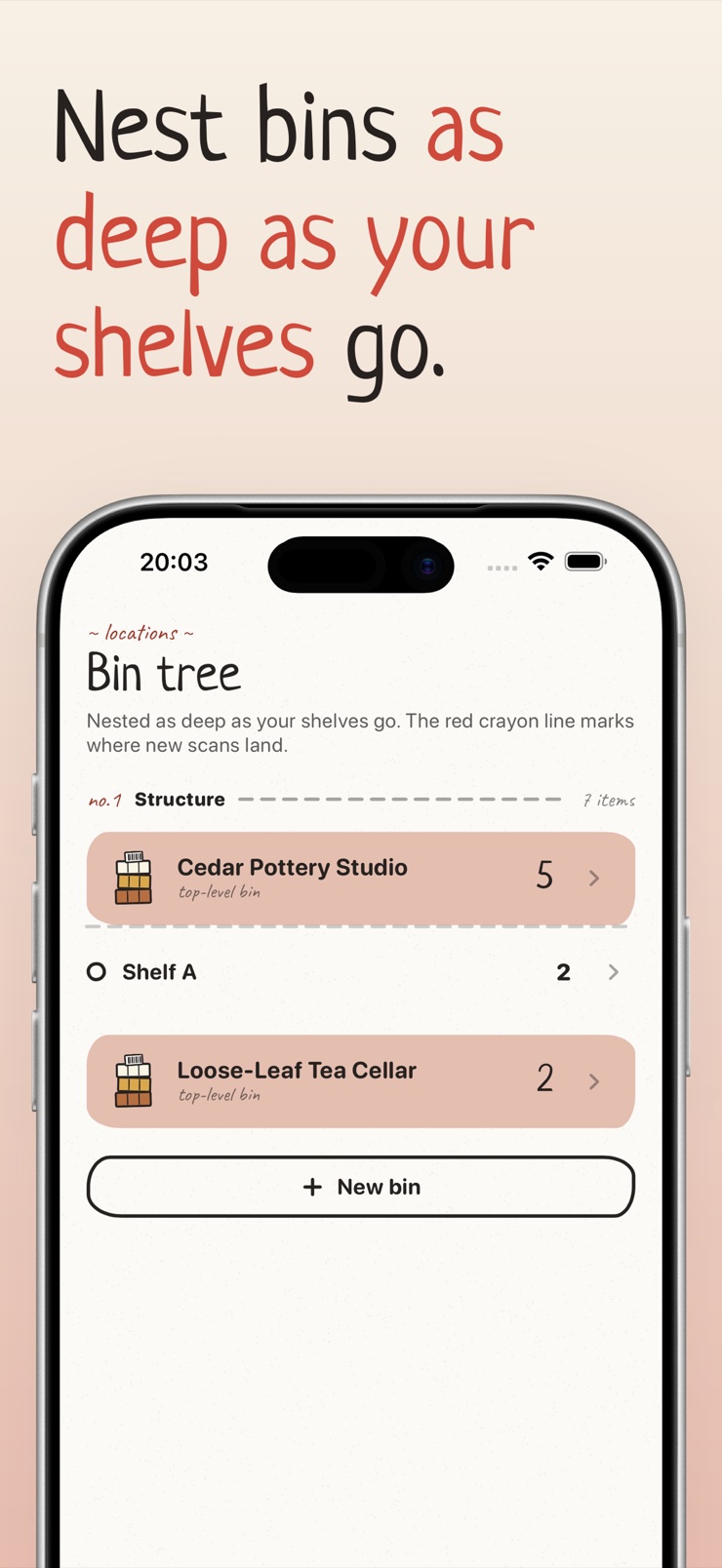
Stockpile is an inventory tracking app for iPhone. Pick an item, scan its barcode or type it in, and Stockpile keeps a tidy count you can trust. There is no account to create and no cap on how many items you can store.
It is made for small shops, stockrooms, hobby collections, and home cataloguing — pantries, freezers, craft supplies, spare parts. Items live in nested locations, so a bolt can sit in a bin, on a shelf, in a garage, and still be found in one search.
Everything stays on your device unless you choose to turn on iCloud sync. Your stock list is yours: import it from CSV, export it back out, and print labels whenever you need them.
Scan UPC, EAN, QR, and Code 128 with the built-in camera. Scanning runs fully on device.
Organize items into rooms, shelves, and bins. Sort by name, code, count, or your own order.
Count in decimals with the unit you actually use — pcs, kg, lb, oz, or one you define yourself.
Import an existing spreadsheet and export it back without doubling a single row.
Print sheet labels or 4x6 thermal labels over AirPrint, then scan them to find items fast.
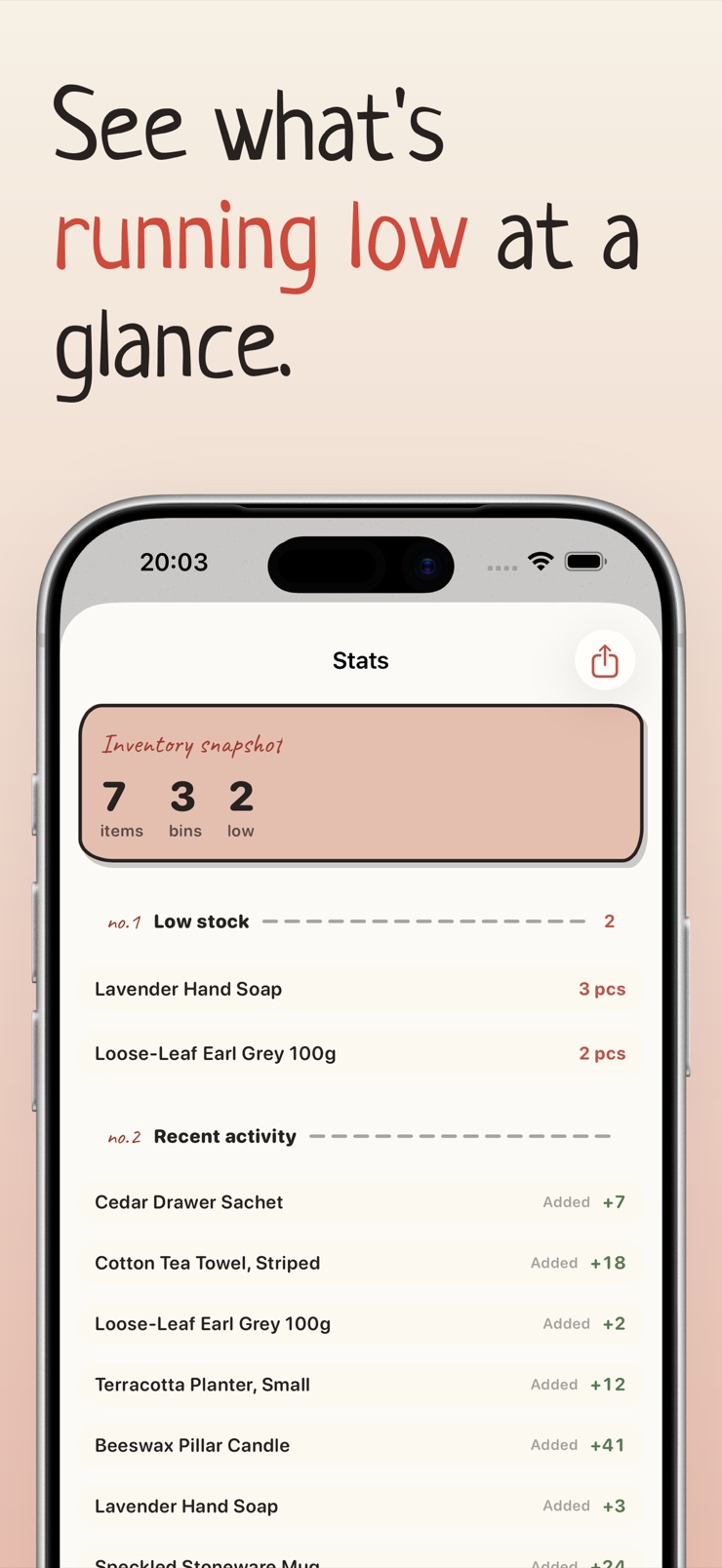
Set a minimum for any item and get a quiet heads-up before you run out.
Scan a barcode with the camera or type an item in by hand. Import a CSV if your inventory already lives in a spreadsheet.
File each item into a location — a room, a shelf, a labeled bin. Nested locations mirror how your space is actually organized.
Update quantities as stock moves. Decimal amounts and custom units keep the numbers honest.
Watch the low-stock list, print labels for new bins, and find any item instantly with Spotlight search.
Yes. Stockpile stores your inventory entirely on your iPhone by default — there is no sign-up, no login, and nothing leaves the device. iCloud sync exists as an option, but it is off until you deliberately turn it on.
It can. The iPhone camera is fast enough to read UPC, EAN, QR, and Code 128 barcodes directly, no external scanner needed. Stockpile uses on-device scanning, so a scan works even with no internet connection.
For a small shop or stockroom, a full warehouse system is usually overkill. What most small businesses need is a reliable count per item, a location for each thing, and a warning before stock runs out. Stockpile covers exactly that on a single iPhone, with CSV import and export so your data never gets stuck.
Stockpile reads UPC and EAN retail barcodes, QR codes, and Code 128 — the formats that cover most retail products and most self-printed labels. All decoding happens on the device itself.
Yes. Stockpile imports CSV files and maps the columns to items, codes, counts, and locations. The import is round-trip safe: exporting and re-importing the same file will not duplicate rows, so you can keep a spreadsheet workflow alongside the app.
Stockpile prints labels over AirPrint in two formats: standard sheet labels for a regular printer, and 4x6 labels for thermal label printers. Stick a label on a bin, and later scanning that label pulls the bin's contents up instantly.
A home pantry is just a small warehouse, and Stockpile treats it that way. Give the pantry and freezer their own locations, scan groceries as they come in, and set low-stock minimums on staples so you get a quiet alert before you run out.
Yes, locations in Stockpile nest — a garage can contain shelves, and shelves can contain labeled bins. Each item lives in one place in that tree, and search finds it no matter how deep it sits.
No. There is no item-count cap. Whether you catalogue fifty pantry staples or several thousand SKUs in a stockroom, the app works the same way.
Yes. Quantities in Stockpile are decimal, so 2.5 kg or 0.75 lb are valid counts. You can use built-in units — pcs, kg, lb, oz — or define your own, like skeins, boxes, or meters.
You set a minimum quantity per item. When the count drops to that threshold, the item appears on a dedicated low-stock list and Stockpile gives you a quiet alert. That turns reordering from a surprise into a routine.
Yes. Stockpile items appear in Spotlight, so you can pull down on the home screen, type an item's name, and jump straight to it without opening the app first.
Optionally. Stockpile includes iCloud sync that is off by default. Turn it on and your inventory follows your Apple account across devices; leave it off and the data never leaves the phone.
Scan it once, and it's counted — your whole inventory in your pocket.
Download on theApp Store