A quiet coach for slow coffee — V60, Chemex, Kalita, AeroPress, French press, and cold brew, each with its own timer, ratio, and pour schedule.
Download on theApp Store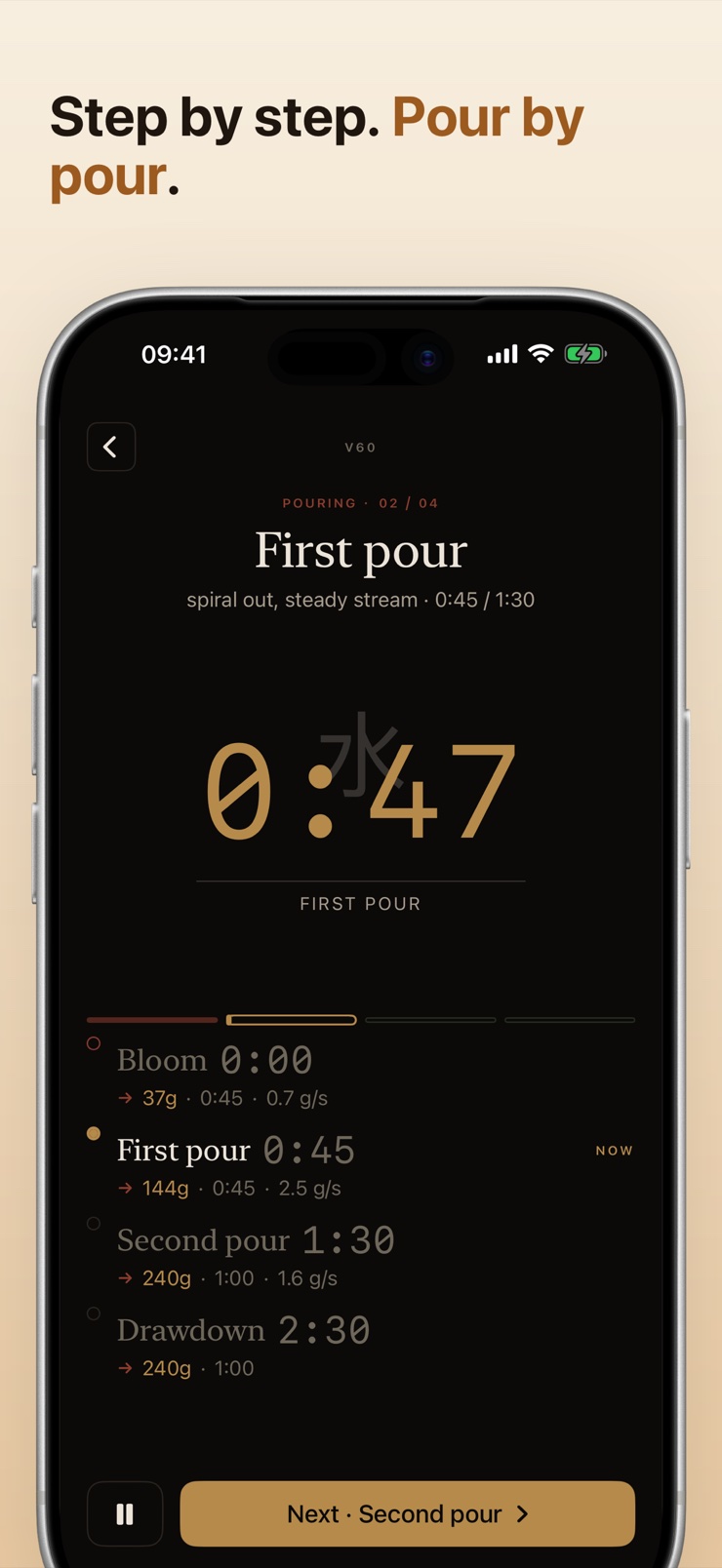
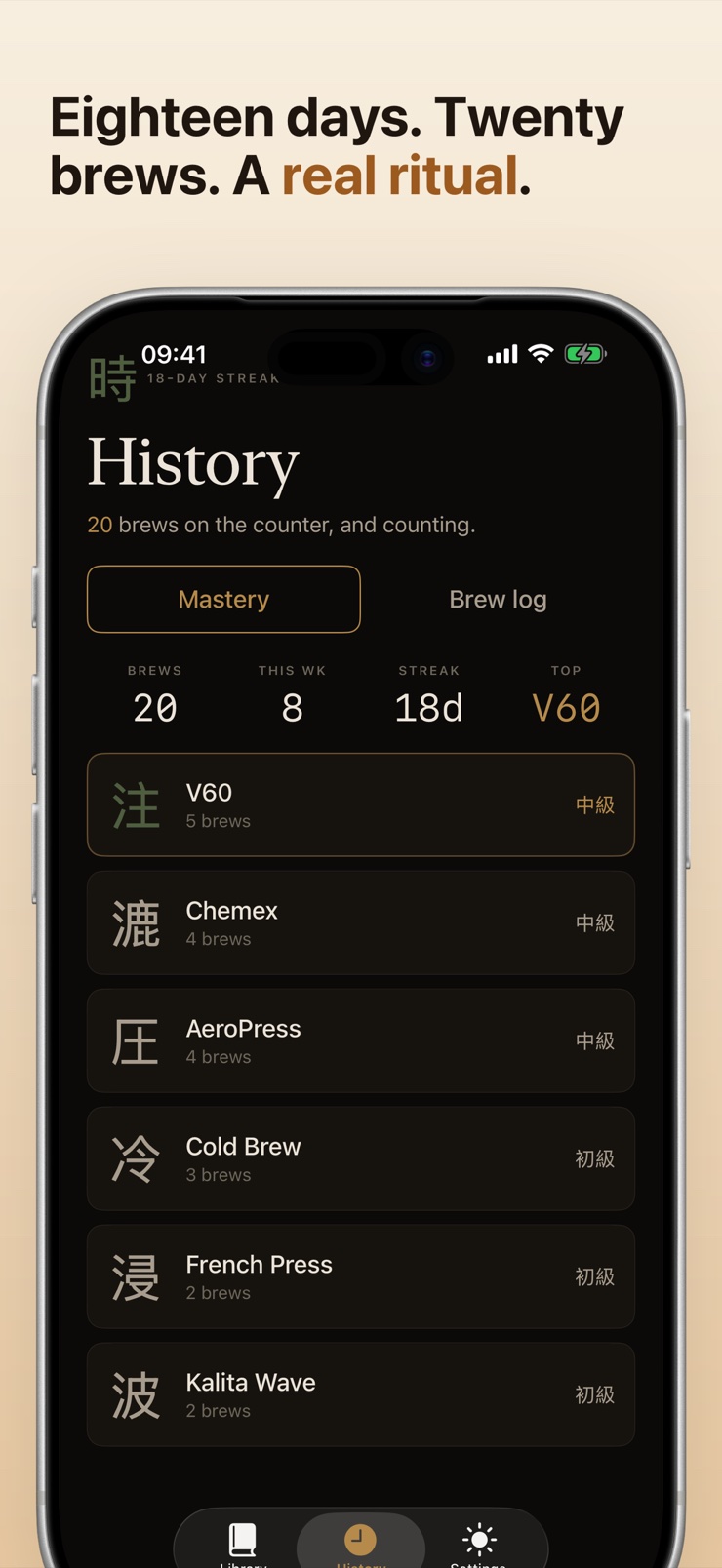
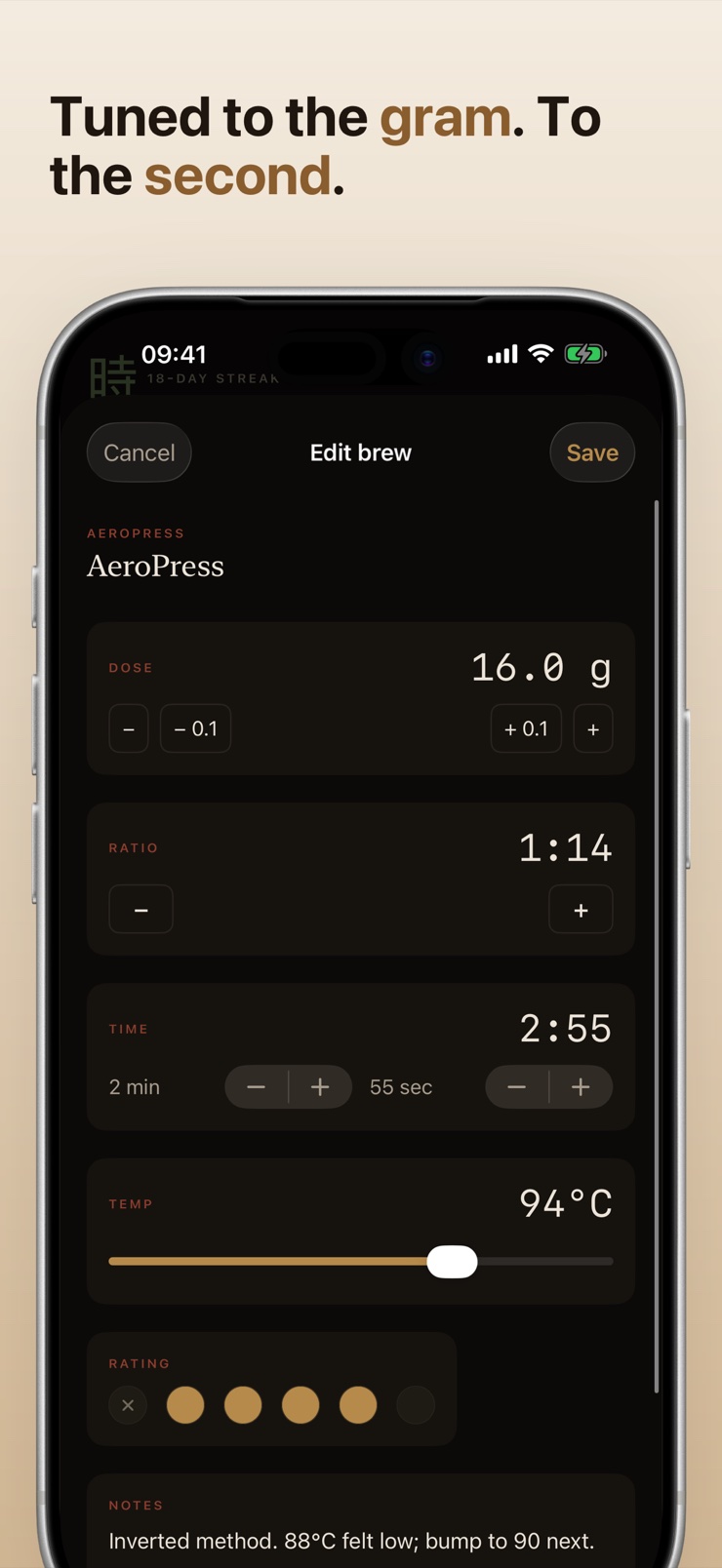
Brew Coach is a coffee timer built around the rituals that filter coffee deserves. V60, Chemex, Kalita Wave, AeroPress, French press, and overnight cold brew each get a dedicated timer, a ratio calculator, and a step-by-step pour schedule — bloom, pulse pours, drawdown, plunge, all timed.
Instead of juggling a kitchen timer, a scale app, and a recipe in a browser tab, you follow one screen that tells you what to do and when: pour to 90 grams, wait for the bloom, start the next pour. Apple Watch taps your wrist when the next step comes, so wet fingers never touch the phone.
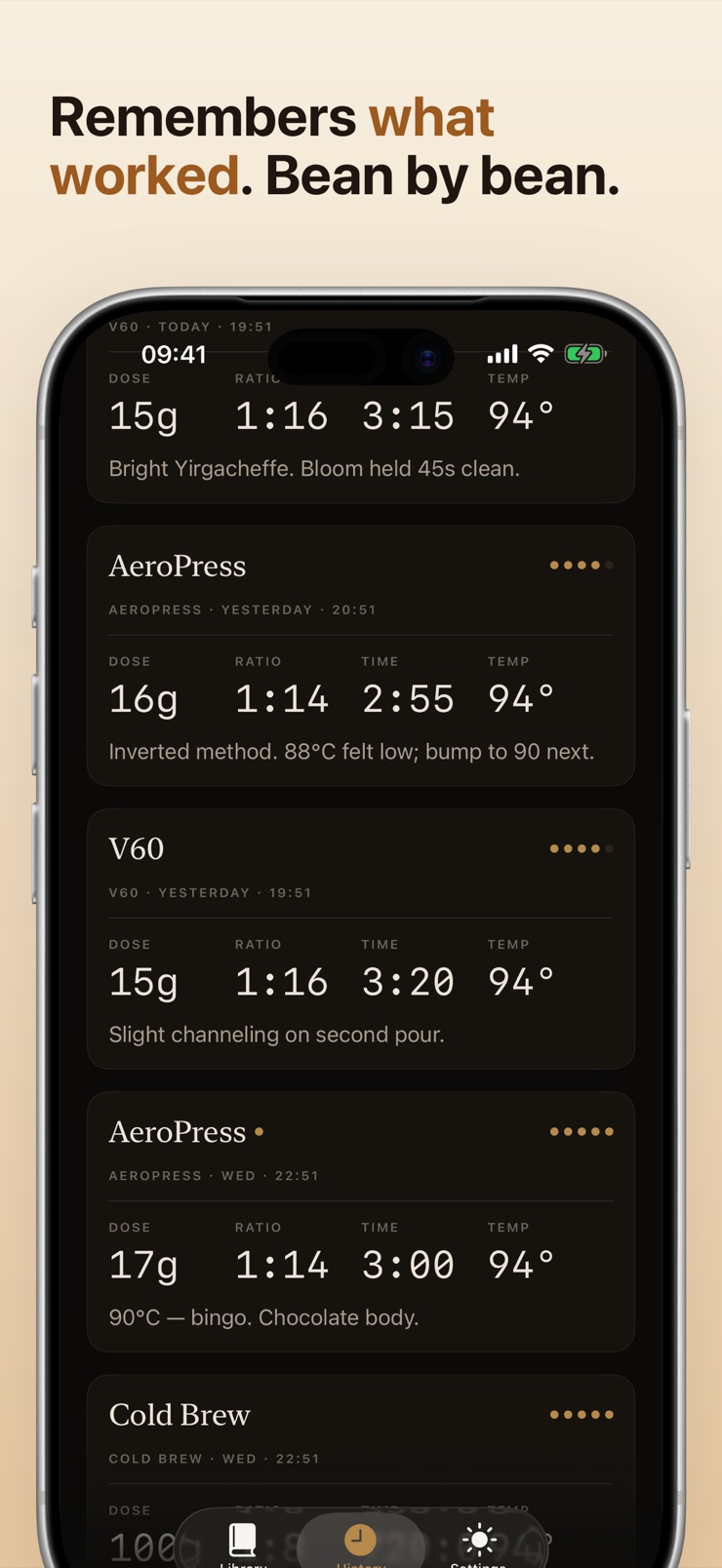
A bean log remembers what worked — photo, roast, grind setting, water temperature, tasting notes — and iCloud sync keeps recipes and history across iPhone and Apple Watch. No signup, no account.
The active timer walks you through each step live — bloom, pulse pours, drawdown — with target weights and times for every stage.
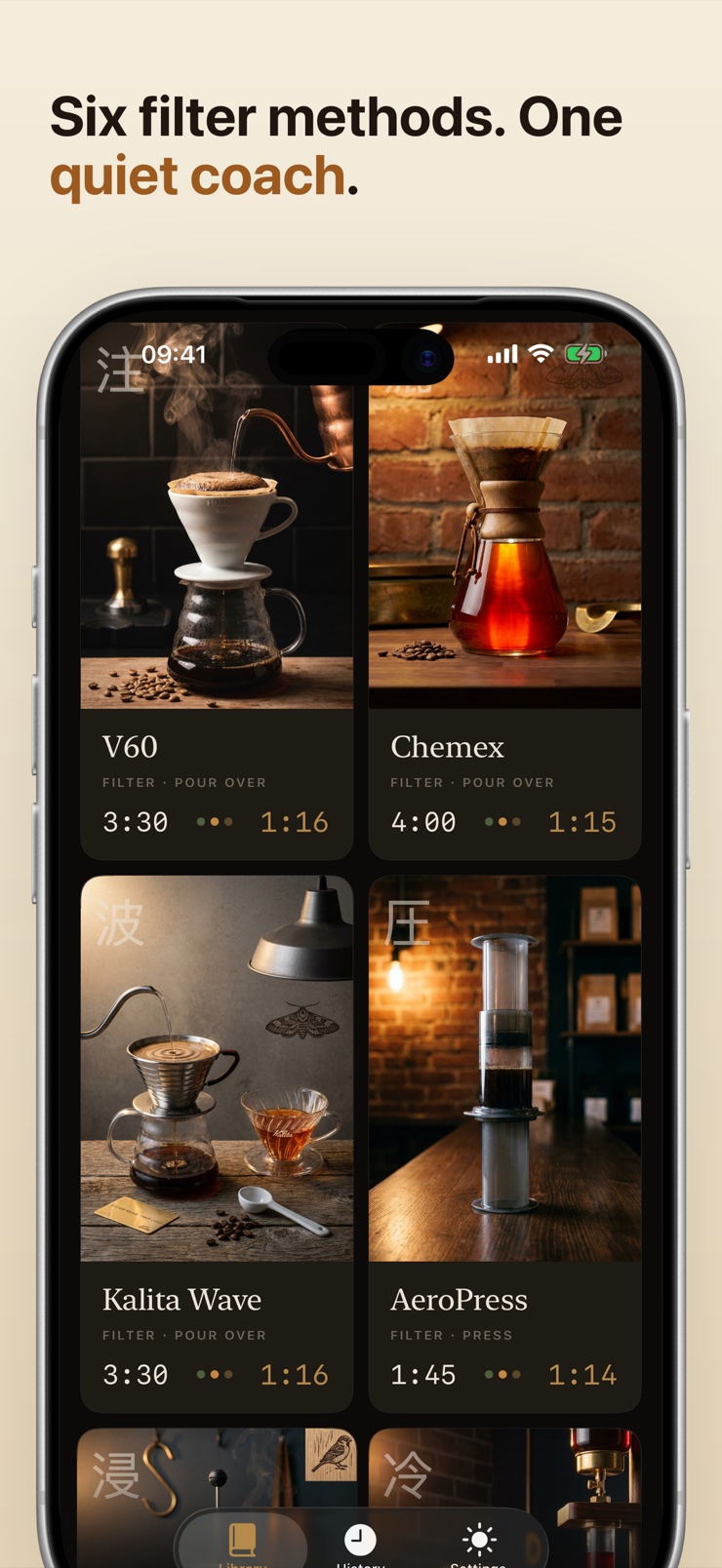
V60, Chemex, Kalita Wave, AeroPress, French press, and cold brew, each with its own dedicated timer and sensible ratio default.
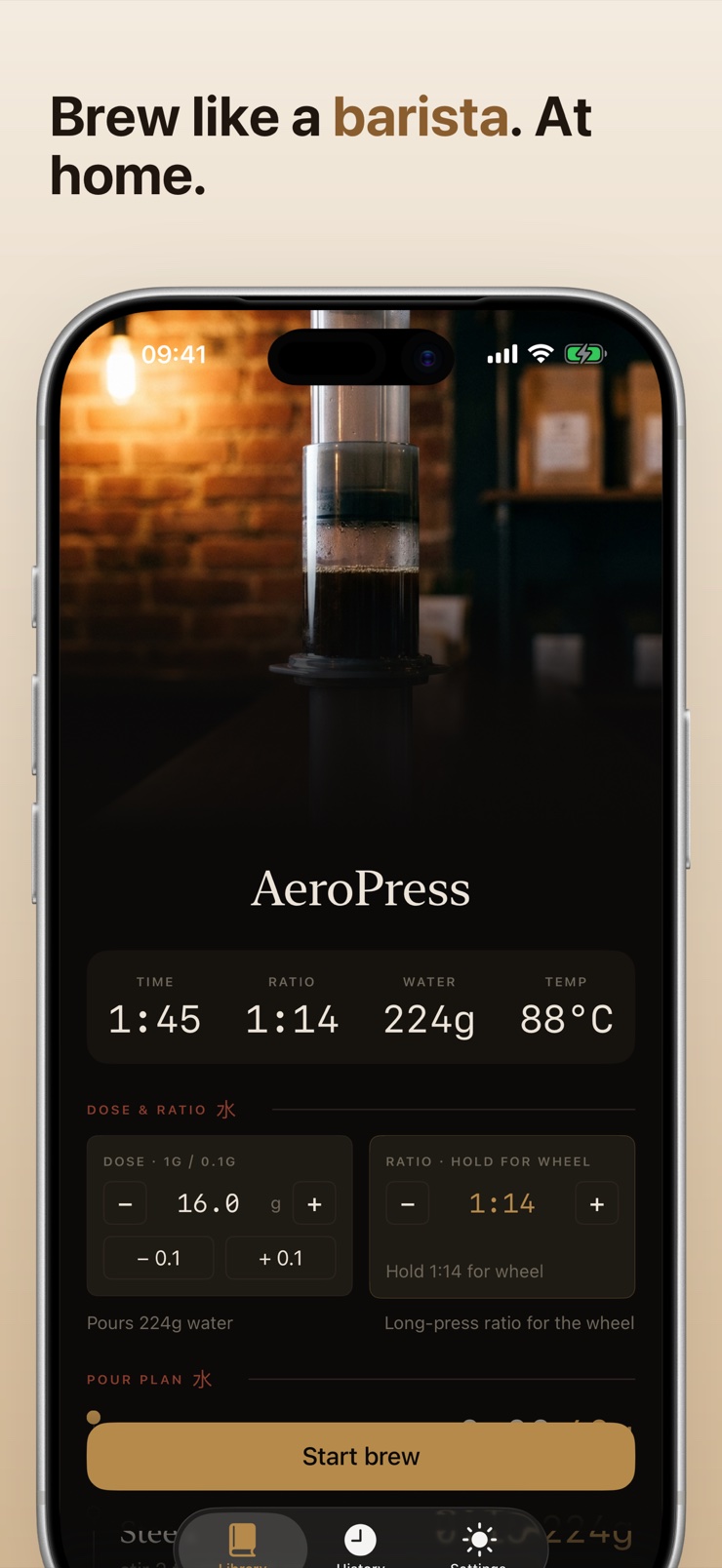
Set your dose and the app computes the water for each pour, in grams or ounces, per method and fully customizable.
The next pour advances with a haptic tap on your wrist — built for the moment your fingers are wet and the kettle is heavy.
A 12-to-24-hour steep lives on your Lock Screen and Dynamic Island until morning, so the overnight jar is never forgotten.
Log the bean, roast, grind, water temp, and tasting notes for every brew, and let each method remember its own last settings.
Choose V60, Chemex, Kalita, AeroPress, French press, or cold brew from the library. Each opens with its own recipe and ratio.
Enter how much coffee you are brewing. The ratio calculator fills in the water targets for the bloom and every pour.
Start the timer and pour when it says pour. Your Apple Watch taps when each step begins, and the screen shows the running target weight.
Rate the cup, note the grind and temperature, and the bean log keeps the recipe for next time.
Most pour-over recipes land between 1:15 and 1:17 — for example, 20 grams of coffee to 300–340 grams of water — with the exact ratio depending on the roast and your taste. Brew Coach ships a sensible default ratio for each method and recalculates every pour target when you change the dose, in grams or ounces, so you never do the arithmetic at the kettle.
A typical V60 brew starts with a bloom — about twice the coffee's weight in water for 30–45 seconds — followed by two or three pulse pours to the final weight. Brew Coach times each stage for you: it shows the target weight for the current pour, counts the bloom, and cues the next pour, so the schedule stays tight while your hands stay on the kettle.
The classic French press steep is around four minutes before pressing, though some prefer longer for a heavier cup. Brew Coach times the steep to the second and tells you when to press, and you can adjust the steep length in the recipe if your taste runs different.
Cold brew typically steeps for 12 to 24 hours in the fridge, depending on the grind and how strong you want the concentrate. Brew Coach runs the long steep as a Live Activity on your Lock Screen and Dynamic Island, so the jar you started last night shows its remaining time every time you glance at your phone.
The bloom is the first small pour that wets the grounds and lets trapped carbon dioxide escape before the main pours — skipping it can make the brew uneven and sour. Brew Coach builds the bloom into every pour-over schedule with its own timing and water target, so the step happens correctly by default.
Brew Coach includes a full Apple Watch companion. The watch advances through the pour schedule with a haptic tap at each step, which solves the real problem of pour-over brewing: your fingers are wet and the phone is across the counter. Recipes and history sync between iPhone and Watch through iCloud.
All three are pour-over cones, but they drain differently: the V60's large single hole rewards controlled pulse pours, the Chemex's thick filter gives a slower drawdown and a cleaner cup, and the Kalita Wave's flat bottom evens out extraction and forgives technique. Brew Coach treats them as separate methods, each with its own pour schedule and ratio default rather than one generic timer.
The honest answer is you log it — memory does not survive a two-week bag. Brew Coach's bean log stores the roast, grind setting, water temperature, and tasting notes for every brew, with a photo of the bag, so when a bean comes back you start from what already worked.
Yes. Brew Coach covers six filter methods — V60, Chemex, Kalita Wave, AeroPress, French press, and cold brew — each with a dedicated timer and its own recipe structure, including plunge pacing for AeroPress and a to-the-second steep for French press. Each method also remembers its own last-used settings.
Not with Brew Coach. There is no signup and no account; you pick a method and brew. If you want your recipes and brew history on both iPhone and Apple Watch, iCloud sync handles it with your existing Apple ID.
Most pour-over guidance falls between about 90 and 96 °C (195–205 °F), with lighter roasts generally taking hotter water. Brew Coach lets you record the water temperature you used with each brew in the bean log, so you can compare cups and settle on what suits each roast.
That is exactly what Brew Coach's active timer does. During the brew it shows the current step, the target water weight, and the countdown to the next pour — coaching pour by pour rather than just counting seconds. It is the difference between a stopwatch and a recipe you can follow with your hands full.
Tomorrow morning's V60, timed pour by pour.
Download on theApp Store