Point your iPhone at a person, a wall, or an object and get a size estimate with a live tolerance band that says how confident it is.
Download on theApp Store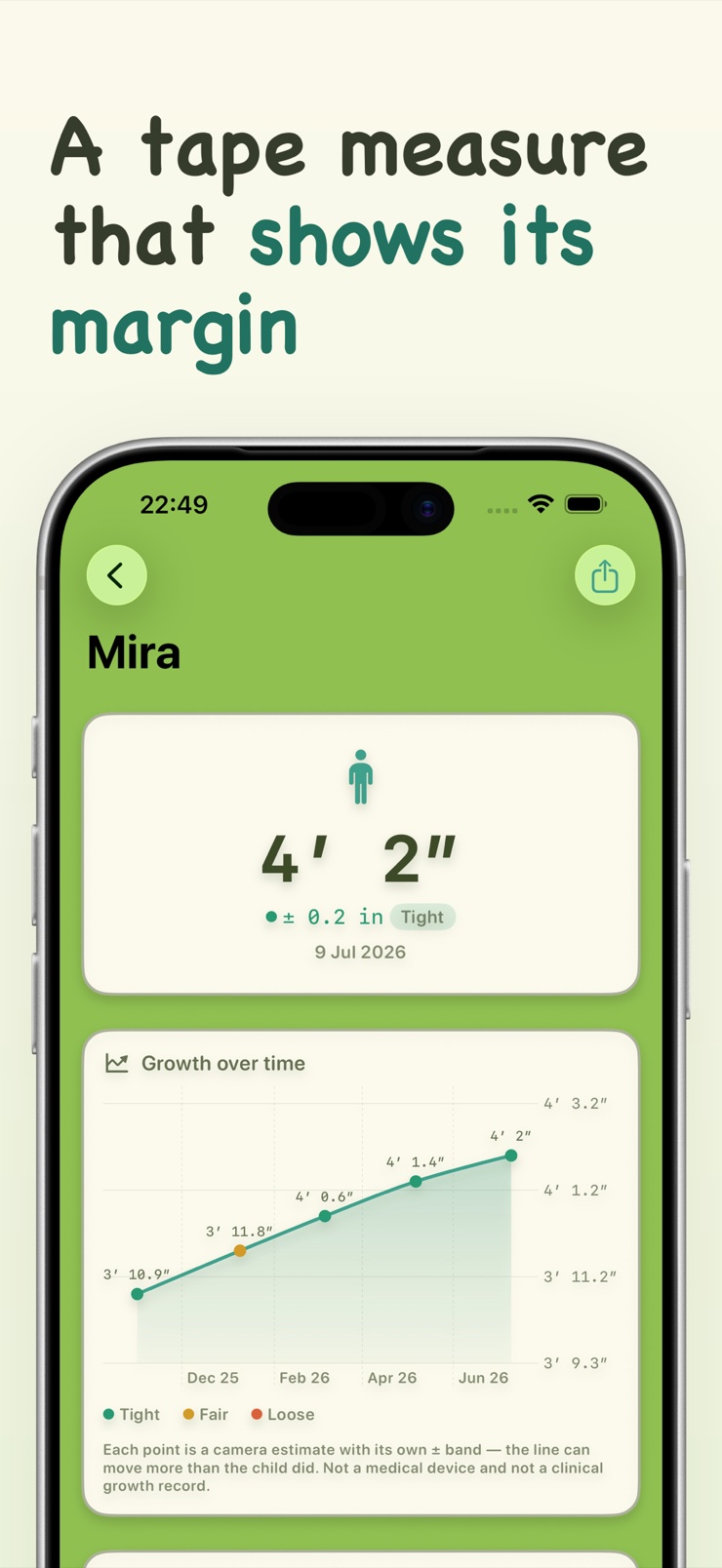
Stature is an honest AR tape measure for iPhone. Point the camera at a person, a wall, or an object and Stature estimates the size using on-device body pose and LiDAR or camera depth. AR readings are estimates, not a calibrated lab tool — so every number comes with a live plus-or-minus tolerance band that tells you how confident it is.
That honesty runs through the whole app. Close, well-lit readings on LiDAR devices are tightest; distance and low light widen the band, and Stature shows that instead of hiding it. When the camera cannot see enough to trust a number, the app says so rather than guessing, and a manual on-screen ruler is one tap away.
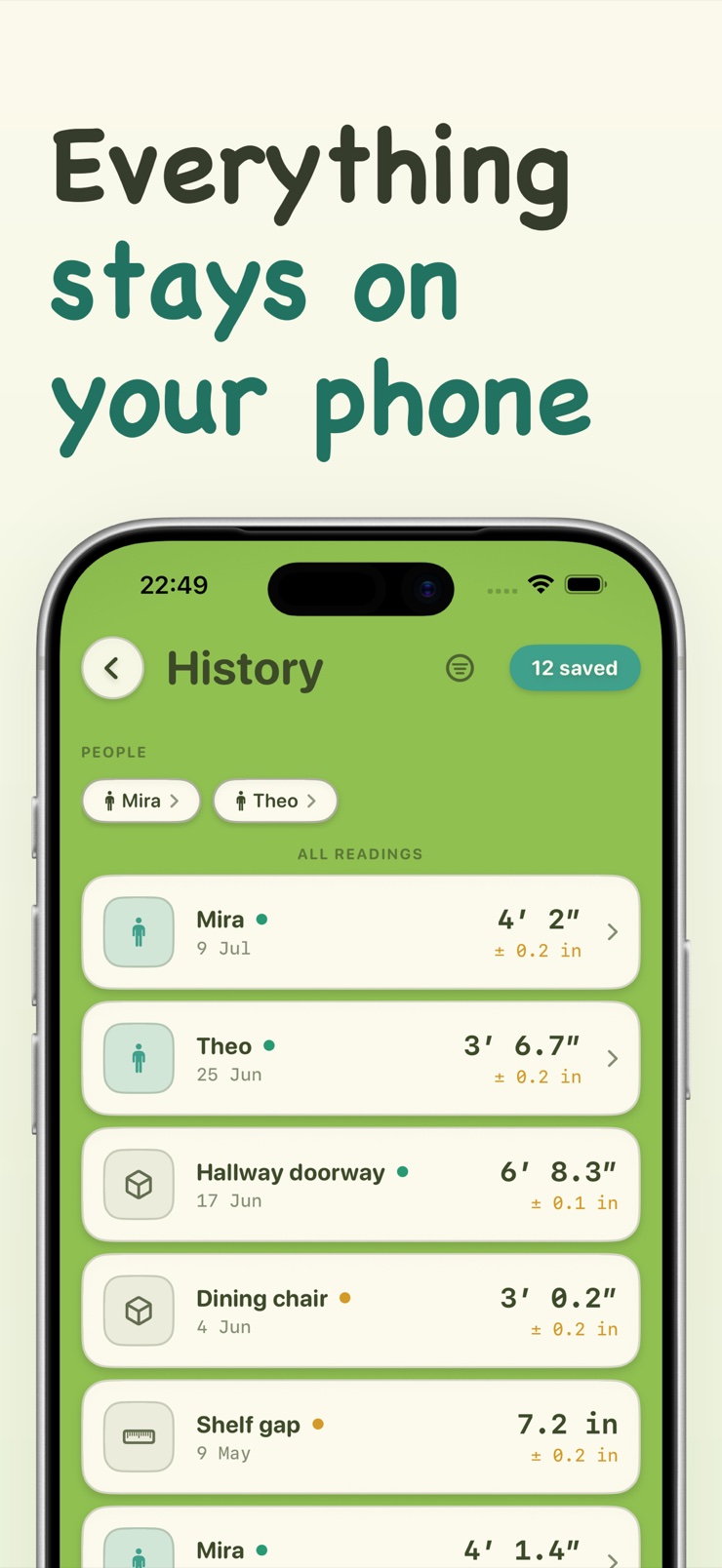
Every measurement can be saved with its photo and timestamp so you can check it later, and a simple log tracks a child's height over time. There is no account to create, and nothing leaves your device.
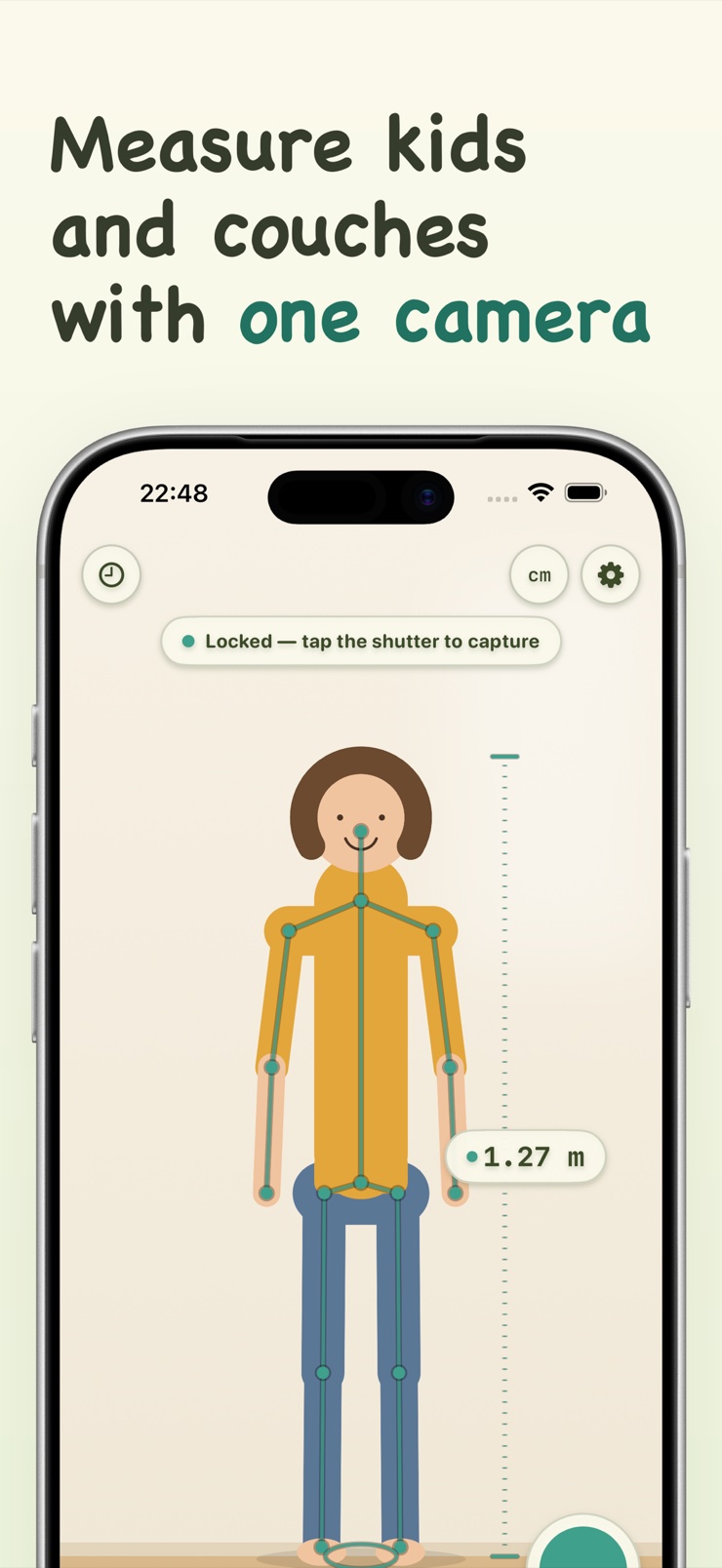
On-device body pose estimates the height of the people and kids in the room — no wall pencil marks required.
LiDAR or camera depth sizes furniture, doorways, walls, and gaps, so the tape measure stays in the drawer.
Each number carries a live plus-or-minus band showing how confident the estimate is, tightening as conditions improve.
Save each measurement with its photo and time, so you can re-check exactly what was measured and when.
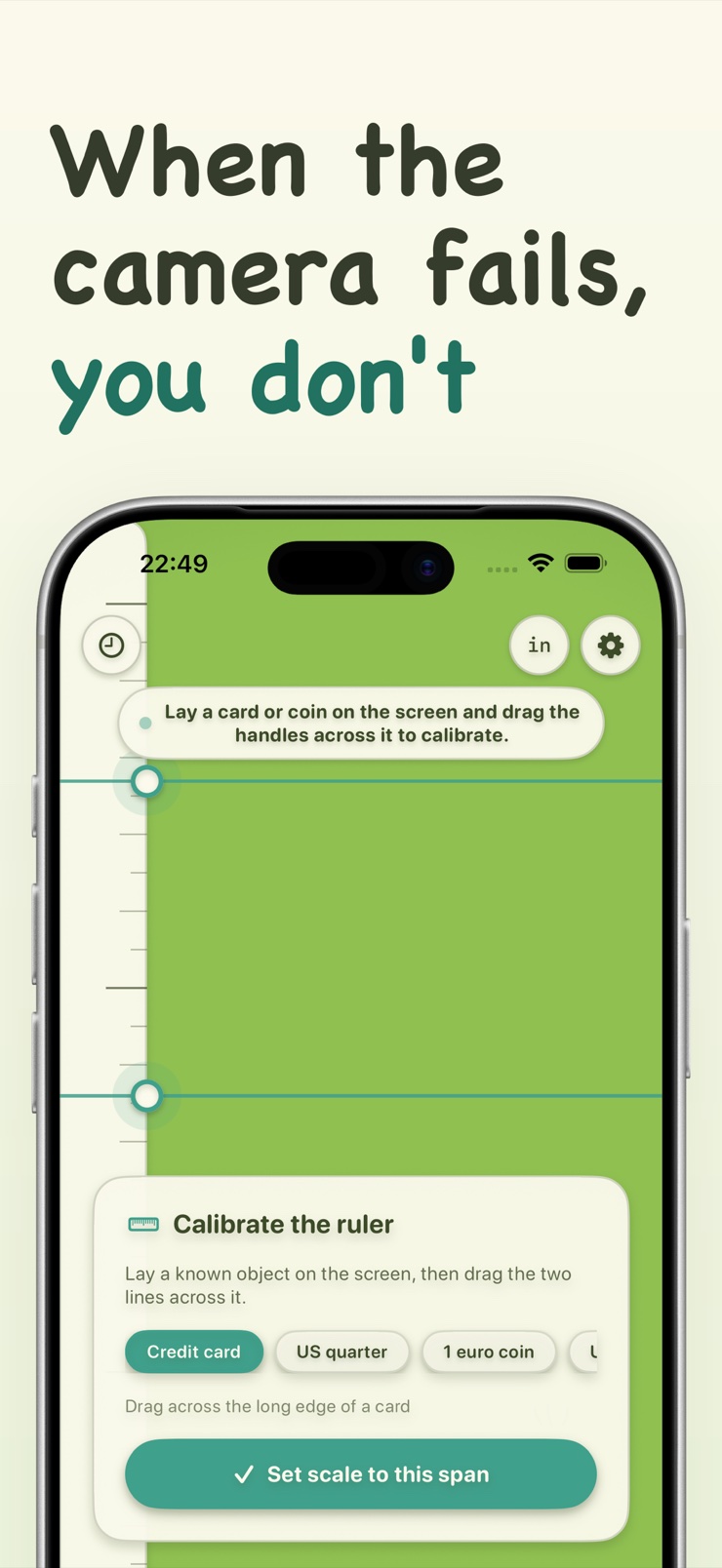
When AR cannot lock on — low light, odd angles — switch to a manual on-screen ruler in one tap.
Track a child's height over time in a simple saved log and watch the entries climb.
Aim at the person or object you want to measure. Stature finds the subject using body pose or depth data.
The estimate appears with a live tolerance band. Move closer or improve the light and watch the band tighten.
Store the reading with its photo and timestamp, or add it to a child's height log to track growth over time.
Yes. Stature uses on-device body pose detection to estimate the height of a person standing in the camera frame. Because AR readings are estimates, the app shows a plus-or-minus tolerance band beside the number so you know how much to trust it. Close range and good light produce the tightest readings.
It depends on the device and conditions. On Pro iPhones with LiDAR, close and well-lit measurements are tightest; distance, low light, and reflective surfaces widen the error. Stature is built around this reality — every reading displays its confidence band live, and when the camera cannot see enough to trust a number, the app says so instead of guessing.
LiDAR fires invisible light pulses and times their return, giving Pro iPhones a true depth map that works even on plain surfaces. Camera-only depth is inferred from parallax and machine learning, which is good but generally less precise. Stature uses LiDAR when your device has it and falls back to camera depth when it doesn't, adjusting the tolerance band to match.
Yes. Stature measures a child standing in frame using body pose, then saves the reading with a photo and date to a simple growth log. Over months the log becomes the digital version of pencil marks on a door frame — one you can't paint over by accident.
Yes. Stature measures objects, walls, and distances using LiDAR or camera depth, which covers common jobs like checking whether a sofa fits a wall or how wide a doorway is. Each reading includes its tolerance band, so you know when to leave a margin.
AR estimates rebuild the scene from sensor data each time, so lighting, distance, angle, and surface texture all shift the result slightly. This is normal for every AR measuring tool — the difference is that Stature quantifies it, showing a live plus-or-minus band instead of presenting a single overconfident number.
Stature tells you rather than guessing, and offers a manual on-screen ruler one tap away. You can also improve the odds by adding light, moving closer, and keeping the full subject in frame.
Yes. Each measurement saves with its photo and timestamp, so later you can re-open the entry and see exactly what was measured, from where, and when. It turns a one-off number into something you can verify.
For carpentry-grade precision, no — a steel tape is still the calibrated tool. For everyday questions — how tall is my kid, will this dresser fit, how far is that wall — an AR estimate with a known tolerance is usually enough and far faster. Stature makes the trade-off explicit so you can decide when the band is tight enough.
No. LiDAR-equipped Pro models give the tightest readings, but Stature also works with camera depth on other iPhones — the tolerance band simply reflects the lower precision honestly.
No. Body pose and depth processing run entirely on the device, and saved measurements with their photos stay in the app's local log. There is no account to create and nothing leaves your iPhone.
A plain photo lacks depth information, so single-photo height estimates are unreliable. Stature measures live instead: the camera's body pose and depth data anchor the estimate in real space, and the saved photo serves as proof of the measurement rather than the source of it.
Measure the room — and know exactly how much to trust the number.
Download on theApp Store