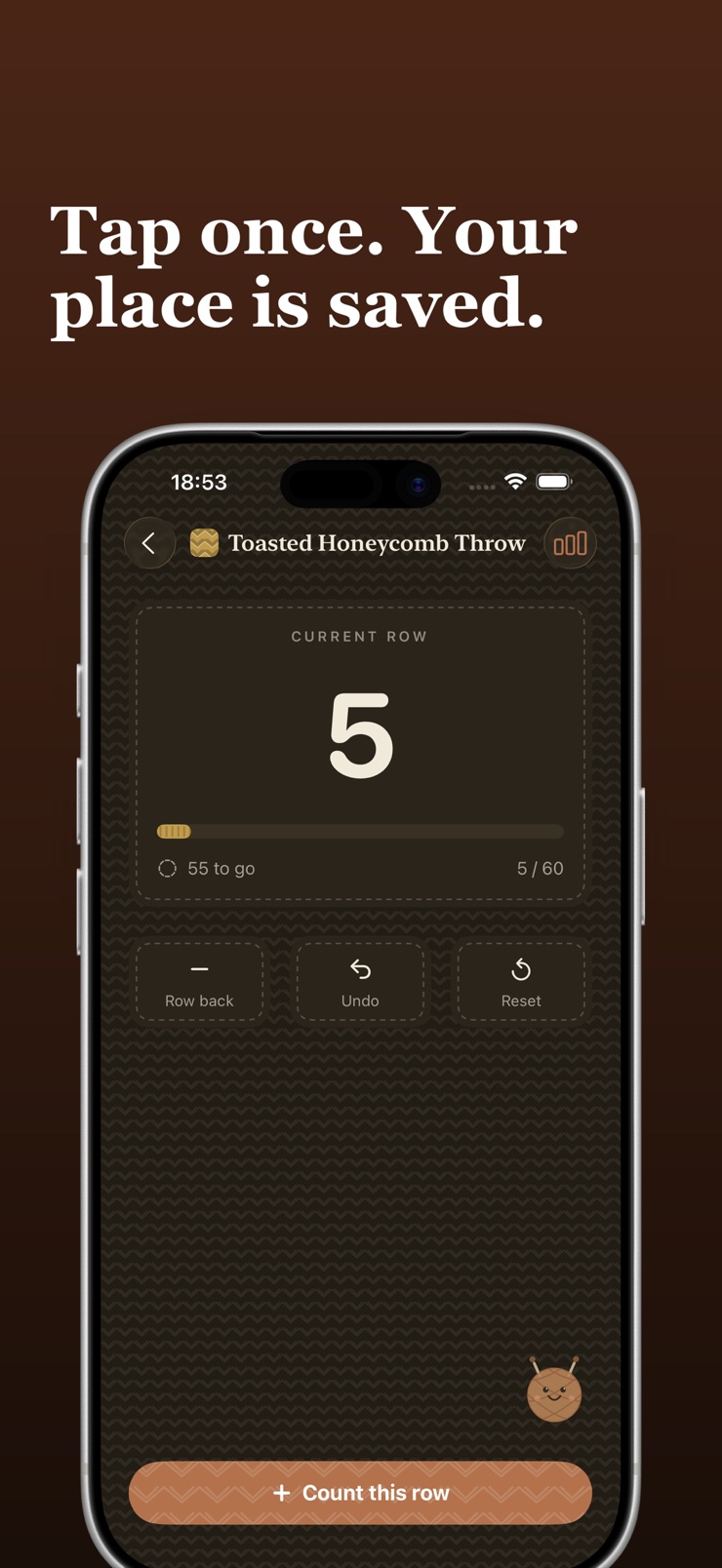
One big button, one row. Every tap saves your spot, so a project left for a month is still exactly where you put it down.
Download on theApp Store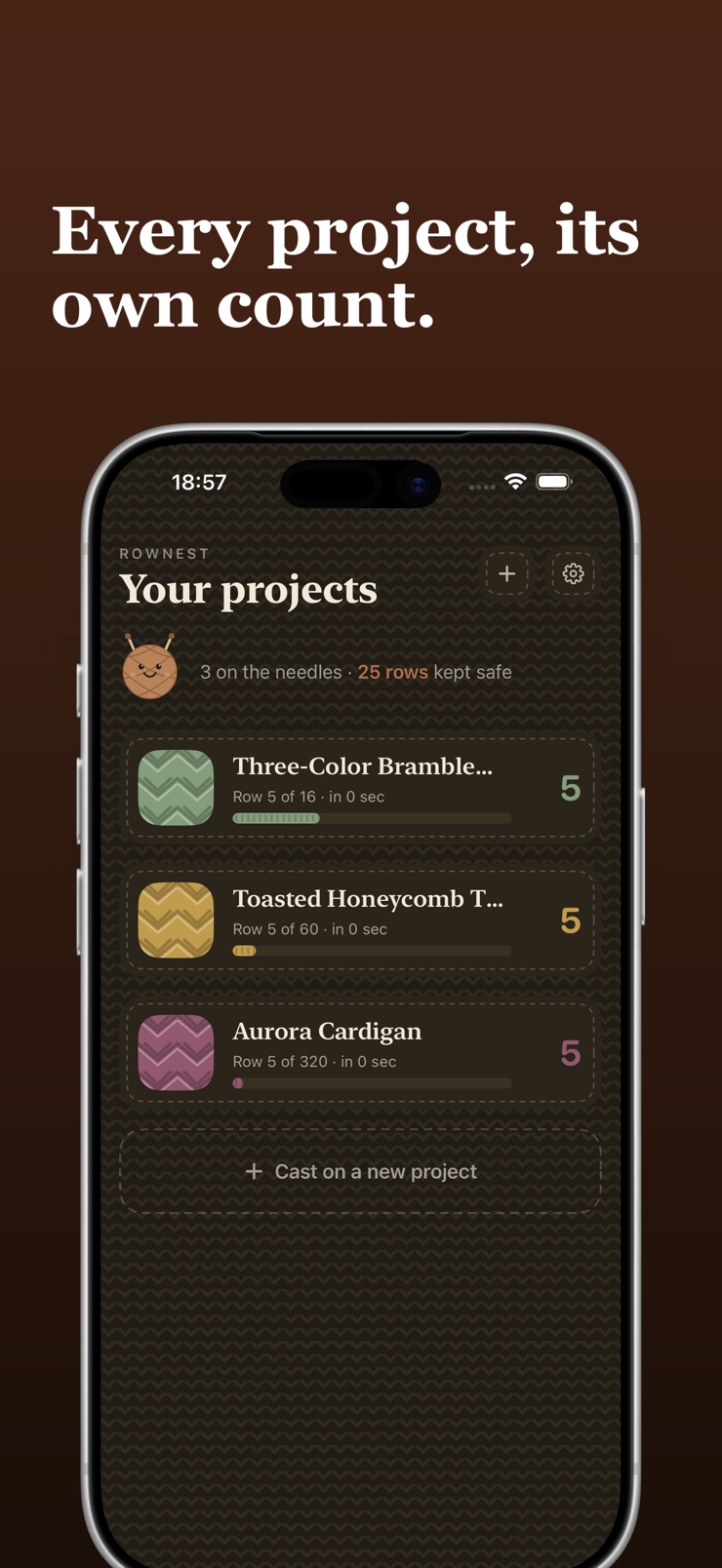
RowNest is a row counter for knitters and crocheters. Make a project, tap the big button, and your spot is saved on every single tap — pick the piece up after a day or a month and the count is exactly where you left it. There is no quiz before you start and no account to make.
Every project keeps its own counters, its own color, and its own notes, so a sweater on pause never contaminates the sock count. A counter can carry a target, and a ring fills as you work toward it. Miscounted? Step a row back, undo the last tap, or long-press Undo to take back the last five.
Counting works fully offline, on a plane or a couch, and your projects follow you to your other devices through iCloud with nothing to set up. Year in Yarn adds up the rows behind you: this year, this week, and your day streak.
A single large button counts the row, with the number kept big and readable from arm's length.
Step a row back, undo your last tap, or long-press Undo to take back the last five — resets are undoable too.
Give every work-in-progress its own counters, color, and notes, and jump between them from the project list.
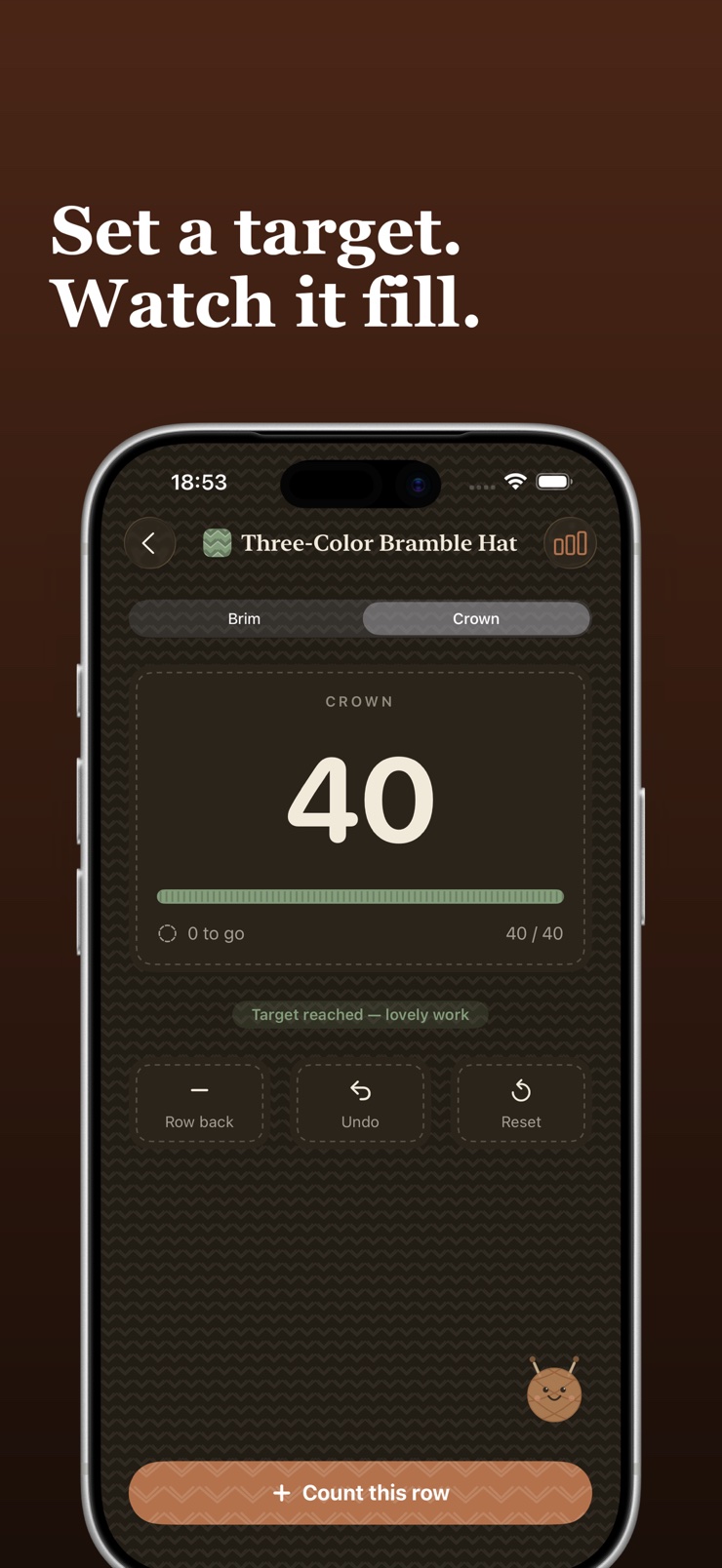
Set a row target and a ring fills as you go, so you can see how much of the piece is left without doing the maths.
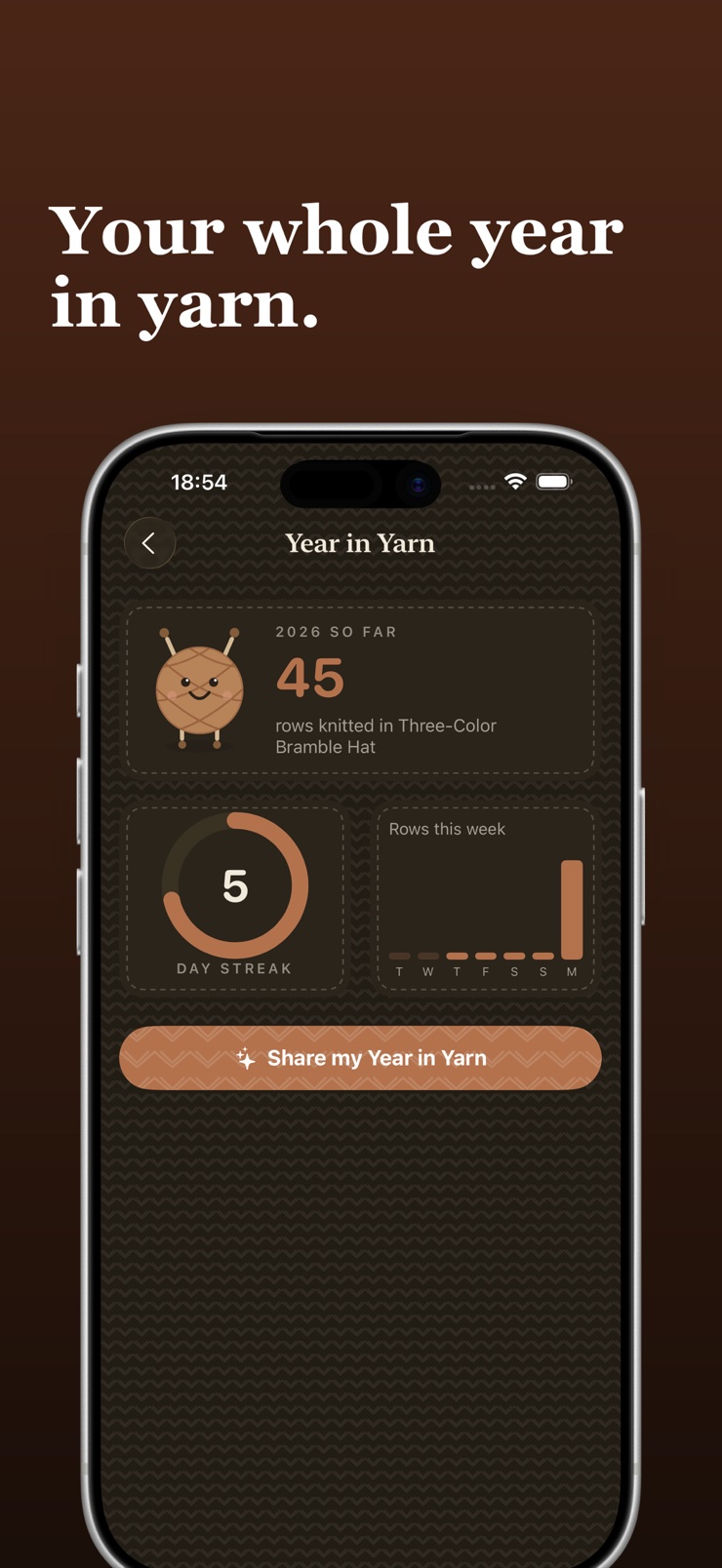
Rows this year, rows this week, and your day streak, gathered into one screen worth sharing.
Count with no connection at all, with a soft haptic click, a proper dark mode, and iCloud sync that needs no setup.
Name the piece, pick a color, and add a counter — or several, for rows, pattern repeats, and increases.
One tap is one row. A soft haptic click confirms the count so you can keep your eyes on the needles.
Every tap is written immediately. Come back after a month and the number is still right, on any of your devices.
The reliable method is to count each row the moment you finish it, in something that saves immediately rather than something you have to remember to update. RowNest writes your spot on every single tap, so an interrupted evening or a flat battery never costs you the count. The number is exactly where you left it when you come back.
A row counter records how many rows or rounds you have worked so you do not have to recount stitches. A phone app adds what a mechanical clicker cannot: a separate counter for every project, an undo for the tap you did not mean, and a count that survives being dropped in a knitting bag.
Yes. A project in RowNest can hold several counters — one for total rows, one for the pattern repeat, one for increases — and each is tapped independently. That mirrors how patterns are actually written, so you are not doing arithmetic in your head mid-row.
Keep a separate counter per project so a sweater on pause never contaminates the sock count. RowNest gives every project its own counters, color, and notes, and the project list shows what is on the needles at a glance with its current row.
Look for a counter with a real undo rather than one you have to reset and re-tap. RowNest has three: step a row back, undo the last tap, or long-press Undo to take back the last five. Even a reset to zero can be undone if it was a slip.
Yes — amigurumi is round after round, which makes a one-tap counter essential. RowNest counts rounds exactly the way it counts rows, with a separate counter per project so each toy or part keeps its own tally, and notes for stuffing or colour-change reminders.
RowNest does, completely. Counting, projects, and notes all live on your device, so a plane, a cabin, or a subway car changes nothing. iCloud sync runs quietly in the background when there is a connection, but nothing waits on it.
Yes. Projects and row counts sync through your iCloud account with nothing to configure, so a piece started on the phone shows the same count on the iPad. There is no account to make and no sign-in — it uses the Apple account already on your device.
Two habits cover it: count every finished row immediately, and leave yourself a note about where you are in the repeat. RowNest handles both — the count saves on every tap, and each project carries its own notes, so a month-long pause is a non-event.
Give the counter the row count from the pattern and work against it instead of guessing. RowNest lets you set a target per counter and fills a ring as you count, showing how many rows are still to go and telling you when the piece is done.
Yes. RowNest answers every tap with a soft haptic click, so you feel the row register without looking away from your needles. Combined with the large digits, a glance is enough to confirm the count, and the haptic can be silenced in settings.
Yes. RowNest has a proper dark mode and large readable digits, so evening couch knitting works without a glowing white screen. The counter button is big enough to hit without aiming, which matters when the room lights are low.
Most counters throw the number away once a project is finished, so the year vanishes with it. RowNest keeps the tally: Year in Yarn shows rows this year, rows this week, and your day streak, on a screen you can share when someone asks what you have been making.
RowNest does not. You open the app, cast on a project, and tap — there is no account, no quiz, and no onboarding interview. Your projects stay on your device and in your own iCloud, and nothing else touches them.
One tap, one row — and your spot is always saved.
Download on theApp Store