Pick a photo, a DOCX, or plain text, and Foldr folds it into a clean PDF that lands in Files.
Download on theApp Store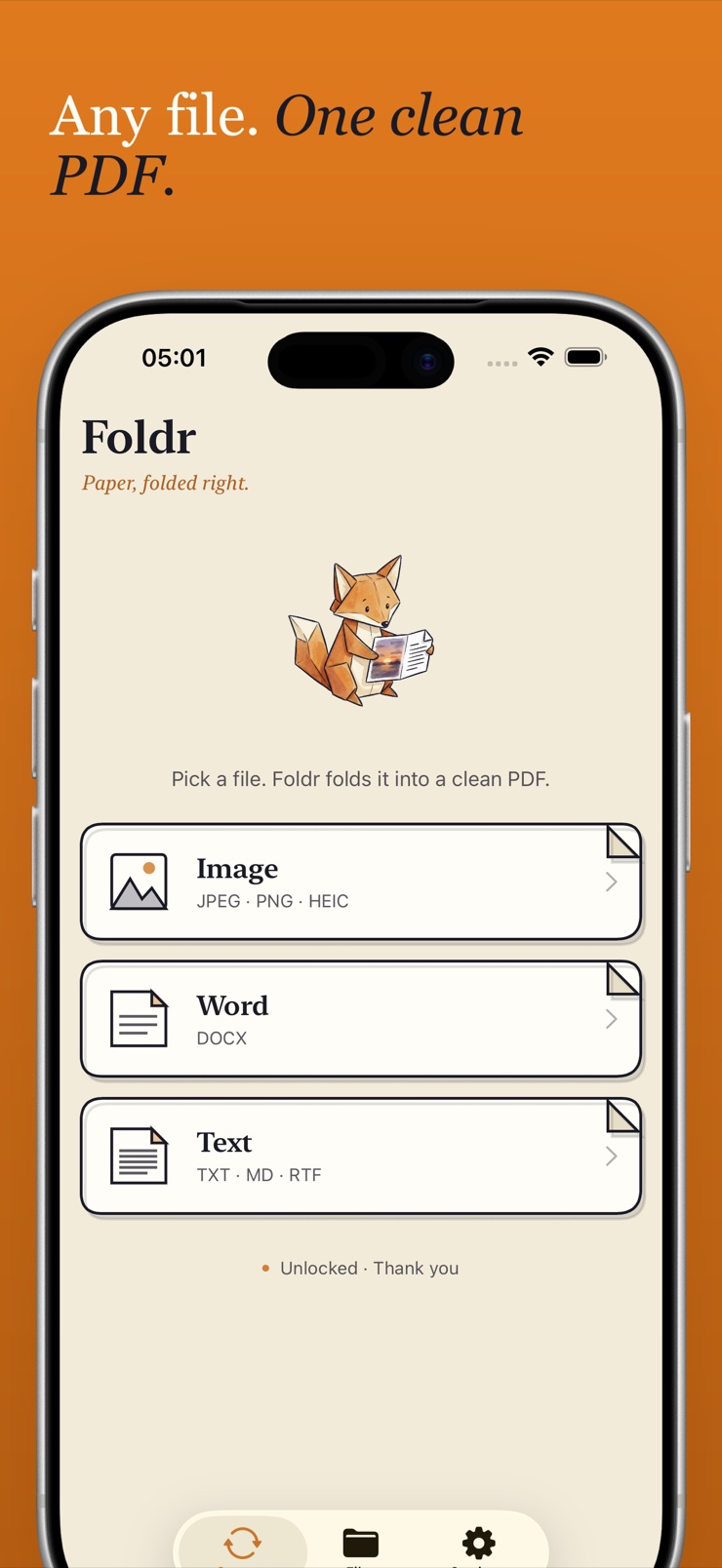
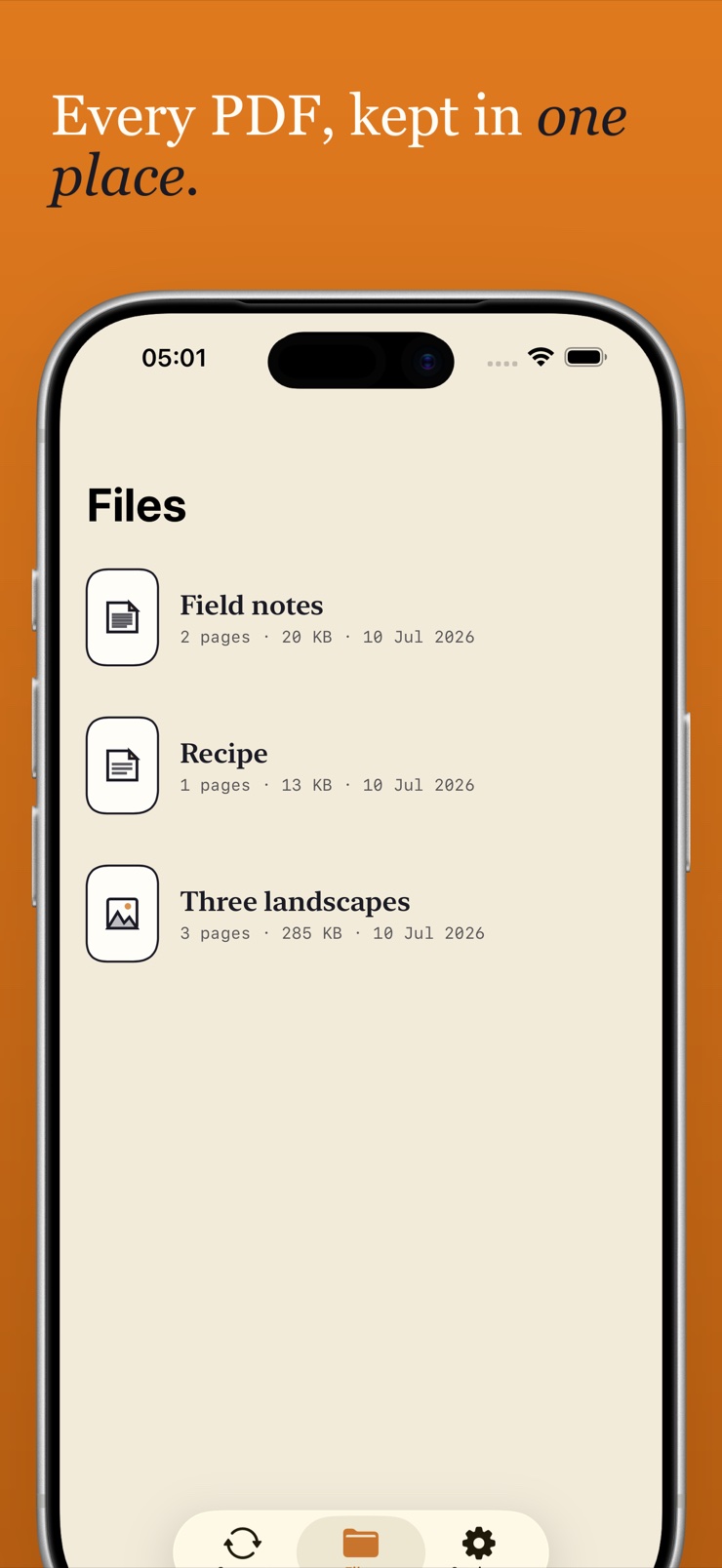
Foldr is a PDF converter for iPhone and iPad. Pick a picture, a JPEG someone sent you, a DOCX you were emailed, or a wall of plain text, and Foldr folds it into one tidy PDF you can keep and share.
Pictures keep their resolution. Word documents keep their headings. You can reorder pages before you save and choose A4, Letter, or fit-to-image, so the document comes out the way you intended.
There is no watermark on the page and no account to create. Nothing leaves your device — conversion happens entirely on your iPhone, so it works on a plane, in a basement, anywhere.
JPEG, PNG and HEIC pictures convert to PDF pages at full resolution, in a couple of taps.
DOCX files convert into readable PDFs that keep their headings and structure.
Plain text, RTF and Markdown become proper documents with real headings.
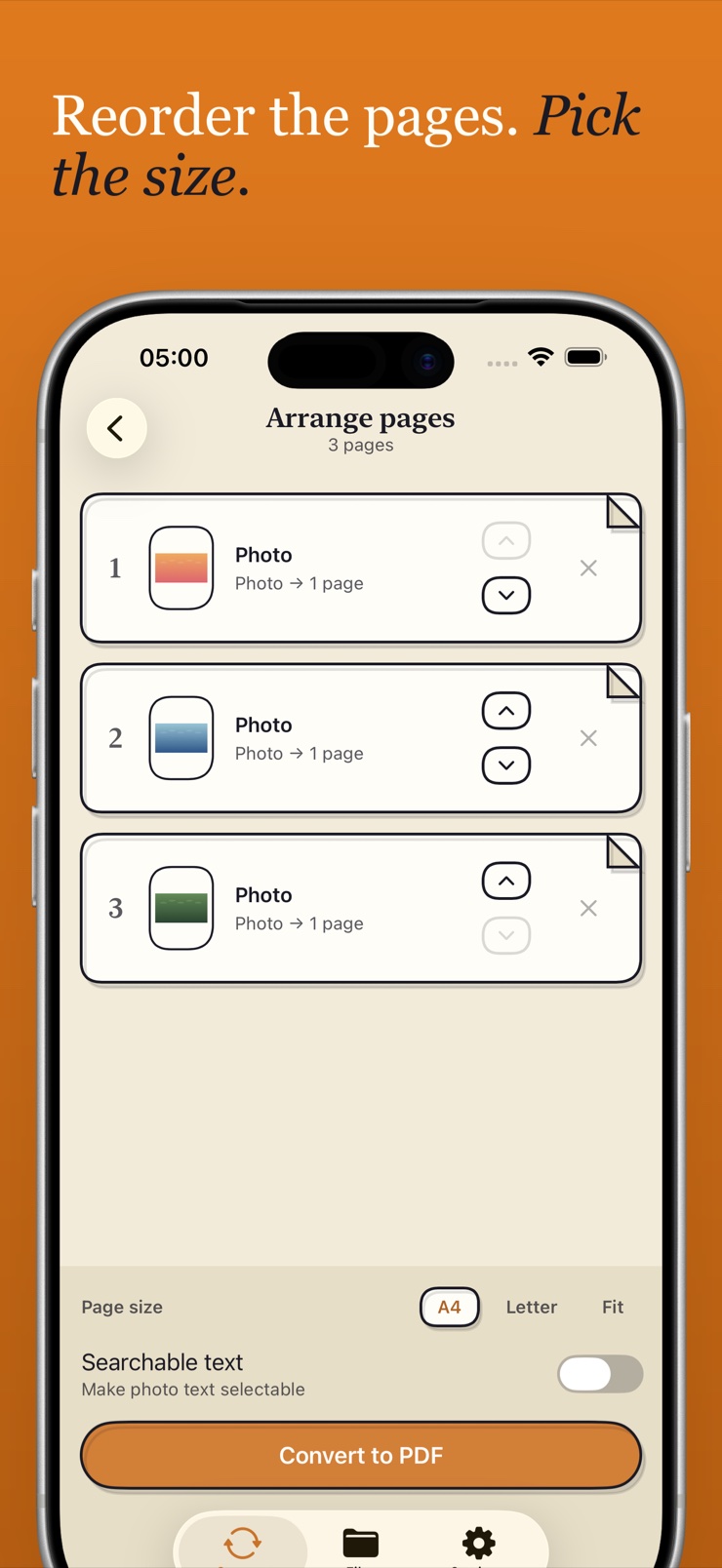
Combine multiple images into a single PDF, then drag the pages into the order you want.
Choose A4, Letter, or fit-to-image before you save, and reorder pages on the arrange screen.
Conversion runs entirely on your device. No uploads, no account, no watermark on the page.
Choose a photo from your library, a Word document, or paste plain text or Markdown.
Reorder pages, drop the ones you don't need, and pick A4, Letter, or fit-to-image.
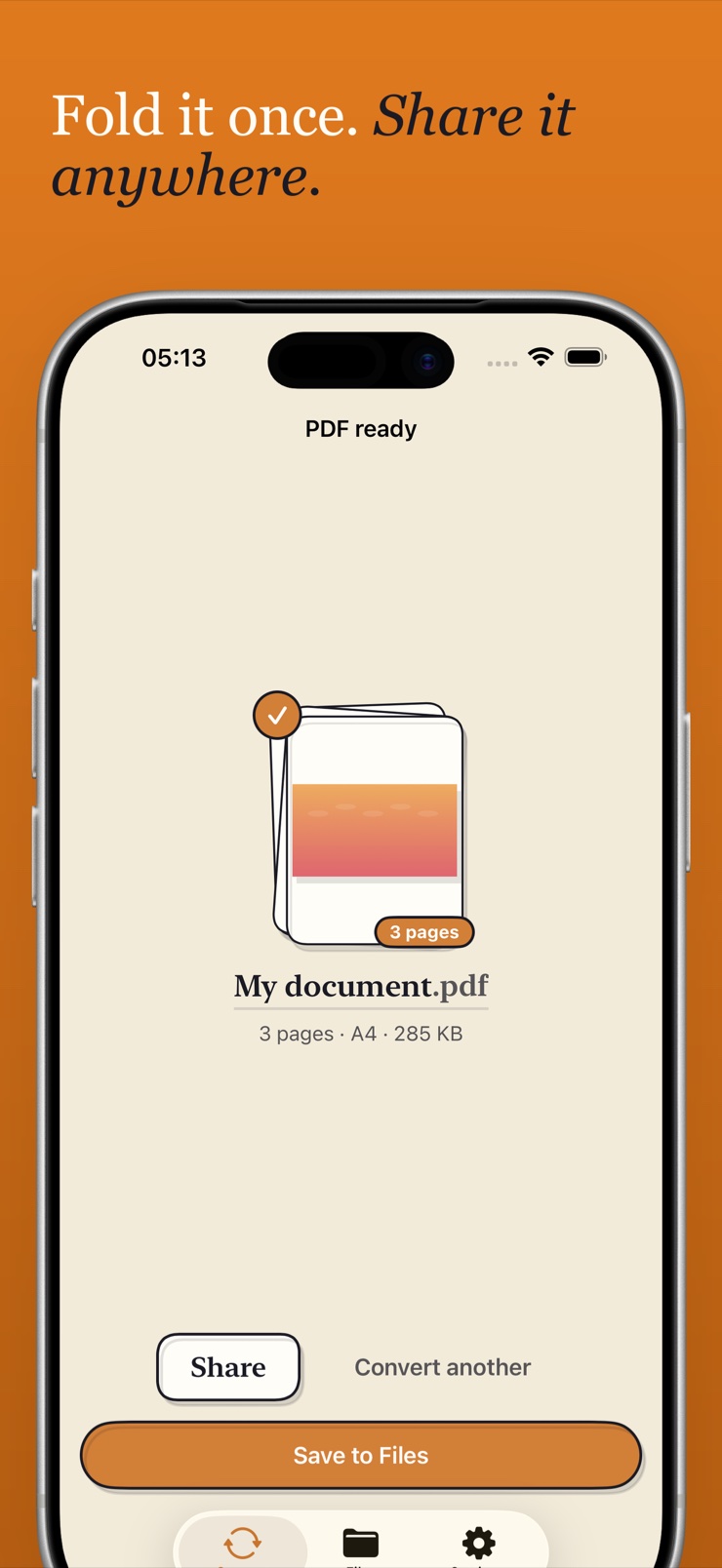
Foldr converts everything on your device and saves the finished PDF to Files.
Preview the PDF in your library, then send it by mail, message, or any share-sheet app.
Open Foldr, pick the picture from your photo library, and it converts to a PDF page in a couple of taps. The image keeps its resolution, and you can choose A4, Letter, or a page that fits the image exactly. The finished file saves straight to the Files app.
Yes. Foldr never puts a watermark on the page — the PDF you save is clean. That applies to JPEG, PNG and HEIC pictures as well as Word documents and text.
iPhone photos are often saved as HEIC, and Foldr reads them directly — no need to convert to JPEG first. Pick the photo and Foldr folds it into a PDF page like any other image.
Yes. Select several pictures and Foldr merges them into a single PDF, one image per page. Before saving you can reorder the pages so the document reads in the right sequence.
Pick the DOCX file in Foldr and it converts to a readable PDF that keeps its headings. This works with Word files you were emailed or that live in the Files app — no copy of Word required on your phone.
Yes. Foldr accepts plain text, RTF and Markdown, and formats the result with proper headings. It is a quick way to hand in notes or a draft as one tidy document.
No. Foldr converts everything on your device — there is no server, no account, and no network call in the conversion path. That also means it works offline, on a plane or anywhere without signal.
Yes. The arrange screen lets you drag pages into a new order and remove pages before the file is written. You also pick the page size there: A4, Letter, or fit-to-image.
A4 is the standard paper size in most of the world (210 × 297 mm), while Letter (8.5 × 11 in) is standard in the US and Canada. Foldr lets you pick either, or a page sized exactly to your image, so the PDF prints correctly wherever it is going.
No. Foldr keeps the original resolution of your pictures when it places them on PDF pages. If you choose fit-to-image, the page matches the photo's dimensions exactly.
Yes, batch conversion is built in. Hand Foldr a set of images or documents and it folds them without you babysitting each one.
PDFs made from Word documents, plain text and Markdown include a searchable text layer. That means you can find words inside the document later with search in Files or any PDF reader.
Every PDF lands in Foldr's library and can be saved to the Files app, so it is available to any other app on your iPhone or iPad. From there you can preview, share, or delete it whenever you like.
Fold pictures, Word docs and text into clean PDFs — right on your device.
Download on theApp Store