Record the front and back cameras at the same time, so the moment and your reaction to it land in one take.
Download on theApp Store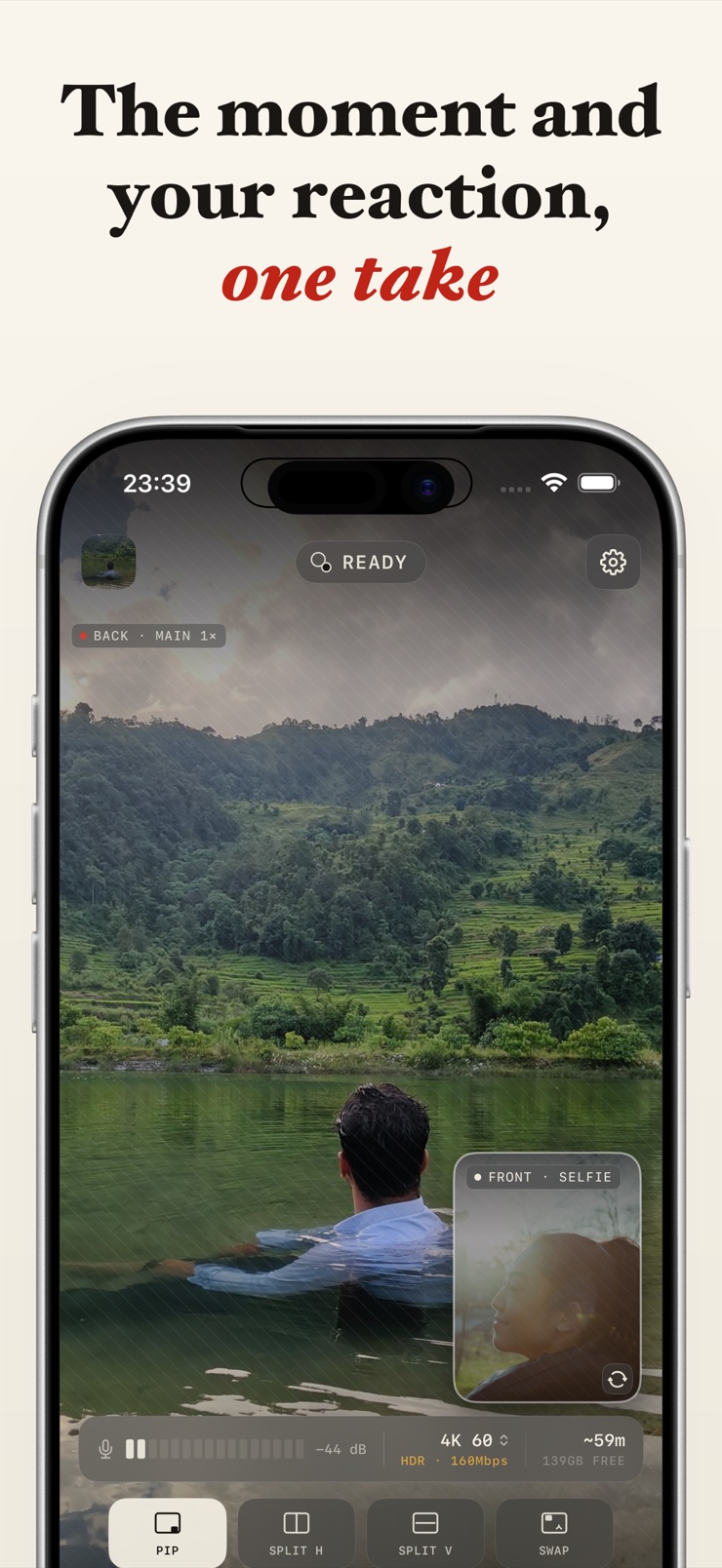
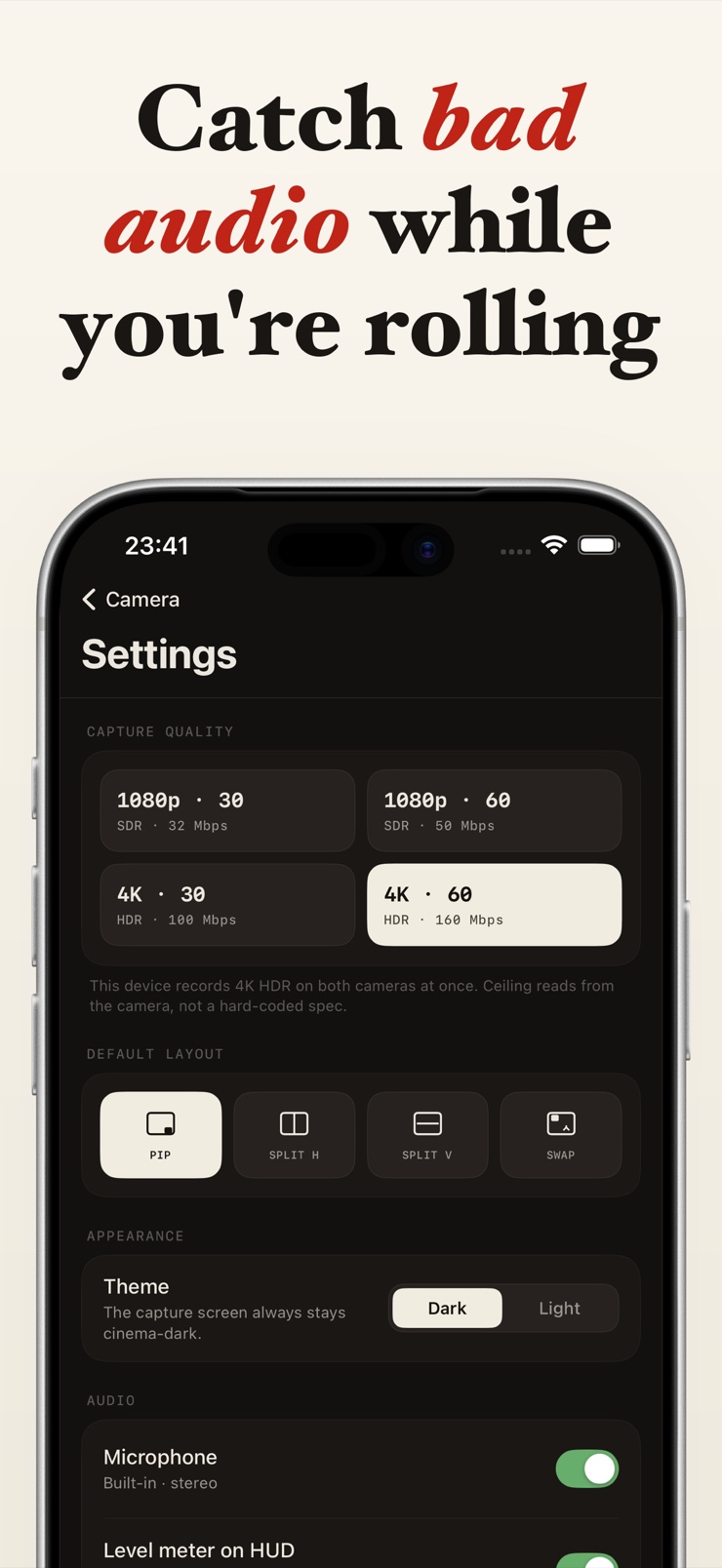
Duomo records the back and front cameras of your iPhone at the same time. The back camera captures the subject — the game, the recipe, the lift, the street — while the front camera captures you reacting to it, and both land in one synchronized take.
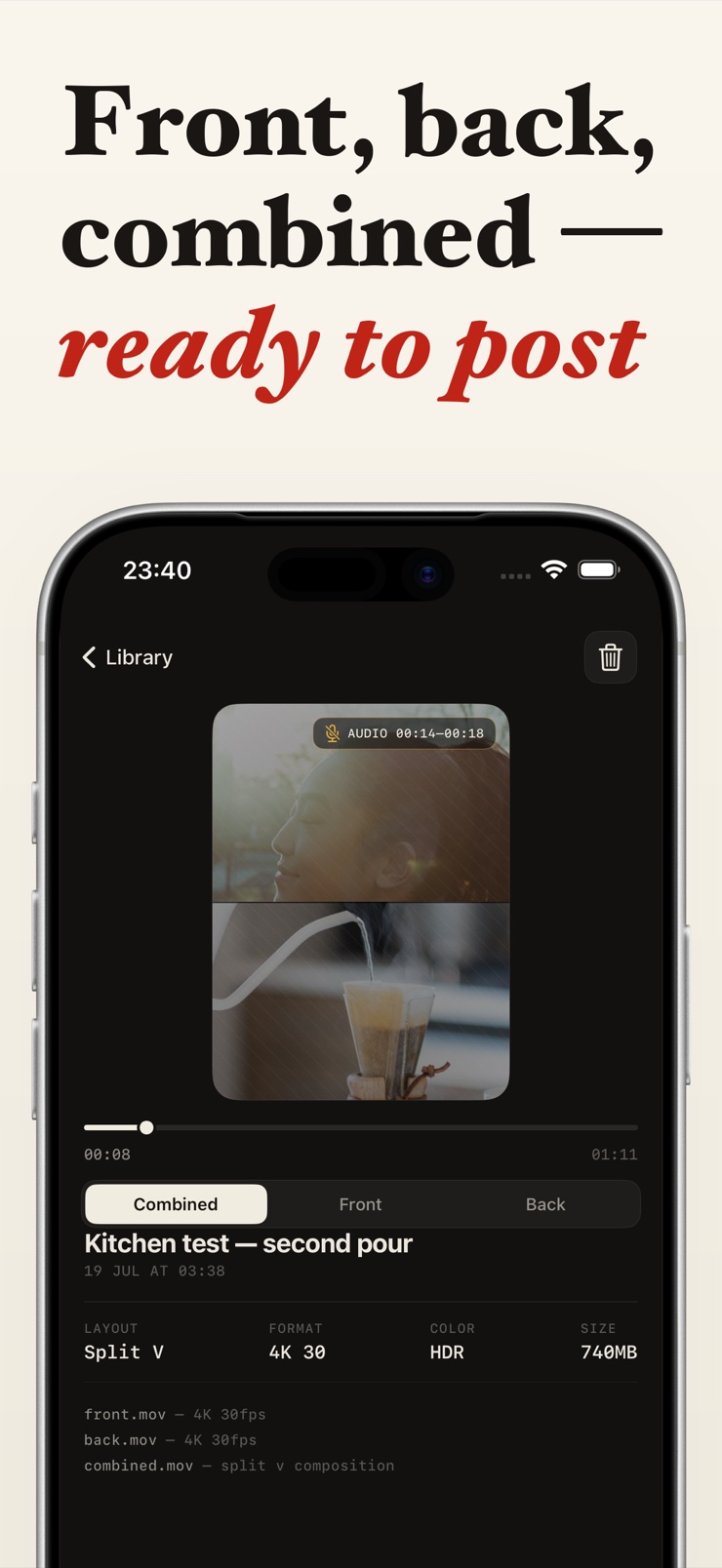
It is built for creators who shoot reactions, point-of-view clips, gym form checks, and dance content. Every session produces three files automatically: the front track, the back track, and the combined composition, so you can edit the pieces or post the finished split-screen as-is. There is no watermark on any output.
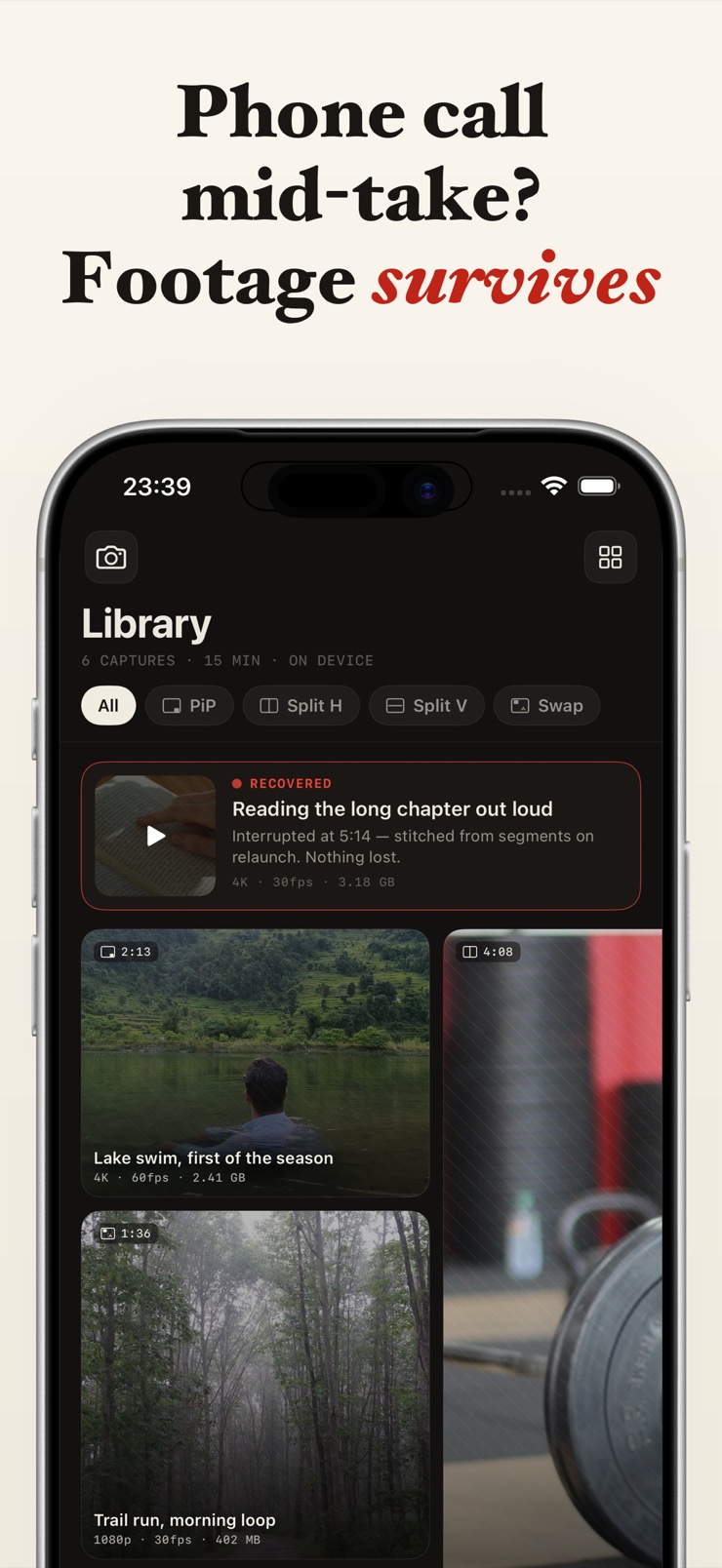
Duomo also refuses to lose footage. Every take writes to disk in short segments, so a banner notification or an incoming call cannot wipe the recording. If an interruption ever freezes the app, Duomo finds the segments on the next launch and stitches them back into a playable take. Everything runs on your device — no account, no login, nothing uploaded.
Front and back roll together in sync. What you film and your face reacting to it are captured in the same moment.
Every session exports the front track, the back track, and the combined composition. Pick any or all from the share sheet.
Takes write to disk in short segments, so a phone call or notification cannot lose your footage. Duomo recovers frozen takes on the next launch.
Picture in picture, side by side horizontal, side by side vertical, and corner swap — change layouts while you record.
Clean output on every file, and recording runs until your free space does.
Shoots 4K and HDR on supported devices with thermal-aware quality. All capture, recovery, and export run on your iPhone.
Frame the scene with the main camera while the front camera frames you. Both previews are live on screen.
Choose picture in picture or side by side, then start the take. You can switch layouts mid-recording.
The take saves in short segments the whole time, so interruptions cannot erase what you already filmed.
Export the front track, the back track, or the combined composition straight from the share sheet.
Yes. iPhones from the XS onward support simultaneous multi-camera capture in hardware, but the built-in Camera app does not expose it. Duomo uses that capability to record both lenses into one synchronized take, with live previews of each while you shoot.
Point the back camera at what you are reacting to and let the front camera film your face, both at once. Duomo records the two feeds together and outputs the front track, the back track, and a combined split-screen file, so the timing between the moment and your reaction is exact rather than synced by hand in an editor.
Yes. Duomo puts no watermark on any output — not the front track, not the back track, not the combined composition. Every file is clean and ready to post or edit.
Yes. Every Duomo session automatically produces three files: the front camera track, the back camera track, and the combined layout. That means you can post the finished split-screen directly, or take the two raw tracks into your editor and cut them your own way.
With Duomo, the footage survives. Every take is written to disk in short segments while you record, so a call, a banner notification, or a low-memory event cannot wipe the take. If an interruption freezes the app entirely, Duomo finds the saved segments on the next launch and stitches them back into a playable video.
Duomo imposes no artificial time limit — recording runs until your device's free storage runs out. Quality is managed thermally, so long sessions adapt instead of stopping.
Yes, on devices that support it. Duomo records 4K and HDR where the hardware allows, and uses thermal-aware quality so the device can sustain the recording rather than overheat and cut it short.
Yes. Duomo offers picture in picture, side by side horizontal, side by side vertical, and corner swap layouts, and you can switch between them mid-take without stopping the recording.
Set the phone so the back camera covers the lift and the front camera covers you, then record both with Duomo. You get the form footage and your own cues or reactions in one synchronized take, plus the two tracks separately if you want to review the movement full-screen.
Simultaneous front-and-back capture requires iPhone XS or newer, which is where Apple's multi-camera hardware support begins. On older devices Duomo provides a clearly labeled single-camera fallback layout, so the app still records — just one lens at a time.
Duomo does not. All capture, recovery, and export run entirely on your device, there is no account or login, and nothing is uploaded. Your takes go to your library and nowhere else.
Yes — this is exactly what Duomo is for. The back camera captures the point-of-view shot while the front camera captures you narrating or reacting, and both are recorded in sync. Creators use the combined file for quick posts and the separate tracks for edited vlogs.
Film both sides of the moment — the subject and your reaction — in one synchronized take.
Download on theApp Store