Scan your retro cartridges, catalog them on a tilt-parallax shelf, and walk through your collection in augmented reality.
Download on theApp Store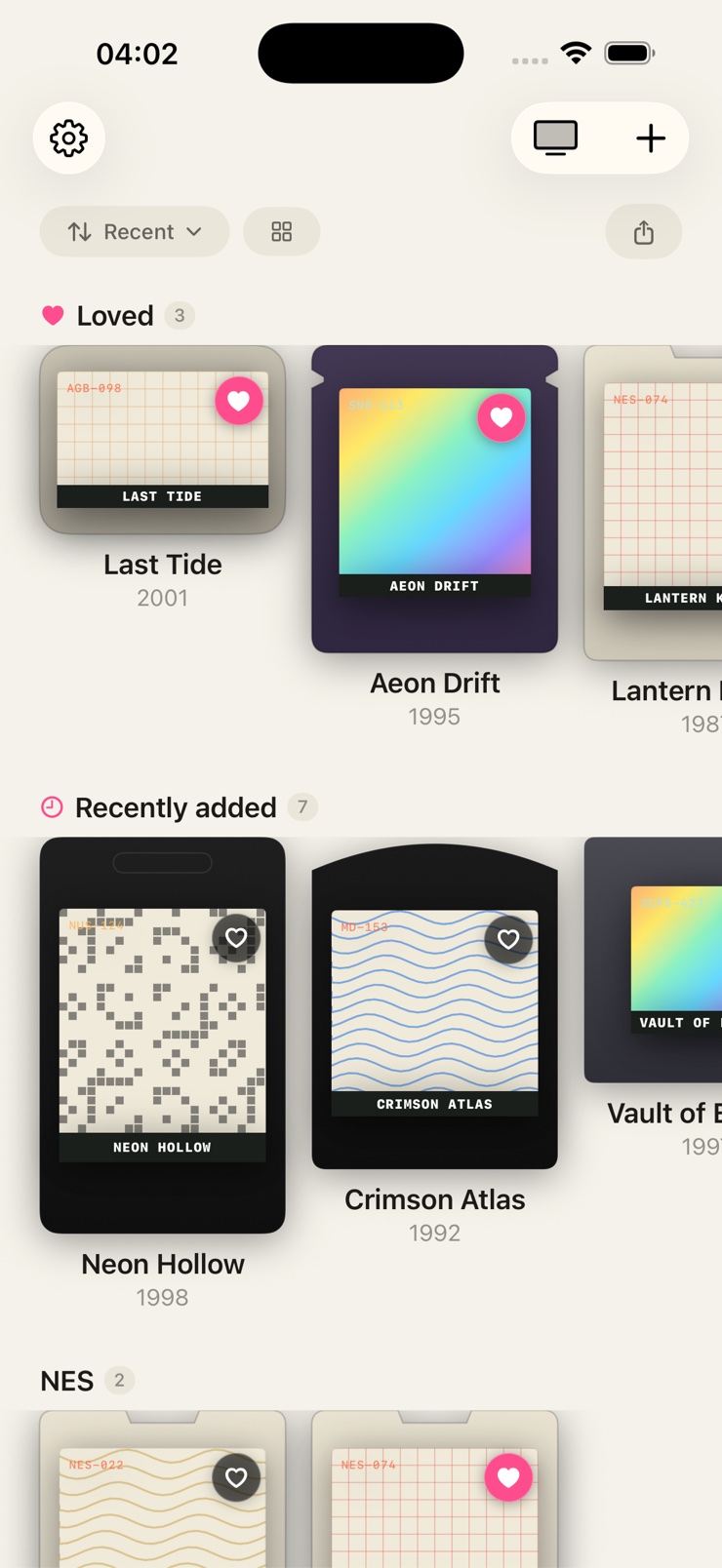
Cartridge is a catalog and AR experience for the games you own. Point the camera at a cartridge label and the cover materializes on your shelf within seconds, identified against an IGDB-backed database of more than 200,000 titles spanning decades of consoles.
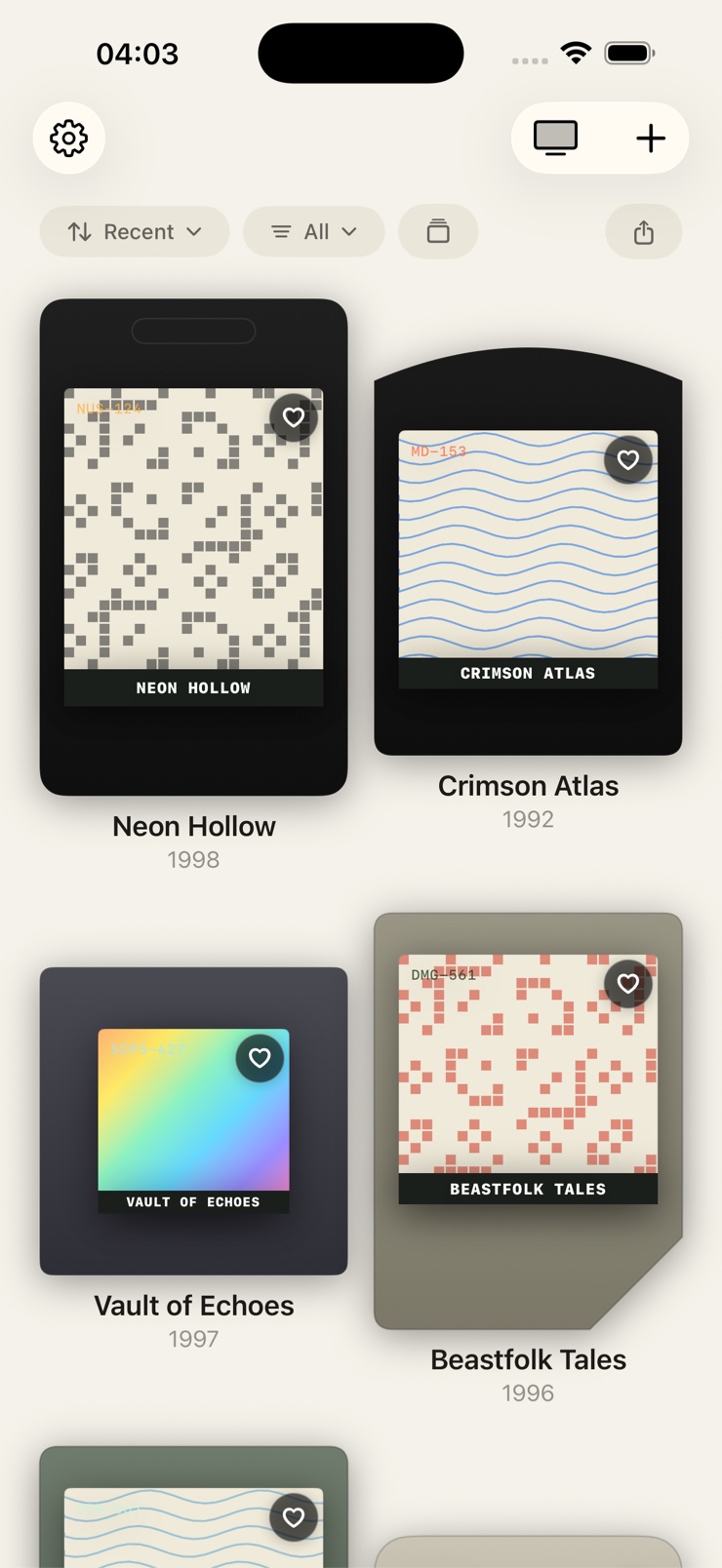
It is built for collectors, not spreadsheets. Thirty-three procedurally rendered consoles share a single shelf, from the 1977 Atari 2600 to the PlayStation 3. Game Boy carts keep their diagonal corner cut, Sega Genesis carts wear the rounded dome, and each sleeve matches the platform it shipped on.
Everything stays on your iPhone. There is no account, no sign-up, and no cloud database storing your library. Cartridge does not play games and is not an emulator — it is a home for the collection itself.
Scan a real cartridge label with the camera, or search a database of 200,000+ titles across decades of consoles.
Pick a pattern, cycle the accent color, and watch original sleeve artwork form live for every cart.
Place your shelf in the room, walk around it, and scale or rearrange your collection in augmented reality.
Put a single cartridge on a dark stage with full attention on the plastic, the label, and the light.
A gyro-driven shelf reacts to how you hold the phone, with specular highlights moving across plastic and foil.
No account, no cloud. Game-context questions run through Apple's on-device models, so your collection never leaves your device.
Point the camera at the label. Cartridge matches it against thirty years of release history in seconds.
Every cart gets a body shape, label proportions, and shaders that match its platform — 33 consoles supported.
Choose a pattern and accent color and watch the artwork render live in 3D.
Tilt the shelf, inspect any cart in 3D, or place the whole collection in your room with AR Museum.
Yes. Cartridge is a video game collection tracker for iPhone that catalogs the physical games you own. You scan a cartridge label with the camera or search by title, and the game lands on a 3D shelf rendered to match its original console. It covers 33 platforms, from the Atari 2600 to the PlayStation 3.
The fastest way is to scan them. Cartridge identifies a cartridge from its label using an IGDB-backed database of more than 200,000 titles, then files it on a shelf organized by console. You can also search or type titles from memory, which is handy for boxed games stored away.
No. Cartridge does not play games, and it does not include, distribute, or enable playback of any games or ROMs. It is a catalog and AR showcase for the physical collection you already own — the digital equivalent of the shelf your carts sit on.
Yes. AR Museum places your entire shelf in the room so you can walk around it, scale it, and rearrange it. Theater Mode goes the other way: one cartridge on a dark stage, lit like an exhibit, for the carts that deserve full attention.
You point the iPhone camera at the cartridge label. Cartridge reads the label and matches it against a database of 200,000+ titles spanning decades of consoles. Once matched, the cover materializes on your tilt shelf within seconds, in a sleeve shaped for the right platform.
Thirty-three consoles share one shelf, from the 1977 Atari 2600 through the PlayStation 3. Each platform is procedurally rendered with its own body shape and label proportions — Game Boy carts keep the diagonal corner cut, Genesis carts have the rounded dome, and PS1 jewel cases sit flush.
No. Your library lives on your device, with no account and no cloud database behind it. Your collection cannot be wiped by a server outage or a developer who walks away. Game-context questions are answered by Apple's on-device Foundation Models, so nothing about your collection leaves the phone.
Yes. Tap any cart and ask about it — release year, region, why it mattered, what made it special. Answers are generated on-device, so it works like a pocket historian for your shelf without sending your library anywhere.
Yes. A Lock Screen widget surfaces a different cartridge from your collection every day, so the shelf keeps rotating even when the app is closed.
It is a shelf that reacts to how you hold the phone. The gyroscope drives depth and lighting, so plastic and foil catch specular highlights the way they would in your hand. The shelf feels layered rather than flat, closer to glass-cabinet display than to a list.
Sleeve and label artwork in Cartridge are original artistic interpretations created for your personal collection. The app is independent and is not affiliated with, endorsed by, or sponsored by any platform holder. Game identification is backed by the IGDB database.
Yes. Scanning is the fast path, but you can search the 200,000-title database by name or simply type a title from memory. That helps with sealed games, boxed discs, or carts that are stored somewhere else.
Scan your first cartridge and watch your shelf come alive.
Download on theApp Store