 Fitsize
Fitsize
Fitsize
Type a target like "under 1 MB" or exact pixel dimensions, and Fitsize converges on the largest image that truly fits — with an honest before-and-after readout.
Coming soon to theApp Store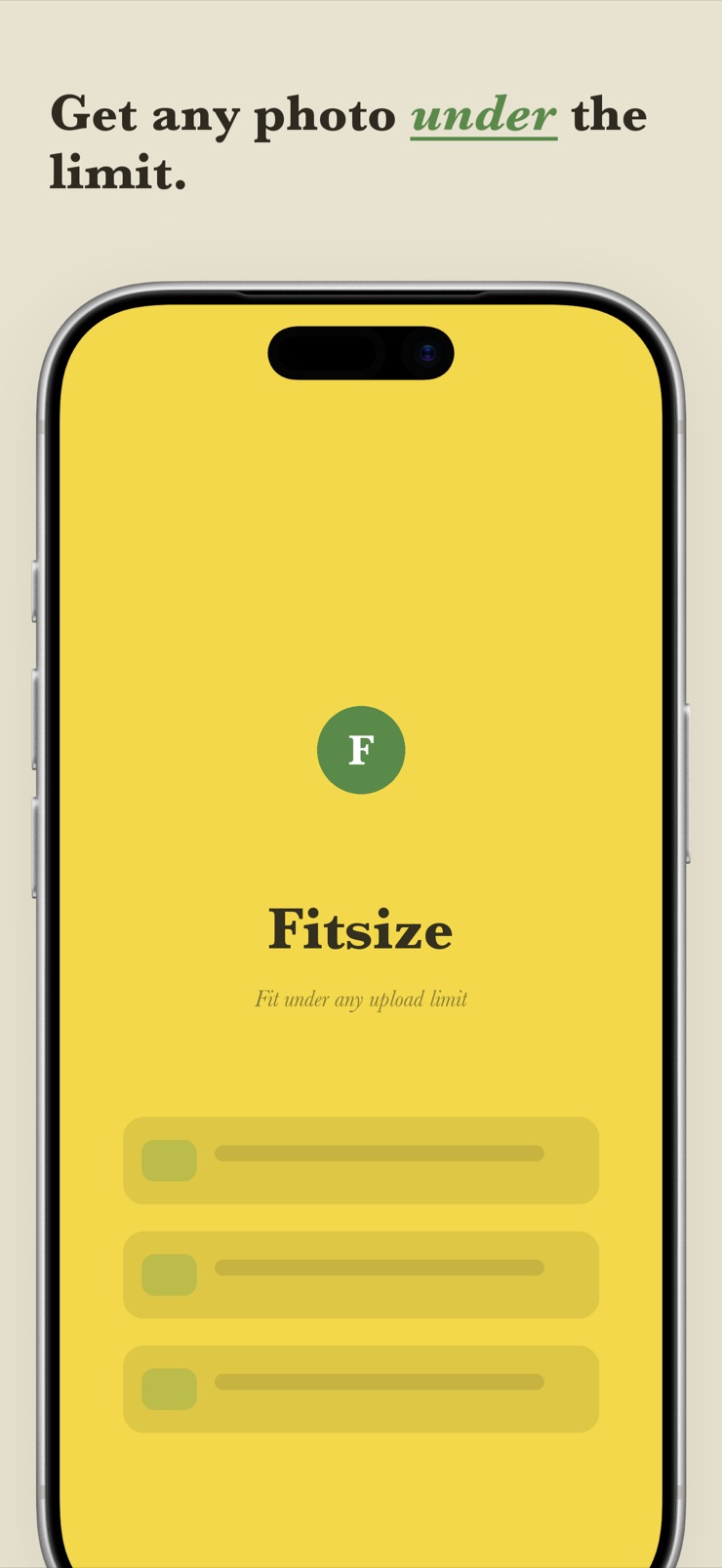
Fitsize is a photo resizer and compressor built around one job: getting an image under a hard limit. Type an exact ceiling — under 4 MB for a portal, under 500 KB for a form, under 25 MB for email — and Fitsize runs an iterative quality-and-scale search until it finds the largest image that still fits. The before-and-after panel shows the original and the real result, measured on the device, before you save.
It also resizes to exact dimensions. Set a precise width and height in pixels, centimeters, or inches, with decimals honored and aspect ratio locked or free. Resizing never crops your photo unless you ask for it, and batches of photos process together with no arbitrary cap.
Metadata stays under your control: EXIF, date, and location are preserved by default, with an explicit toggle to strip them. Everything runs on the device — no ads, no account, no upload — and a Shortcuts action puts 'Fit under…' right where an upload error happens. To be clear: Fitsize resizes and compresses your photos; it does not change your iPhone screen's display resolution.
Enter a ceiling like 1.00 MB and Fitsize bisects quality and scale until the output genuinely fits — no faked numbers.
Set precise width and height in px, cm, or inches, decimals included. Lock the aspect ratio or free it. Never a surprise crop.
Original size and dimensions next to the real measured result, shown live before you save anything.
Select a whole shoot and process it in one pass on the device — no three-photo or fifty-photo wall.
EXIF, capture date, and location are preserved by default, with a clear one-tap toggle to strip them for privacy.
Common upload targets — email, 1/2/5 MB form caps, square avatars, ID-photo pixel dimensions — plus a 'Fit under…' Shortcuts action.
Choose one photo or multi-select a whole batch straight from your library.
Type an exact byte ceiling or exact width and height, or tap a preset like email or a 1 MB form cap.
Fitsize re-encodes and measures on the device until the file truly fits, then shows the before-and-after readout.
Send the result to Photos, Files, or straight into the share sheet — metadata kept or stripped, your call.
Open Fitsize, pick the photo, and type 1.00 MB as the target. The app iteratively adjusts image scale and encoding quality, measuring the actual output bytes each pass, until it finds the largest version that fits under your ceiling. You see the real before-and-after size before saving.
In Fitsize, switch to the dimensions target and enter the exact width and height you need — in pixels, centimeters, or inches, decimals included. You can lock the aspect ratio to avoid distortion or unlock it for a fixed frame. The resize is a true rescale, not a crop.
Some compressor apps report a reduced size without actually producing a smaller file, so the upload still fails. Fitsize measures the real encoded output on your device after every pass and only reports the size it actually wrote. If the readout says the photo fits, the saved file fits.
No. iOS does not allow third-party apps to change the display resolution of the device — that is a system-level setting Apple controls. Fitsize works on images: it changes the resolution and file size of your photos, which is what upload forms, portals, and email limits actually care about.
Most email services cap attachments around 25 MB, and many recipients prefer far less. In Fitsize, use the email preset or set your own ceiling, and the photo is compressed on-device to fit. For several photos, batch them in one pass and share the results directly from the app.
Fitsize processes batches without an arbitrary cap: multi-select the set in your library, choose one target, and every photo is converged to fit. That suits jobs like site documentation or listings where dozens or hundreds of photos must land under the same portal limit.
In many apps it does, silently. Fitsize preserves EXIF metadata — including capture date and GPS location — by default, so your records stay intact. When you're sending a photo to a stranger and want privacy instead, a single toggle strips all metadata from the output.
Resizing changes pixel dimensions — for example 4032×3024 down to 1200×900 — while compressing changes the file's byte size by re-encoding at lower quality. They interact: fewer pixels usually means fewer bytes. Fitsize handles both, and its byte-target mode combines them automatically to hit your ceiling.
Applications usually specify exact pixel dimensions or a physical size like 2×2 inches. Fitsize includes dimension presets for common ID formats and lets you enter any exact size. Note these are size templates only — Fitsize does not verify official compliance, and requirements vary by country, so check your issuer's rules.
Not in Fitsize. Resizing rescales the entire image to the new dimensions; nothing is cut off unless you deliberately unlock the aspect ratio and choose a differently proportioned frame. This differs from apps that quietly crop to reach a size, which is a common complaint in this category.
Some web-based tools do, which is slow and a privacy risk. Fitsize does all resizing and compression on the iPhone itself using Apple's imaging frameworks. Nothing is uploaded, no account is needed, and the app works offline.
Yes. Fitsize ships a 'Fit under…' Shortcuts action, so you can wire compression into your own shortcuts or invoke it right when an upload fails. Pick the photo, state the ceiling, and get back a file that fits.
Compression trades bytes for detail, but the loss is usually invisible at screen size until quality drops very low. Because Fitsize searches for the largest image that still fits your ceiling, it keeps as much quality as the limit allows instead of over-compressing to a tiny blurry file.
Name the limit. Fitsize makes the photo fit.
Coming soon to theApp Store