 PaveMate
PaveMate
PaveMate
Quote a full paving job — multi-section areas, base and hot-mix layers, compaction, truckloads and cost — right from the job site, offline.
Coming soon to theApp Store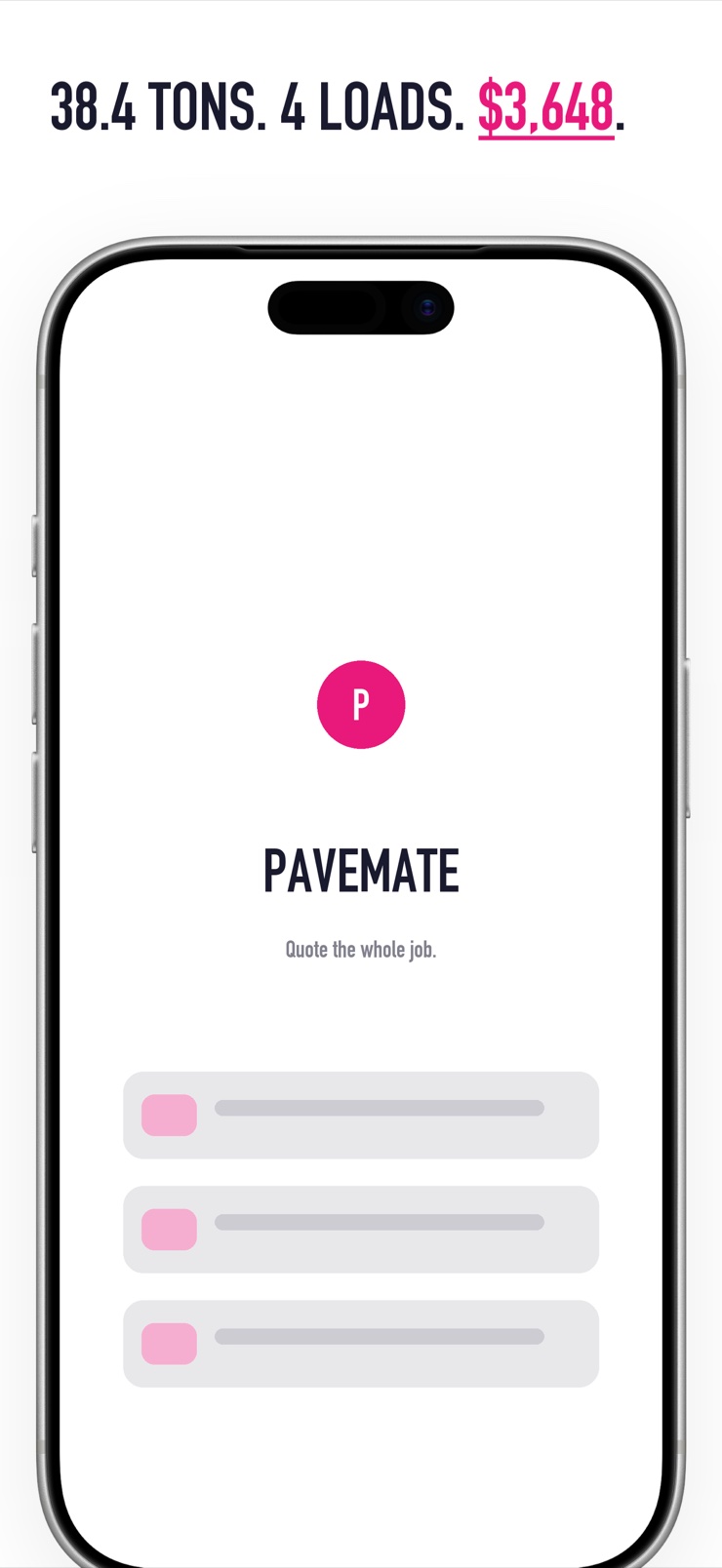
PaveMate is a field-fast asphalt and paving materials calculator that quotes a whole job, not just one rectangle. Add rectangles, circles, triangles and L-shapes; the areas sum into one project with its own layers, prices and totals.
The material engine is layer-aware: hot-mix asphalt tonnage, aggregate base volume and sealcoat gallons each get their own thickness and density, with compaction and waste factors applied. Tons convert to truckloads using your configurable truck capacity, and an editable price book turns quantities into an instant job total.
Jobs save on the device so you can reopen and tweak them later, and any estimate exports as a one-tap PDF quote for the homeowner or client. Imperial and metric, fully offline, no account, no ads.
Rectangles, circles, triangles and L-shapes sum into one job — the shape of real driveways and lots, not a single box.
Hot-mix tonnage, gravel base volume and sealcoat gallons, each with its own thickness, density, compaction and waste factor.
Tons convert to truckloads at your truck capacity, and an editable price book (per ton, per yard, per gallon) produces the job total.
Name a job, keep its sections and prices, reopen it when the scope changes. Everything is stored on the device.
One tap turns the estimate into a clean, shareable PDF for the client.
Works with a tape measure and no signal. No account, no ads, no vendor catalog.
Add each measured shape — the main run, the flare, the circular pad — and PaveMate sums the area.
Choose thickness and density for base, hot-mix and sealcoat; compaction and waste factors are applied for you.
Your saved price book converts tons, yards and gallons into a dollar total, with truckload counts.
Export a PDF estimate and send it to the client before you leave the driveway.
Multiply area by compacted thickness to get volume, then by the mix density — hot-mix asphalt is commonly estimated around 145 lb per cubic foot, or roughly 2 tons per cubic yard. Add a compaction and waste allowance so you do not come up short on the last pass. PaveMate runs this per layer with editable density, compaction and waste factors, and sums every section of the job.
At 2 inches compacted, a ton of hot-mix covers roughly 80 square feet; at 3 inches, roughly 55. The exact figure depends on the mix density and how well it compacts. PaveMate does the conversion from your measured sections and chosen thickness, so you get tonnage without rule-of-thumb rounding.
Split the surface into simple shapes — rectangles, triangles, circles — calculate each area, and add them together before applying thickness and density. That splitting is exactly what PaveMate's multi-section builder does: you enter each shape and the app sums the whole job into one tonnage, truckload and cost figure.
A typical tandem dump truck hauls 13–20 tons depending on the truck and local weight limits, so 20 tons is usually one to two loads. PaveMate converts tonnage to truckloads using a truck capacity you set, so the load count matches your hauler rather than a generic assumption.
Residential driveways usually call for 4–8 inches of compacted aggregate base, more on soft subgrades. Base is calculated by volume — area times thickness — and ordered by the ton or cubic yard. PaveMate treats base as its own layer with its own thickness and density, separate from the hot-mix above it.
Sealcoat coverage is commonly estimated around 0.15–0.20 gallons per square yard per coat, varying with pavement texture and product. Multiply your area by the coverage rate and the number of coats. PaveMate includes sealcoat as a layer, so gallons appear alongside tonnage in the same job.
Cubic yards measure volume; tons measure weight — and asphalt is ordered by weight, at roughly 2 tons per cubic yard for hot mix. A calculator that stops at cubic yards leaves you doing the density conversion at the plant. PaveMate outputs tons directly, with the density visible and editable.
PaveMate runs entirely on the device: area math, material factors, price book and saved jobs all work with no signal. That matters because job sites are exactly where coverage is worst. There is no account and nothing to sync before you can quote.
They quantify materials per layer (base, hot mix, sealcoat), apply unit prices, add trucking, and build in waste. The recurring mistake is quoting from one averaged rectangle instead of the real shape. PaveMate mirrors the contractor workflow: multi-section area, per-layer quantities, your own price book and a truckload count, ending in a PDF quote.
Linearly — going from 2 to 3 inches of hot mix adds 50% more tonnage and roughly 50% more material cost for that layer. Thickness is the single most expensive slider in the estimate. PaveMate makes it a per-layer setting so you can show a client the difference between options in seconds.
PaveMate keeps an editable price book — per ton, per cubic yard, per gallon — that persists across jobs. Update a price once when your plant changes rates and every new estimate uses it. Saved jobs remember the prices they were quoted with.
Yes. PaveMate exports the whole estimate — sections, layers, quantities, truckloads and total — as a clean PDF you can share by message or email from the standard iOS share sheet. It is designed to be handed to a homeowner straight from the driveway.
Measure, layer, price — a whole-job paving quote before you leave the site.
Coming soon to theApp Store