 Crewlog
Crewlog
Crewlog
Log the day's notes, crew, hours, weather, and progress photos on-site — then send a clean PDF report in one tap, no signal required.
Coming soon to theApp Store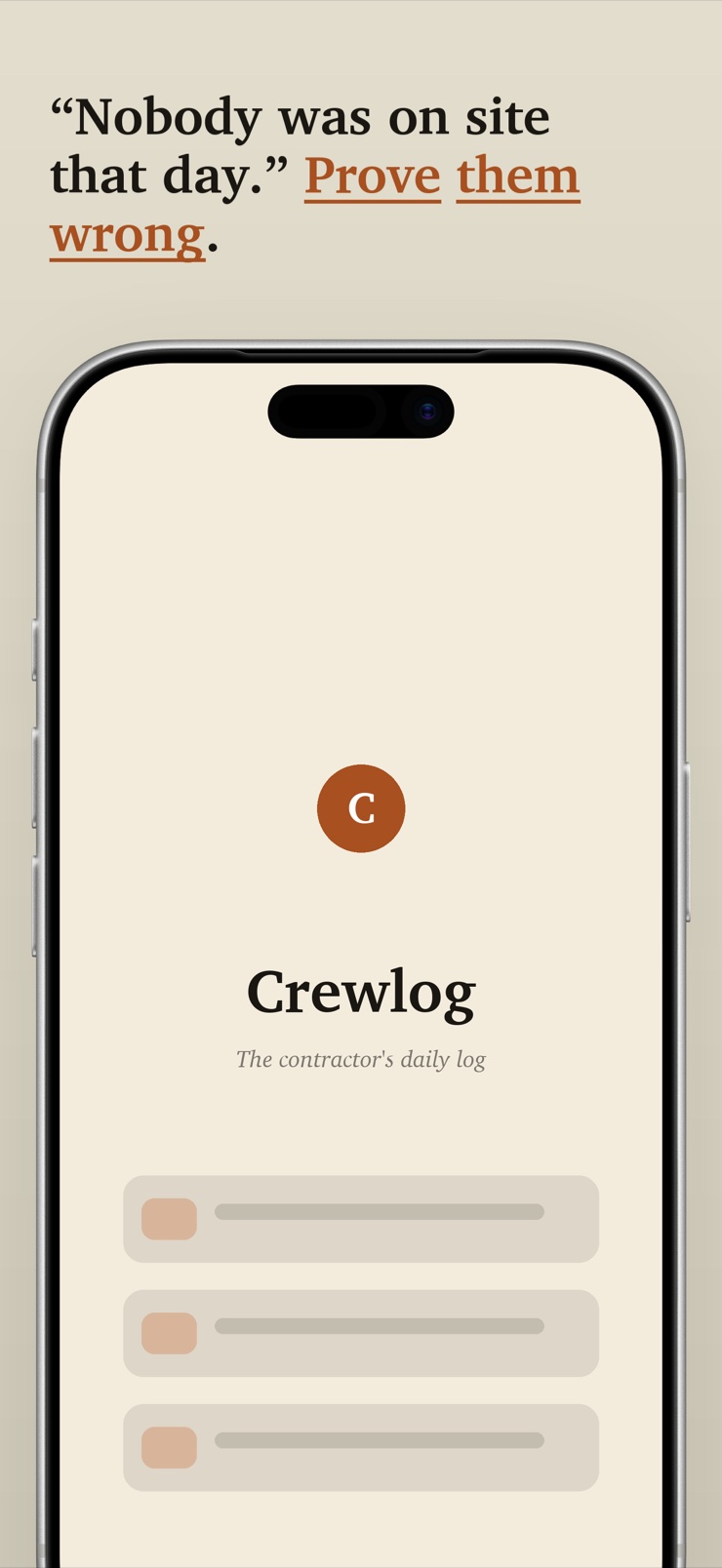
Crewlog is a daily jobsite log for solo contractors and small crews. Each day gets one entry: what got done, who was on site, hours worked, the trade, and the day's weather — with progress photos pinned to the date, shot in-app or attached straight from your camera roll.
Everything lives on your iPhone. There is no cloud account, no login code, and no network call anywhere in the app — so it works exactly the same at the back of a basement or on a rural site with no bars. Nothing greys out, and photos never sit in an upload queue.
At the end of the day — or the week — Crewlog renders the log into a clean, branded PDF report with photos and a per-project header, ready to email to the GC or the homeowner. The document is yours; it goes wherever email goes.
Notes, crew headcount, hours, trade, and weather conditions in a single date-keyed log, saved as you type.
Shoot in-app or attach from your photo library — every shot pins to its day with a short caption.
Turn a day or a date range into a branded PDF with photos and a project header, ready to share from the phone.
Start today's entry from a duplicate of yesterday's — same crew, same trade, just update what changed.
Group logs under named jobs so each report carries the right project and client on its header.
No account, no sync, no network calls. The log works identically with zero signal, and your data stays on the device.
Pick the project and start the day's log — or copy yesterday's entry and edit what changed.
Type the notes, set crew count and hours, pick the trade, and jot the weather. Everything autosaves field by field.
Attach progress shots from the camera roll or shoot them in the app, each with a quick caption.
Tap once to render the day or the week into a branded report and email it to the GC or homeowner before you leave the site.
A daily log (or daily report) is the contractor's dated record of what happened on a jobsite: work performed, who was on the crew, hours, weather, and photos of progress. It protects you in disputes, keeps the GC and client informed, and builds a history of the job. Crewlog is built to produce exactly this record in under two minutes at the end of the day.
A useful daily report covers the date and project, work performed, crew headcount and hours, the trade involved, weather conditions, and photos of progress. Crewlog structures each day's entry around those fields, so the report writes itself as you fill them in — and the exported PDF presents them in a layout a GC can scan in seconds.
Crewlog is offline by construction, not as a fallback mode: there is no network call anywhere in the app. Logging, photos, and PDF export all work identically with zero signal, which matters because the places you build — basements, framing shells, rural lots — are exactly where connectivity dies. There is nothing to sync and nothing to upload.
In Crewlog you tap Export, choose the day or a date range, and the app renders a branded PDF on the device — project header, dated entries, weather, and a photo grid with captions. From there it goes out through the standard share sheet: email, messages, or anywhere else. No web portal is involved at any step.
Yes, and it is a first-class path in Crewlog, not an afterthought. Attach any photo from your library through the system picker, or shoot directly in the app; either way the photo pins to that day's entry with a caption. Photos are stored on the device with the log, so there is no upload step where they can get lost.
Weather explains schedule: rain days, wind that stopped crane work, cold that delayed a pour. When a client asks why a job ran long, dated weather entries are the record that answers it. Crewlog stores the day's conditions — temperature, condition, wind — entered by hand at log time, with no location permission needed.
Crewlog groups logs under named projects. Each day you pick the job you are logging, and every project keeps its own history and its own PDF header with the project and client details. Switching between an active kitchen reno and a deck build is one tap.
Many field-report platforms are cloud services sold per seat with mandatory logins. Crewlog is not: there is no account to create, no seats, and no login code standing between you and today's entry. You open the app and log.
Crewlog has a copy-yesterday action: duplicate the previous entry as today's starting point, keeping crew, trade, and structure, then update the notes and hours. On a long job where the crew is steady, most days take well under a minute to log.
Practices vary, but many contractors keep job records for years after completion, since disputes and warranty questions can surface long after handover. Crewlog keeps the full history on your device, and because every report exports as a PDF, you can archive the documents anywhere you keep business records.
That is exactly who Crewlog is for. Enterprise project-management platforms bundle RFIs, submittals, budgets, and drawings a two-person crew never touches — and charge accordingly. Crewlog does one job: the daily record and the PDF report, done fast, offline, on the phone already in your pocket.
Yes. The exported PDF is a clean, readable document with dated notes and photos, so it works as well for a homeowner who wants to see the week's progress as it does for a GC's records. Many contractors send the same weekly report to both.
Today's site report, logged and emailed before you leave the gate.
Coming soon to theApp Store