 Hush Journal
Hush Journal
Hush Journal
Record a cry one-handed at 3am, label what it turned out to be, and watch your own baby's real patterns surface over the weeks.
Coming soon to theApp Store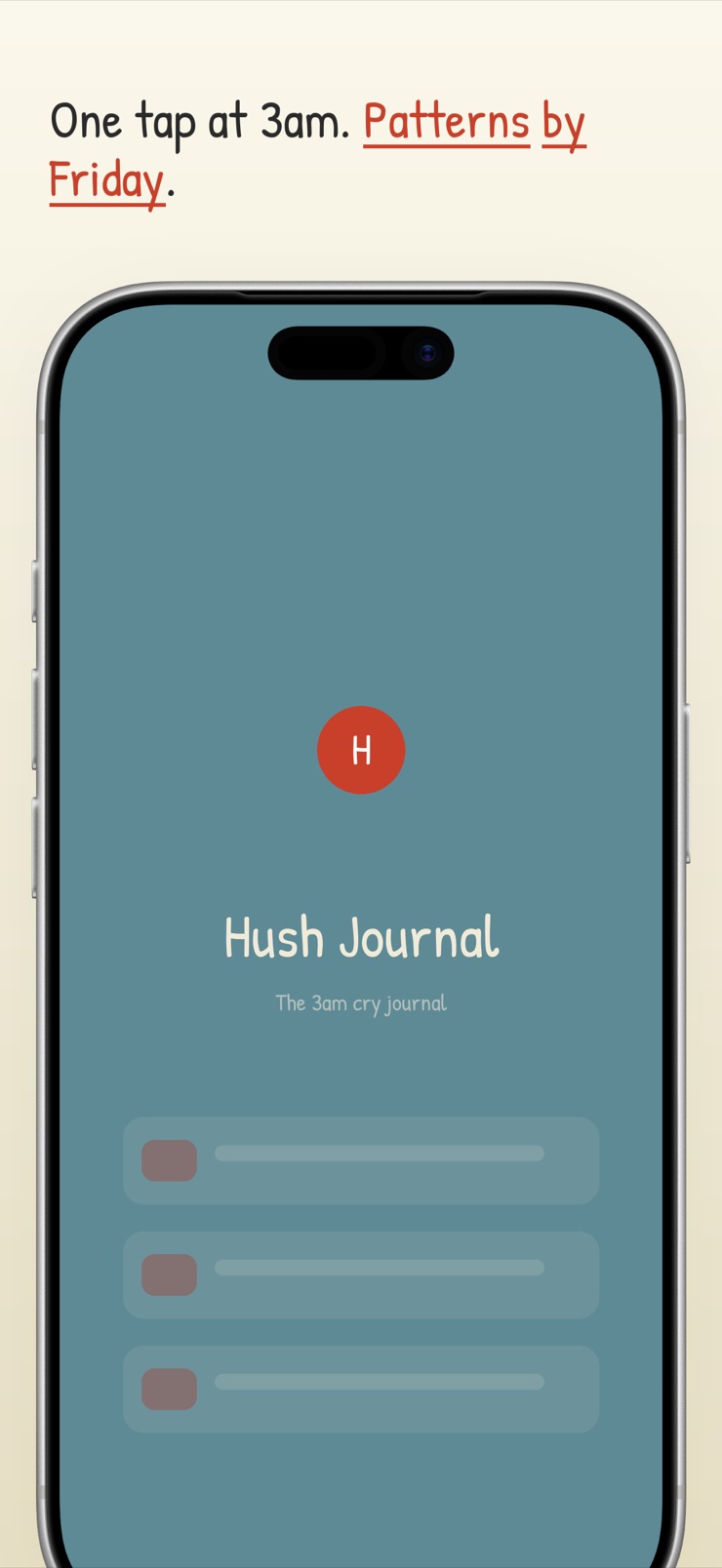
Hush Journal is a cry journal for new parents. One big button records a short clip on-device — dark-mode friendly, usable one-handed and half-asleep — and after you have soothed your baby, you tap what the cry actually turned out to be: hungry, tired, wind, diaper, too hot or cold, overstimulated, or your own custom label.
The app never auto-decides. There is no verdict, no probability split, no claim to know what your baby wants. Instead, a weekly pattern view surfaces what is true for your baby: evenings that skew fussy, cluster times, how the labels shift over the weeks. The value is longitudinal self-knowledge, not a per-cry oracle.
Everything stays on your iPhone — no account, no cloud upload of infant audio. Each recording shows descriptive acoustic features (duration, loudness, rhythm) as a friendly waveform for your own reference, and the whole log exports as PDF or CSV to share with your pediatrician or partner. White noise and a couple of lullabies are included as comfort, nothing more.
A single big button records a flexible-length clip on-device — built for one hand in a dark nursery at 3am.
After soothing, tap what it actually was — hungry, tired, wind, diaper, temperature, overstimulated — or add a custom label. The app never decides for you.
A weekly surface of cluster times, label frequency and trends, drawn from your own entries — not a generic chart.
Duration, loudness and rhythm of each recording shown as a friendly waveform. Explicitly your recording, never a diagnosis.
PDF or CSV of the full timestamped log, ready to hand over at the next checkup or share with a partner.
All audio and entries stay on the device. No account, no cloud upload of your baby's voice.
When the crying starts, hit the one big button. The clip records on-device while your hands stay free.
Do what you always do. The journal waits.
Once you know — hunger, wind, a nap overdue — tag the entry with the real outcome and an optional note.
After a couple of weeks the weekly view shows your baby's own rhythms, exportable for the pediatrician.
Regular evening crying is common in the first months and is often described as the witching hour, linked to tiredness, overstimulation and cluster feeding. Knowing it is a pattern — not something you caused — already helps. Hush Journal makes such patterns visible from your own entries, so you can see whether the fussiness really clusters at certain hours and plan around it.
Independent reviews and user reports are consistent: apps that claim to identify why a baby is crying frequently give different answers for the same cry and low-confidence probability splits. No app can reliably know what your baby wants. Hush Journal takes the honest route — you label what the cry turned out to be, and over weeks the app shows patterns that are actually true for your baby.
Parents usually run a quick checklist — hunger, dirty diaper, tiredness, wind, temperature, need for comfort — and learn their own baby's tells over time. That learning is exactly what a cry journal accelerates: by logging what each cry turned out to be, you build a record of your baby's real signals instead of relying on 3am memory.
Yes. Hush Journal is built for that: one-tap capture during the cry, a quick outcome label afterwards, and a weekly view that surfaces cluster times and which causes dominate. It is a pattern tracker rather than a translator — it reports what you logged, not what an algorithm guesses.
PURPLE crying describes the normal phase of increased, sometimes inconsolable crying in early infancy, typically starting around 2 weeks and peaking near 8 weeks before easing. It is a phase, not a diagnosis, and it passes. A dated log like Hush Journal can help you see the curve rising and falling for your own baby, which many parents find reassuring.
General folklore assigns sounds to needs, but the dependable signals are context and your own history: time since the last feed, wake windows, and what has worked before. Hush Journal turns that history into data — after a few weeks you can see, for example, that late-morning cries in your log were mostly tiredness, not hunger.
Pediatricians often ask when crying happens, how long it lasts and what settles it, especially when evaluating colic or feeding issues — a written record answers better than recall. Hush Journal keeps timestamped entries with labels and notes, and exports the whole log as a PDF or CSV you can bring to the appointment.
Colic is commonly described by the rule of threes: more than three hours of crying a day, more than three days a week, for over three weeks in an otherwise healthy baby. Only a clinician can assess it, and sudden changes in crying deserve a call to your pediatrician. A dated cry log gives that conversation real data instead of an exhausted estimate.
Hush Journal records and stores everything on your iPhone. There is no account, no cloud processing, and no upload of infant audio — the recordings, labels and notes never leave the device unless you export them yourself. For something as personal as your baby's voice, on-device is the right default.
A waveform visualizes the recording — how long the cry lasted, how loud it got, its rhythm of bursts and pauses. In Hush Journal these acoustic features are descriptive journal color, clearly labeled as your recording rather than any kind of diagnosis. Some parents find the shapes help them notice differences between, say, a wind-up fuss and a sudden pain cry they later labeled.
Low light protects everyone's sleep pressure, so a dim, one-handed routine matters: feed or change by nightlight, use white noise, keep interaction calm. Hush Journal is designed for exactly that setting, with a dark-friendly interface and one-tap capture, plus built-in white noise and a couple of lullabies for the settling itself.
Yes. Alongside the standard labels — hungry, tired, wind, diaper, too hot or cold, overstimulated, unknown — Hush Journal lets you create custom labels for whatever is true of your baby, like teething or a specific feeding issue. Your pattern view then tracks those custom causes over time like any other.
One-handed at 3am, honest about what it knows, and private by design.
Coming soon to theApp Store