 Pixel Drive
Pixel Drive
Pixel Drive
Real turn-by-turn directions, voice prompts, and live ETA — rendered as the game minimap you wish your dashboard had.
Coming soon to theApp StorePixel Drive is a navigation app that renders real driving directions through stylized, game-style minimap looks. Enter a destination and you get the guidance you expect from a serious GPS app - voice prompts, live ETA, alternate routes, and automatic rerouting - dressed up like the open-world game you just played.
It works on your iPhone, on your iPad, and on your car screen through CarPlay. Pick one of four original map looks and switch between them any time, even mid-route. Character voice presets call out your next move so you can keep your eyes on the road.
Your saved places and recent trips stay on your device. iCloud sync is optional and off by default, and there is no account to create.
Voice prompts, live ETA, alternate routes, and rerouting when you miss a turn. It navigates like a real GPS app, not a static waypoint on a line.
Slate HUD, Western Plains, Neon Future, and Block World - original art, switchable any time. Swapping a look never restarts your route.
Plug in your iPhone and the same game-style minimap and turn-by-turn guidance show up on your car screen.
Pick a navigator voice that fits the look - each preset calls out turns in its own style, and you can read every voice script in Settings.
Save Home, Work, and custom spots with one tap. Recent routes are remembered so repeat trips start in seconds.
A lock-screen widget shows your next move and ETA at a glance, so guidance continues even when the app is in the background.
Choose one of four stylized minimap skins on first launch - or stick with the clean Slate HUD default. You can switch any time.
Search a place or tap a saved spot. Pixel Drive plans the route with alternates and shows your ETA before you pull out.
Voice prompts call out each turn, the map follows your heading, and the route recalculates automatically if you deviate.
Connect your iPhone and the minimap moves to your dashboard, mirroring the live route from your phone.
Yes. Pixel Drive renders real driving directions through stylized minimap skins, so your commute looks like an open-world game map while the routing underneath works like a normal GPS app. You get voice prompts, live ETA, alternate routes, and automatic rerouting.
Some apps in this category only show a waypoint and a straight line, which is not real navigation. Pixel Drive plans genuine turn-by-turn routes with voice guidance, distance callouts, ETA, and rerouting when you go off course. The game aesthetic is a visual layer on top of real routing.
Yes. Pixel Drive supports CarPlay, so the stylized minimap and turn-by-turn guidance appear directly on your car's dashboard screen. The CarPlay session mirrors the live route from your iPhone, and skin switching works there too.
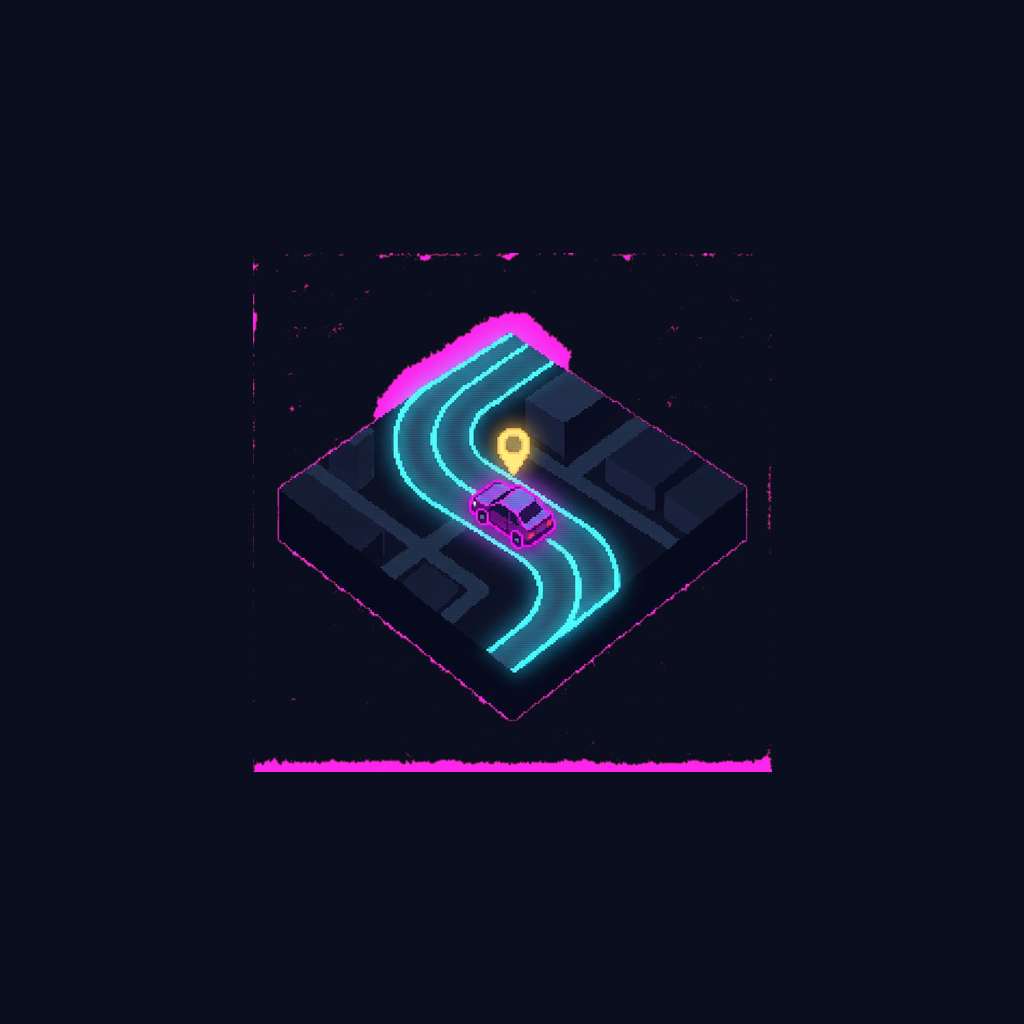
Four original looks ship in the app: Slate HUD, a clean dark canvas with a neon route; Western Plains, a sepia parchment style; Neon Future, a magenta-and-cyan cyberpunk look; and Block World, a low-res voxel style. All skins use original names and original art rather than assets from any real game.
Yes. Routes are planned on Apple's map data, the same source used by the built-in Maps app, so accuracy matches what your region's mapping supports. The skins restyle how the map is drawn, not where the roads are.
Yes. Pixel Drive includes character voice presets - such as a western sheriff or a neon operator - that call out your turns in their own style. Every phrase each voice can speak is readable in Settings, so there are no surprises.
In Pixel Drive you can save Home, Work, and any custom place with one tap. Saved places and your recent routes are stored on your device and survive app updates. Repeat trips start in a couple of taps.
Yes. The full experience - stylized minimap, voice guidance, saved places, and the lock-screen widget - works entirely on iPhone and iPad. CarPlay is an addition for drivers who have it, not a requirement.
Yes. During an active route, Pixel Drive keeps guiding you in the background, and voice prompts continue with the screen off. A lock-screen widget also shows your next turn and ETA at a glance.
Active GPS navigation uses meaningful power in any app, and Pixel Drive targets battery drain on par with standard navigation apps. It also offers a reduced-accuracy option when your battery is low, and it dials back animations before it ever degrades voice guidance.
No. Routing runs through Apple's map services, saved places stay on your device, and the app collects no personal data, no device IDs, and no route content. iCloud sync for saved places is optional and off by default.
The app keeps your last known heading and shows a quiet 'regaining signal' indicator instead of firing false reroutes. Planning a new route needs a network connection, but an active route rides out short signal gaps gracefully.
Yes. Pixel Drive is a universal app that runs on both iPhone and iPad. The map, skins, and saved places work the same way on each device.
Turn every drive into the game map you actually want to look at.
Coming soon to theApp Store